62
How to use the Card remote control
Replacing the battery
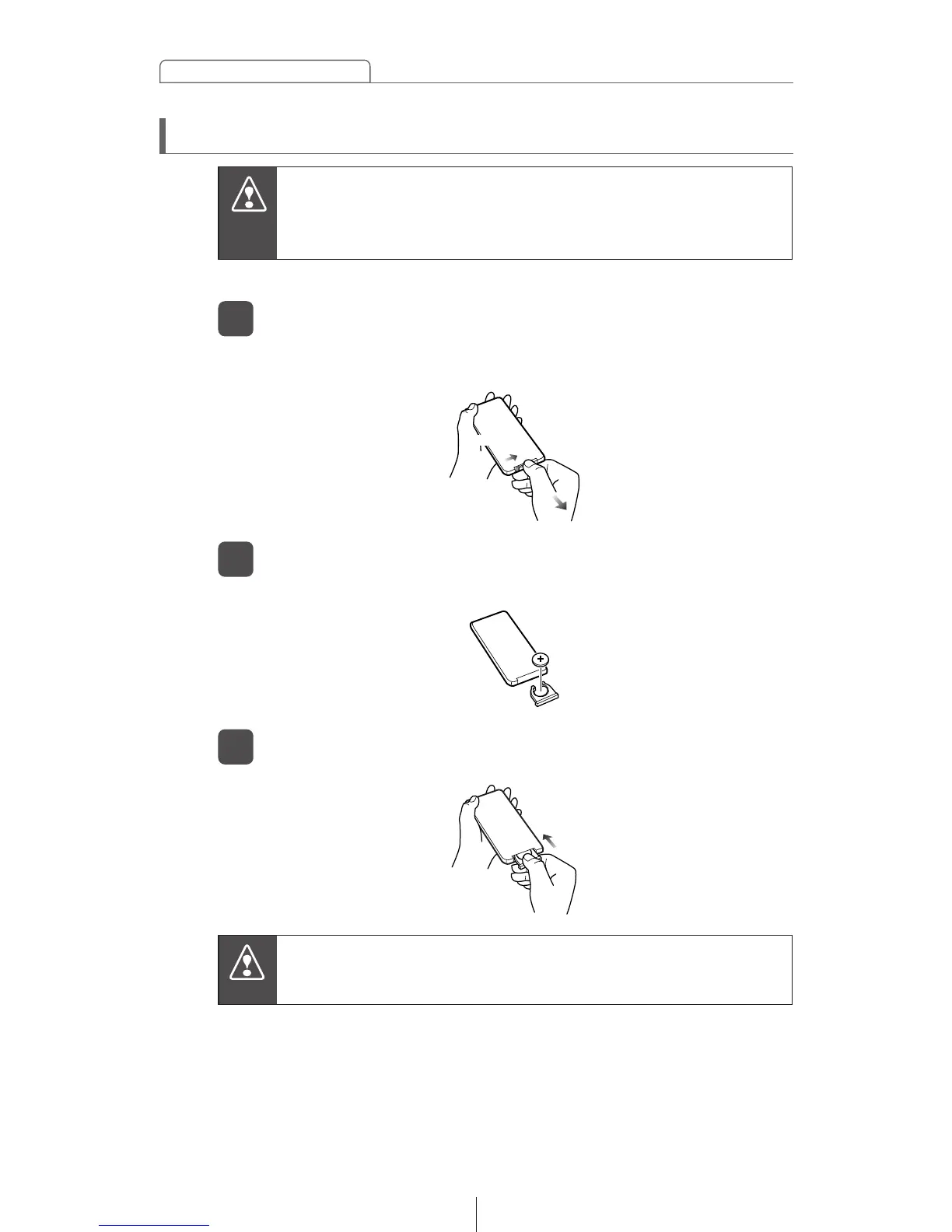
On the back of the remote control, while pressing the
locking knob on the battery slot cover toward your right,
pull out the battery carrier with your fingernail.
1
Use one CR2025 battery.
Remove the old battery, then place the new one in the
carrier with the (+) mark facing up.
2
Push in the carrier until it snaps into place.
3
To prevent accidents, store batteries out of the reach of
children. If a child has swallowed one, consult a doctor
immediately.



 To Next Page