E C O P H Y S I C S Operating Guide
CLD 780 TR / July 2000 35
5.2 Operating the analyzer
5.2.1 Introduction
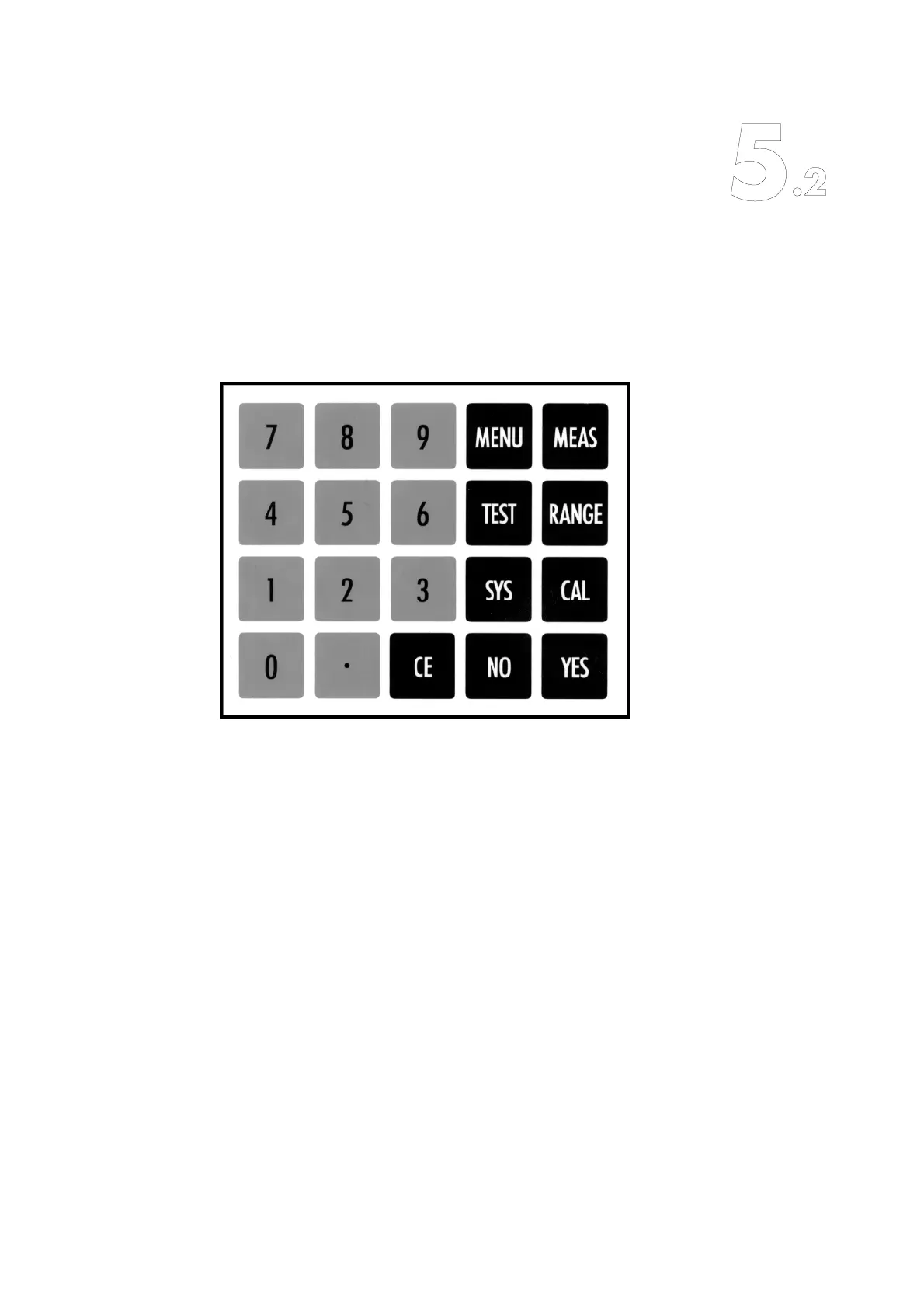
The CLD 780 TR has a keypad with 20 keys:
The following 6 non-numeric keys:
– MEAS
– MENU
–RANGE
–CAL
– TEST
–SYS
give direct access to various analyzer functions and a variety of menus.
After selecting one of the menus the corresponding window will appear in
the display. This window provides the operator with all necessary informa-
tion and options for the easy operation of the analyzer.
The YES and NO keys allow the operator to accept or reject proposed
parameter values or options. These keys are also used to move between
menu options. The analyzer is conceptually designed to offer all possible
meaningful settings in a self-explanatory fashion on the display. Where it
is left open for the operator to choose specific values within a certain
range, the numeric keys 0 through 9 as and the decimal point may be
used. When any entry is made it must be confirmed by pressing the YES
key. If this is not done, the previous value remains valid.



 To Next Page