ECT Install and User Guide
Feb 2023
30 of 61
ECOER INC.
Manufacturer reserves the right to change specifications or designs without notice.
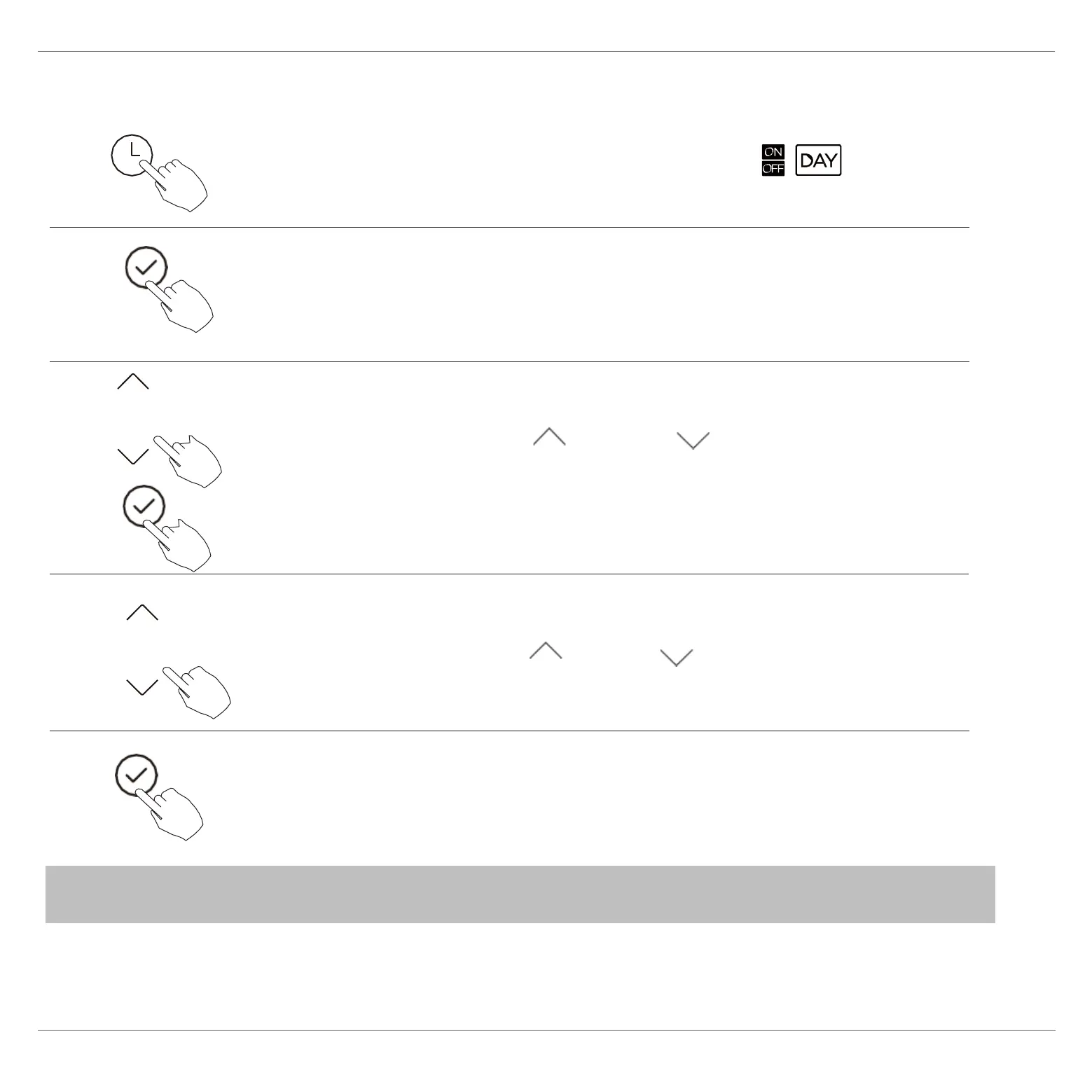
Press the Confirm button to finish the settings.
To set the On and Off TIMER
Press the Timer button to select the
.
1
2
Press the Confirm button and the Clock display is
flashing.
3
Press the button“ ”or “ ” to set the time
of On timer, and then press the Confirm button to
confirm the setting.
4
5
” to set the time of
Press the button “ ” or ”
“
Off timer
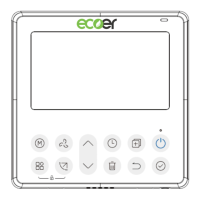
NOTE : The secondary wired controller cannot set the timer.


 To Next Page