ECT Install and User Guide
Feb 2023
40 of 61
ECOER INC.
Manufacturer reserves the right to change specifications or designs without notice.
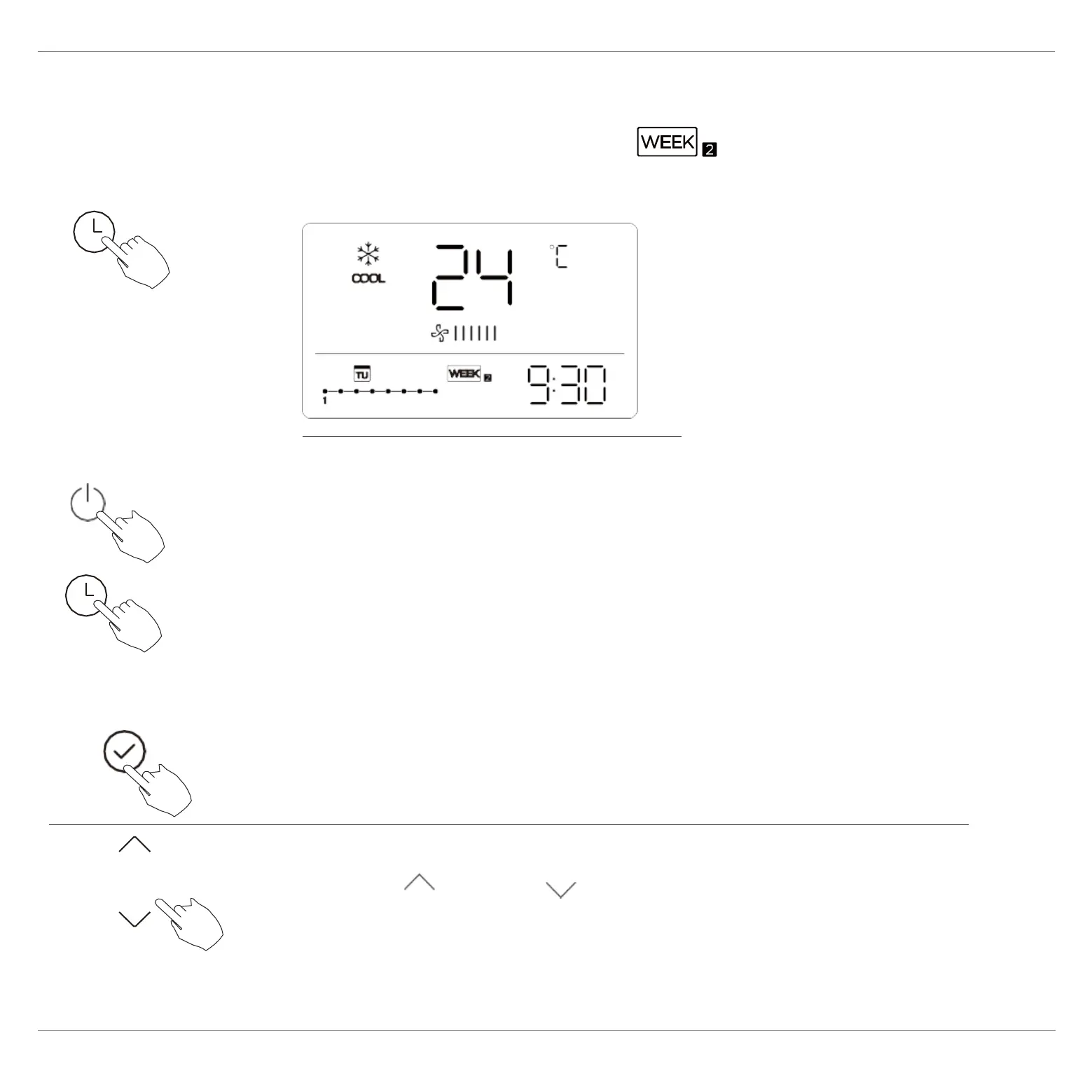
Press“
”or“ ”to select the day of the week.
To start
WEEKLY timer operation
ex.
To cancel
After setting the weekly timer, press CONFIRM.
1
2
Press Timer to select the , and then the
timer starts automatically.
Press the Power buttons for 2 seconds to
cancel the timer mode.
The timer mode can also be canceled by
changing the timer mode using Timer.
To set the DAY OFF (for a holiday)


 To Next Page