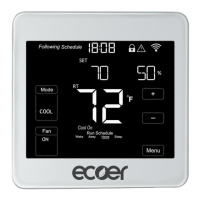
ECT Install and User Guide
Feb 2023
6 of 61
ECOER INC.
Manufacturer reserves the right to change specifications or designs without notice.
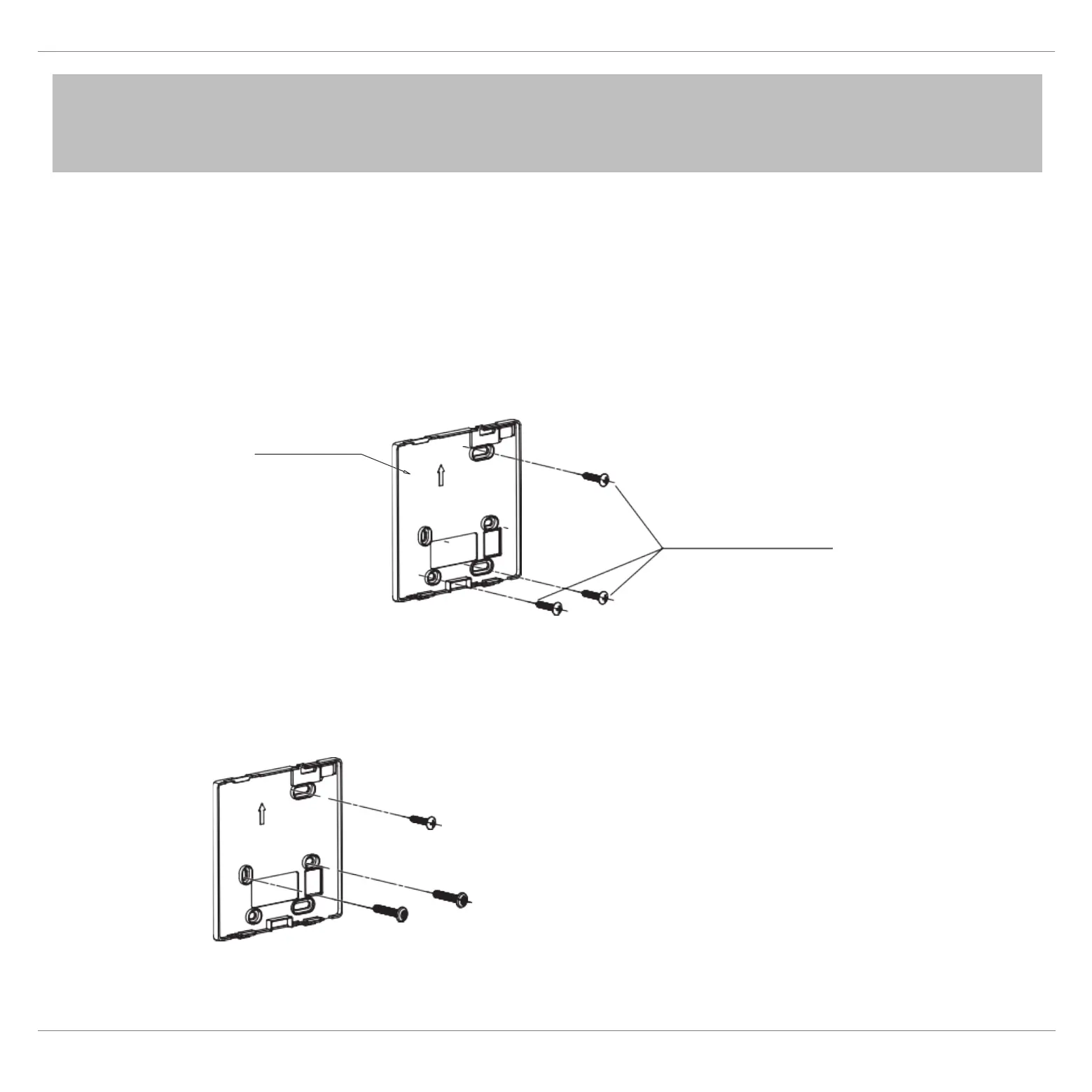
Screw hole fixed on the wall,useone ST3.9*25mm
Fig 3-3
Back plate
Screws(ST3.9*25)
• For exposed mounting, fasten the back plate on the wall with the
3 screws (ST3.9*25) and plugs. (Fig.3-3)
3.3 Fasten the back plate of the wired
NOTE : The PCB is mounted in the upper part of the wired controller.
Be careful not to damage the board with the slot screwdriver.
• Use two M4X25 screws to install the back cover on the 86 switch
b
ox, and use one ST3.9*25 screw to fix to the wall.
Screw hole installed on 86 switch box, use two M4*25mm
Fig 3-4


 To Next Page