EcoNet
®
Smart Thermostat User Guide 6> Return to Table of Contents
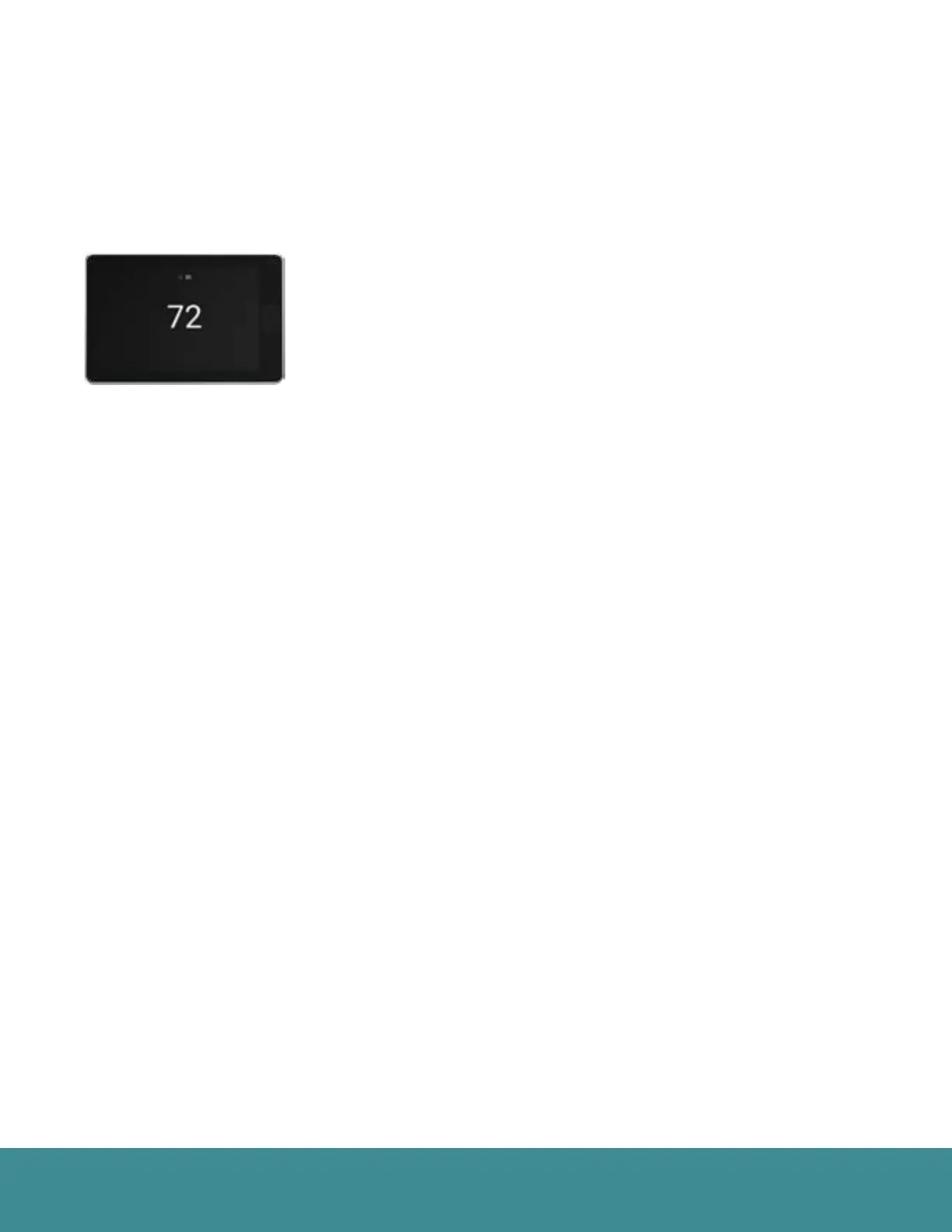
Standby Screen
If the thermostat has not been touched for 30 seconds, the screen dims and the standby screen activates
displaying indoor temperature and outdoor weather conditions. If an alert or alarm is present, the alert / alarm
icon will be displayed as well.
The motion sensor will automatically wake the thermostat and activate the home screen as you approach.
The standby screen can be turned off by disabling the back-light under basic
settings (Menu > Settings > Basic)



 To Next Page