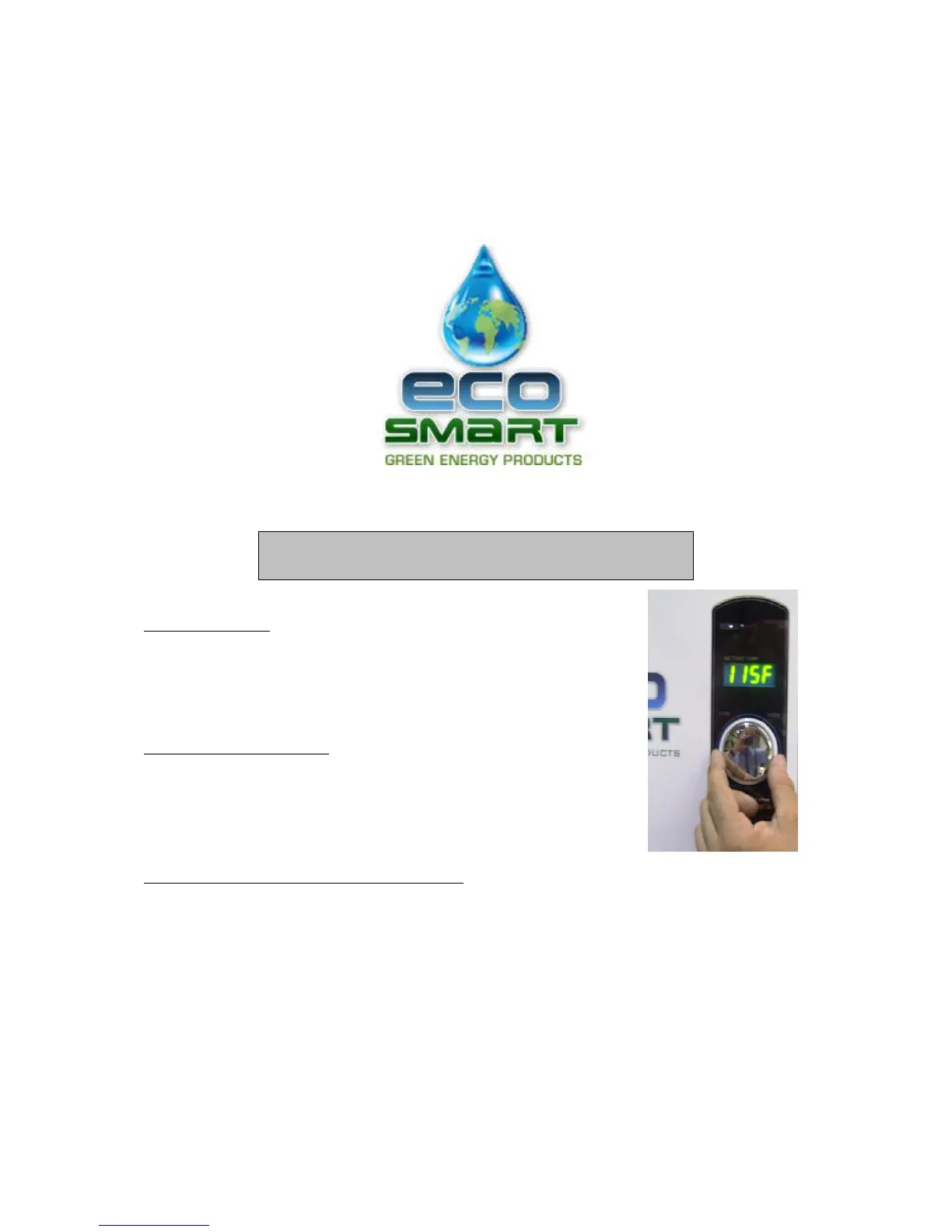
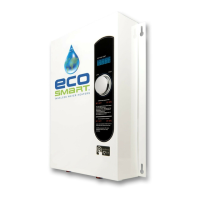
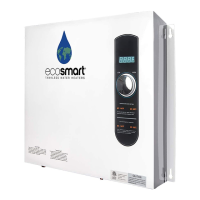
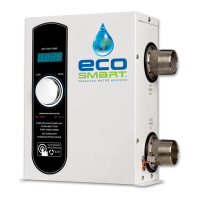
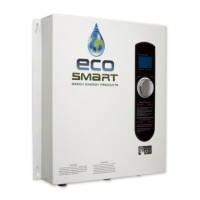
POWER KNOB:
• Click the power knob once to turn the unit ON.
• Click the power knob again to turn the unit OFF.
ºC/ ºF CONVERSION:
• Press the knob for 3 seconds to change the display from
ºC/ ºF.
TEMPERATURE CONTROLLER KNOB:
• Turn the knob clockwise to increase the temperature set on the thermostat.
• This will increase the water outlet temperature.
• Turn the knob counterclockwise to decrease the temperature set on the thermostat.
• This will decrease the water outlet temperature.
• The water temperature can be adjusted at any time to between 0º-125ºF ( 0º-51ºC).
• The temperature indicator light will stay on only when there is hot water in use.
14 / 25
HOW TO USE THE KNOB


 To Next Page