24
EN
6. Troubleshooting
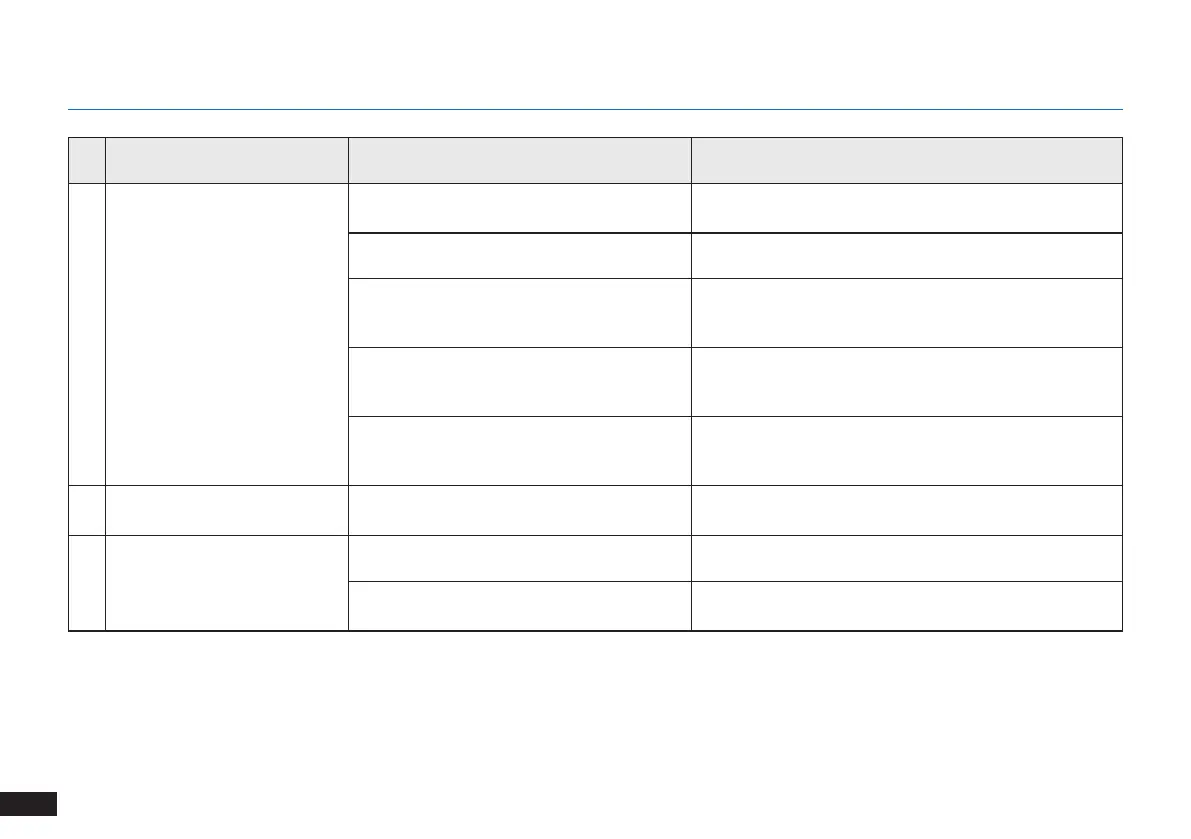
No. Malfunction Possible Causes Solutions
5
DEEBOT does not clean
automatically at the scheduled
time.
Time Scheduling function is cancelled.
Program DEEBOT to clean at specic times using the
ECOVACS App.
DEEBOT is switched OFF. Switch ON DEEBOT.
The robot’s battery is low.
Keep DEEBOT switched ON and connected to the
Docking Station to make sure it has a full battery to work
at any time.
The robot’s Suction Intake is blocked and/or
there is debris stuck in its components.
Power OFF DEEBOT, clean the Dust Bin and invert the
robot. Clean the robot’s Suction Intake, Side Brushes and
the Main Brush as described in Section 4.
The robot’s Suction Intake is blocked and/or
there is debris stuck in its components.
Power OFF DEEBOT, clean the Dust Bin and invert the
robot. Clean the robot’s Suction Intake, Side Brushes and
the Main Brush as described in Section 4.
6
DEEBOT does not clean the
whole area.
The cleaning area is not tidy.
Remove small objects from the oor and tidy up the
cleaning area before DEEBOT starts cleaning.
7
The water is not coming out of
the Reservoir when DEEBOT is
mopping.
The Reservoir runs out of water. Add water into the Reservoir.
The water outlets on the bottom of DEEBOT
are clogged.
Check the water outlets on the bottom and clean.











 To Next Page