EasyManua.ls Logo

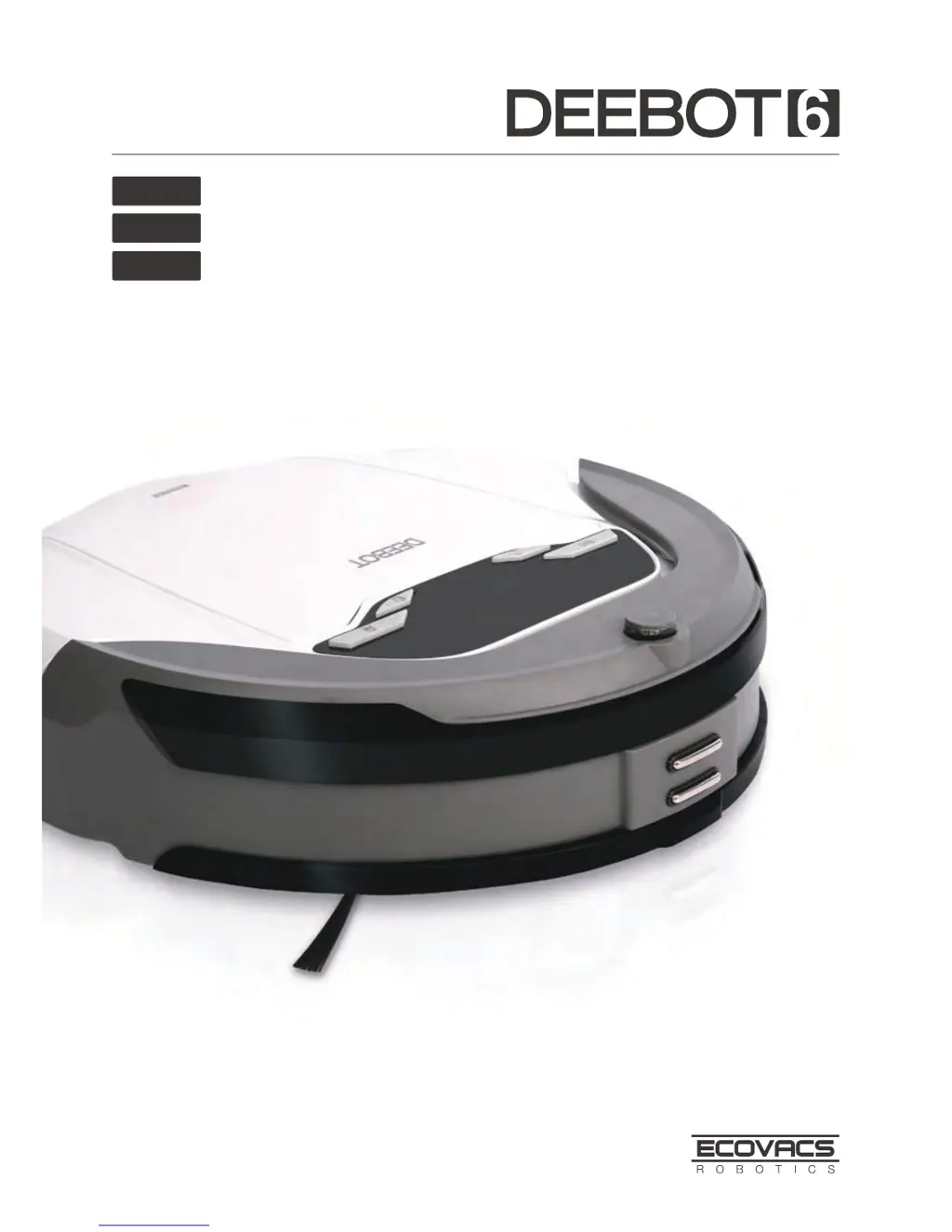
ECOVACS Deebot 6 - User Manual

ECOVACS Deebot 6
56 pages
Print Icon
To Next Page IconTo Next Page
Loading...
Instruction Manual
EN
Manuel de l'utilisateur
Manual de Instrucciones
FR-CA
ES-LATAM

Questions and Answers

  • M
    Michael SerranoJul 27, 2025
    How to fix ECOVACS Vacuum Cleaner DEEBOT 6 when it will not charge?
    • D
      denise85Jul 27, 2025
      If your ECOVACS Vacuum Cleaner DEEBOT 6 won't charge, first, ensure the Bottom Power Switch is turned ON. Second, make sure DEEBOT 6 has properly connected with the Charging Dock Pins; manually adjust the robot's position if needed. Also, verify the Charging Dock is plugged in and the robot’s Bottom Power Switch is ON to prevent battery consumption. If the battery is completely discharged, try to re-activate it by placing DEEBOT 6 on the Charging Dock by hand, removing it after charging for 3 minutes, repeating this process 3 times, and then charging normally.
  • N
    Nathan LeblancAug 3, 2025
    What to do if ECOVACS Vacuum Cleaner remote control is not working?
    • J
      Justin BentleyAug 3, 2025
      If the remote control for your ECOVACS Vacuum Cleaner is failing, first, replace the batteries in the remote control, ensuring they are correctly installed. Next, check that the Bottom Power Switch on the DEEBOT 6 is turned ON and that the robot is fully charged. Clean the Infrared Emitter on the Remote Control and the Infrared Receiver on DEEBOT 6 with a dry cloth. Finally, avoid using the Remote Control near other equipment that might interfere with the infrared signal.
  • L
    Lisa PerkinsAug 10, 2025
    What to do if ECOVACS Vacuum Cleaner DEEBOT 6 gets stuck?
    • M
      Mrs. Lori RamosAug 11, 2025
      If your ECOVACS Vacuum Cleaner DEEBOT 6 gets tangled and stops while working, it means that DEEBOT 6 is tangled with something on the floor (electrical cords, drooping curtains, carpet fringe etc.). DEEBOT 6 will attempt to free itself. If it cannot, manually remove the obstacles and restart it.
  • K
    Kenneth WalkerAug 18, 2025
    Why ECOVACS Vacuum Cleaner DEEBOT 6 will not clean at scheduled time?
    • P
      Pamela PerezAug 18, 2025
      If your ECOVACS Vacuum Cleaner DEEBOT 6 will not clean automatically at the scheduled time, ensure that the Intelligent Scheduling function is enabled. Also, check that the Bottom Power Switch on the bottom of the robot is turned ON and that the robot’s battery is sufficiently charged. Additionally, make sure that DEEBOT 6’s components are free from debris by turning the Bottom Power Switch OFF, cleaning the Dust Bin, inverting the robot, and cleaning the Side Brushes and the Main Brush.

Summary

Important Safety Instructions

Package Contents and Technical Specifications

Package Contents

Lists all items included in the product box for user verification.

Specifications

Details the technical parameters of the robot, charging dock, and remote control.

Product Diagram

Illustrates and labels the various physical components of the robot and its control panel.

Operating and Programming

Notes Before Cleaning

Provides essential pre-cleaning checks and operational precautions for optimal robot performance.

Quick Start

Guides users through initial setup, charging dock placement, and powering on the DEEBOT.

Cleaning Mode Selection

Explains the different cleaning modes available and how to select them for various cleaning needs.

Intelligent Scheduling

Details how to set and cancel automated cleaning schedules for the robot to operate unattended.

Maintenance

Dust Bin and Filters

Provides instructions on cleaning and maintaining the dust bin and its filter components.

Main Brush and Side Brush

Offers guidance on cleaning the main brush and side brushes for effective dust collection.

Other Components

Covers cleaning procedures for universal wheels, sensors, charging contacts, and battery replacement.

Troubleshooting

ECOVACS Deebot 6 Specifications

General IconGeneral
BrandECOVACS
ModelDeebot 6
CategoryVacuum Cleaner
LanguageEnglish

Related product manuals