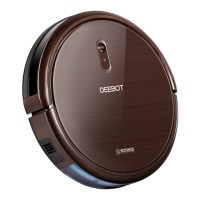
EN
12
6
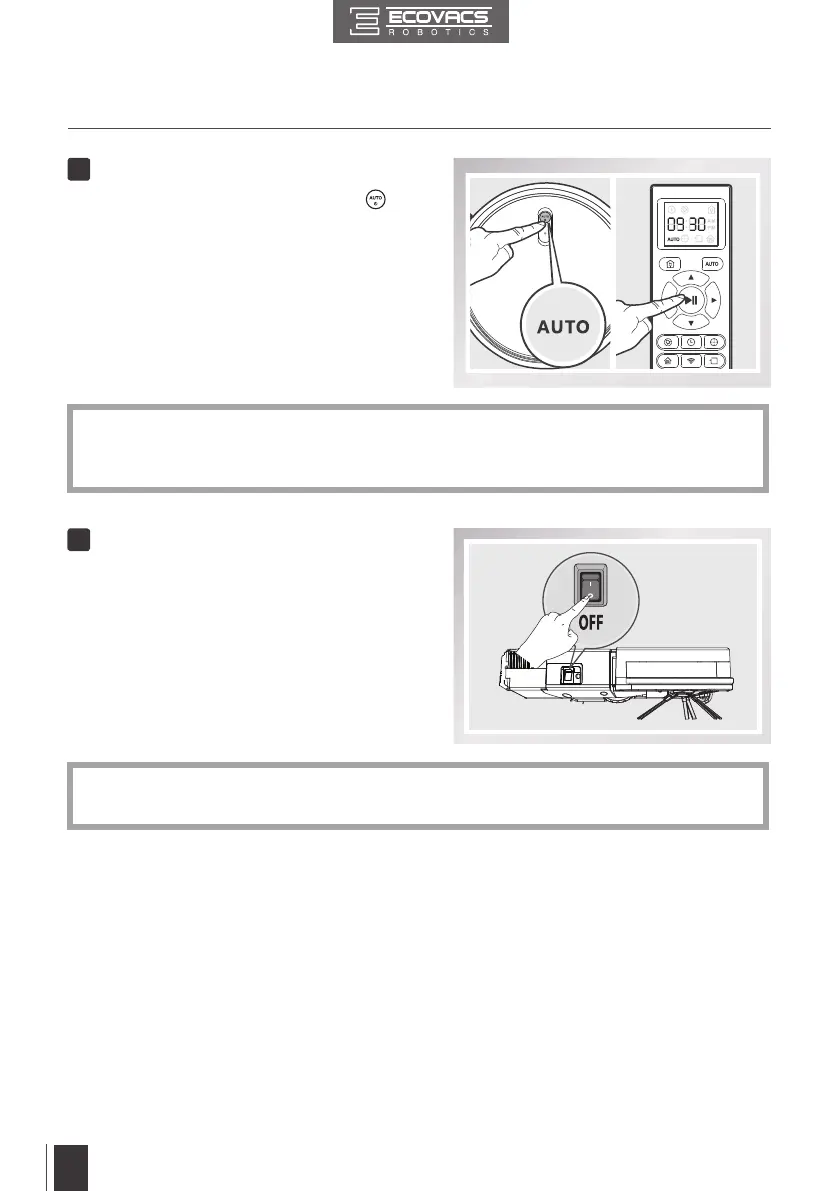
Pause
3. Operating and Programming
7
Power OFF
■ Pause DEEBOT by pressing the
button on DEEBOT or the START/
PAUSE Button on the Remote Control.
■ Turn the robot’s Side Power Switch to
the ON position. “l” indicates ON and “O”
indicates OFF.
* The AUTO Mode Button on the robot's Control Panel stops glowing when the robot is paused
for more than 10 minutes. Press AUTO Mode Button on the robot or press any button on the
Remote Control to start the DEEBOT immediately.
* When DEEBOT is not cleaning, it is suggested to keep it powered ON and charging instead
of powered OFF.


 To Next Page
 Loading...