9 EN
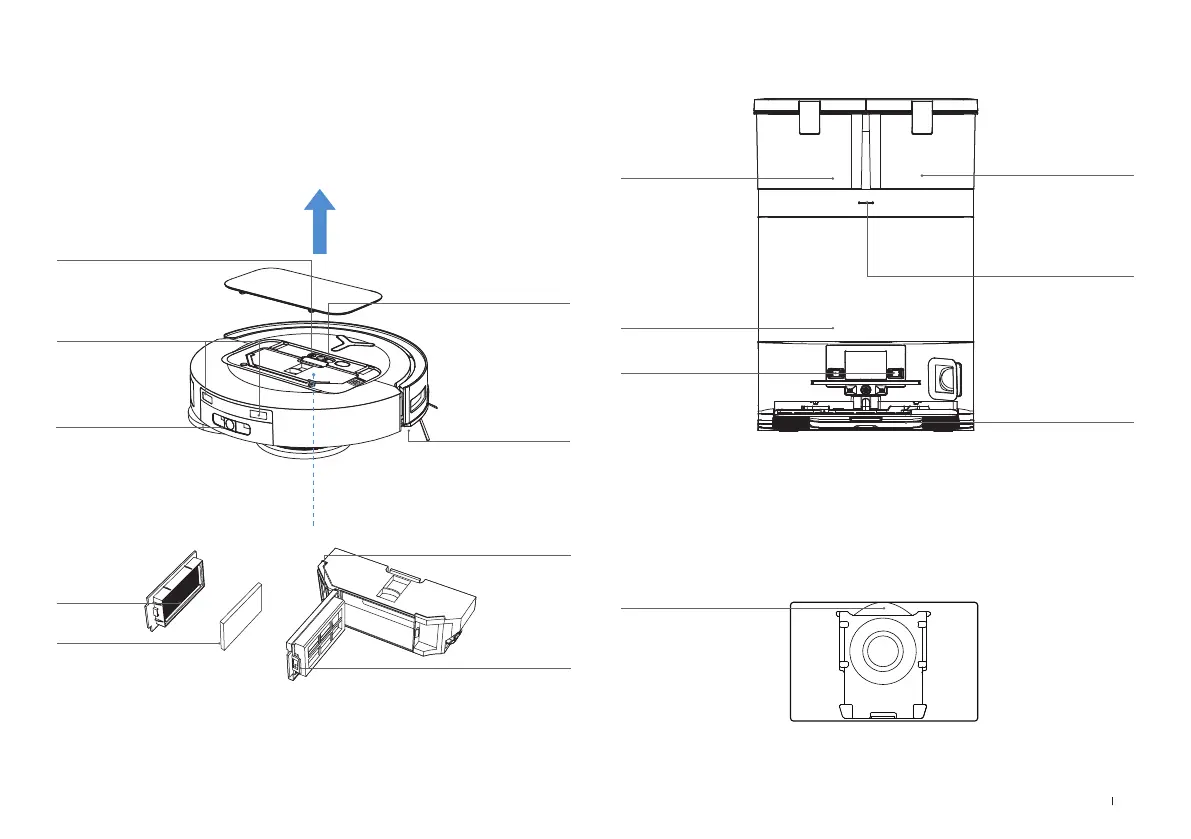
3. Inside the Robot (under the cover)
4. Dust Bin
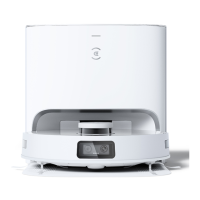
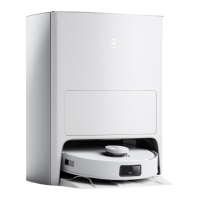
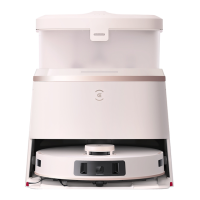
5. OMNI Station (Front)
6. Dust Bag
Dust Bag Handle
RESET Button
Restore to default settings: Press and hold RESET button for 5 s.
After you hear the voice prompt, the startup music will be played and the robot will be
restored to default settings.
Network Status
Indicator/Reset
Button
Power Switch
"I"=ON
"O"=OFF
Charging Contacts
Water Filling Port
Edge Sensor
Filter
Release Button
Dust Disposal Port
Sponge Filter
Dirty Water Tank
Dust Collection Cabin
Cleaning Sink
Clean Water Tank
Charging Contacts
Indicator Light
Glowing White:
Standby/Running
Flashing Red: Malfunction
Goes out: Power Outage/
Deep Sleep Mode
Note:
· Flashing Red: Please check the reason in ECOVACS HOME App.
· If DEEBOT fails to charge, please wipe Charging Contacts with a clean and dry cloth.





 To Next Page