12
EN
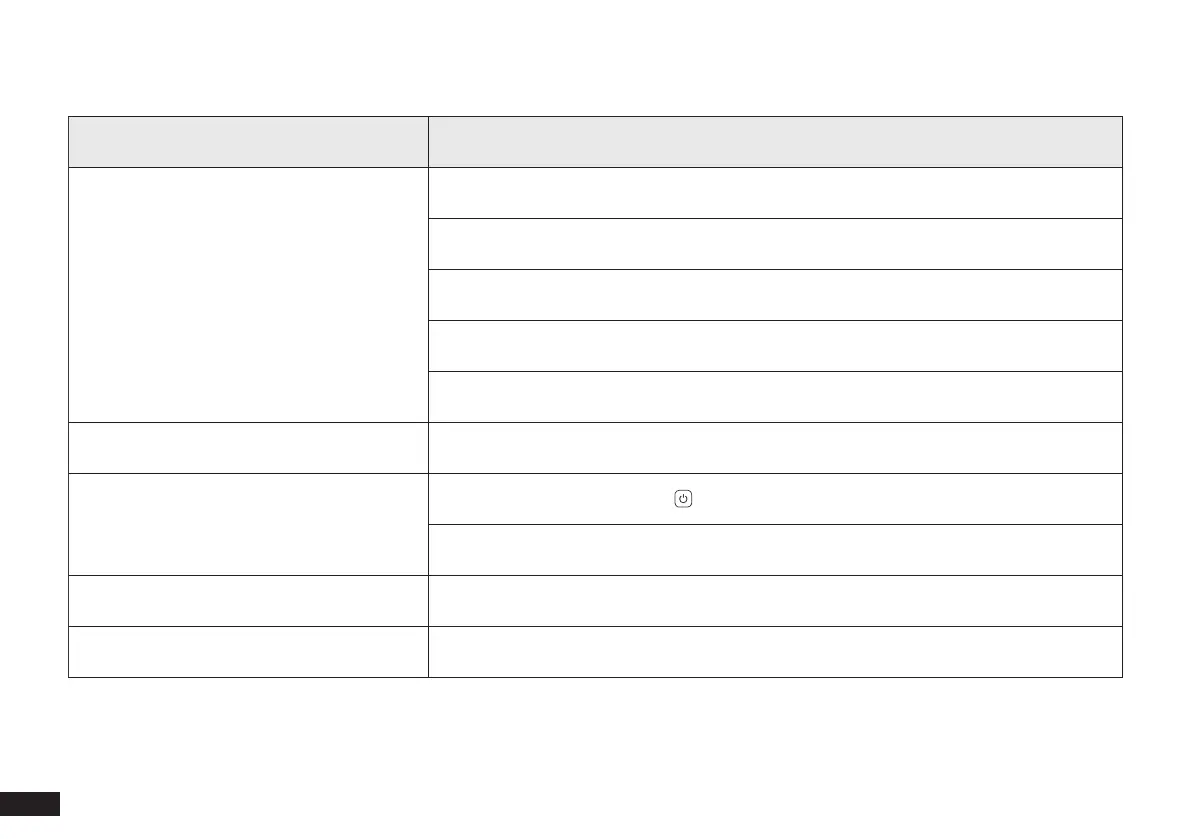
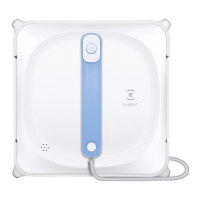
Status Indicator Light
Light Effect Status
Status Indicator glows a continuous BLUE.
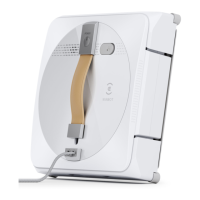
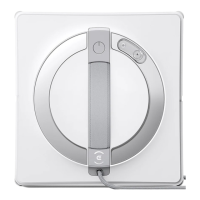
WINBOT is fully charged.
WINBOT has successfully adhered itself to the glass and is ready to clean.
WINBOT is cleaning.
WINBOT is paused.
The network setup is complete.
Status Indicator ashes BLUE slowly. WINBOT is paused and charging.
Status Indicator stops glowing BLUE.
WINBOT is in sleep mode. Press to wake it up.
WINBOT is powered OFF.
Status Indicator glows a continuous RED. WINBOT has a low battery. Please remove it from the window.
Status Indicator ashes RED. WINBOT has a problem. Please refer to section 5 Troubleshooting for details.


 To Next Page