15
EN
App Connection
Before connection, make sure WINBOT and the mobile phone meet the following requirements:
1. The Bluetooth of the mobile phone is turned on.
2. The WINBOT power switch has been turned on and the indicator light has been lit.
3. Please pair WINBOT in ECOVACS HOME App instead of the phone setting.
4. Co-frequency interference might occur between Bluetooth and Wi-Fi. It is recommended to keep WINBOT close to the mobile phone and distant
from the Wi-Fi router during pairing.
5. If the connection failed, please try to disconnect other Bluetooth devices, make sure WINBOT is not connected to other mobile phones, and try
again.
6. Bluetooth may be disconnected if WINBOT is too distant from the phone. Try to reconnect at a short distance.
7. For using WINBOT, you need to allow ECOVACS HOME App to obtain access to the location, Bluetooth, and mobile phone storage.
If the problems persist after trying the above methods, please contact customer service.
Technical Specifications
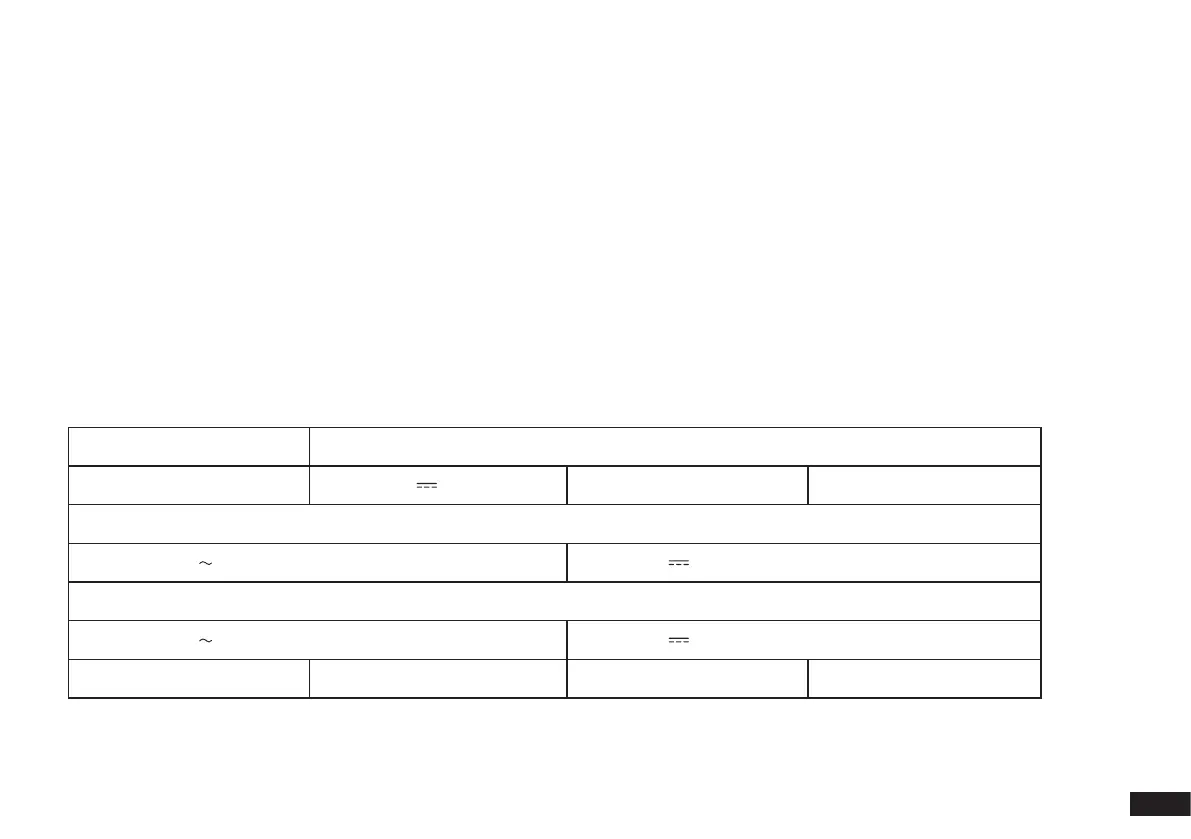
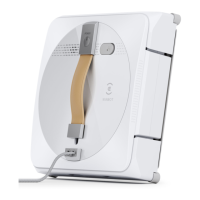
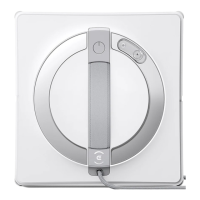
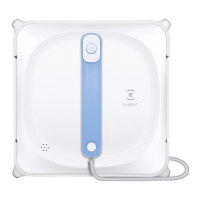
WINBOT Model WG811
Rated Input 24V 3.75A Rated Power 75W
Power Adapter: EA10952
Input: 100-240V 50-60Hz 1.5A Output: 24V 3.75A 90W
Power Adapter: GM95-240375-D
Input: 100-240V 50-60Hz 2.5A Output: 24V 3.75A 90W
Off/Standby Mode Power Less than 0.50W Frequency 2400-2483.5MHz
Output power of the wireless module is less than 100mW.
Note: Technical and design specifications may be changed for continues product improvement.


 To Next Page