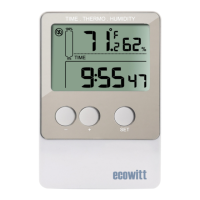
Measure and log temperature and humidity data
Instant data download with PC/laptop
USB interface for set-up and data download
Easily re-configurable using included software
Selectable logging intervals from 8 seconds to 4 hours
Selectable temperature unit in °F or °C
Time, date and unit synchronized your PC
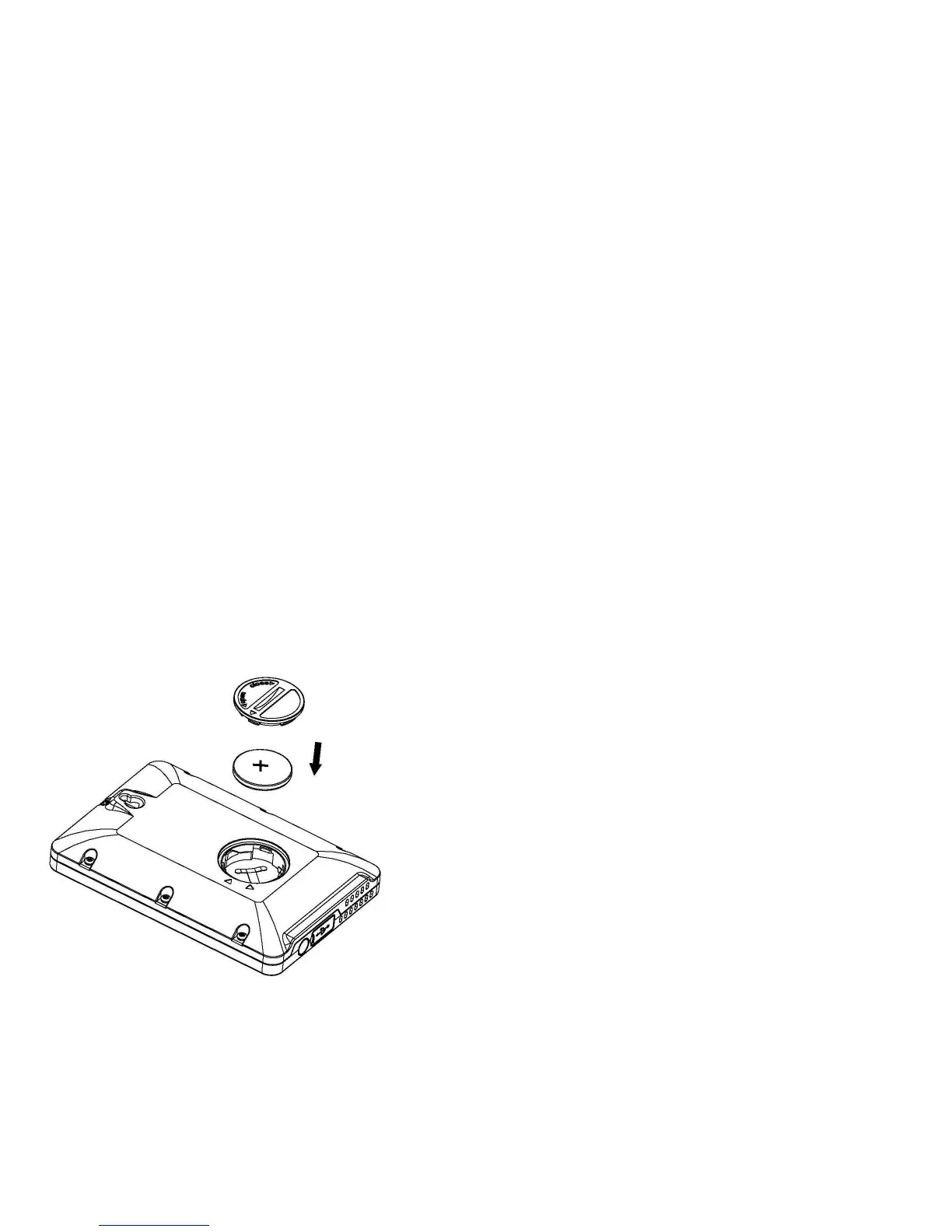
1). First use a large coin to open the
battery cover at the back of the unit.
2).Check the correct polarization,
insert 1 x 3V (CR2032) lithium cell,
positive (+) pole up, into the battery
compartment and replace the cover.
3). When the battery is inserted, all
the segments of the LCD display for
about 3 seconds then enter to
Caution: Do not reverse the polarity of the battery


 To Next Page