EcoCast – Broadcast Your Music to
Multiple Speakers
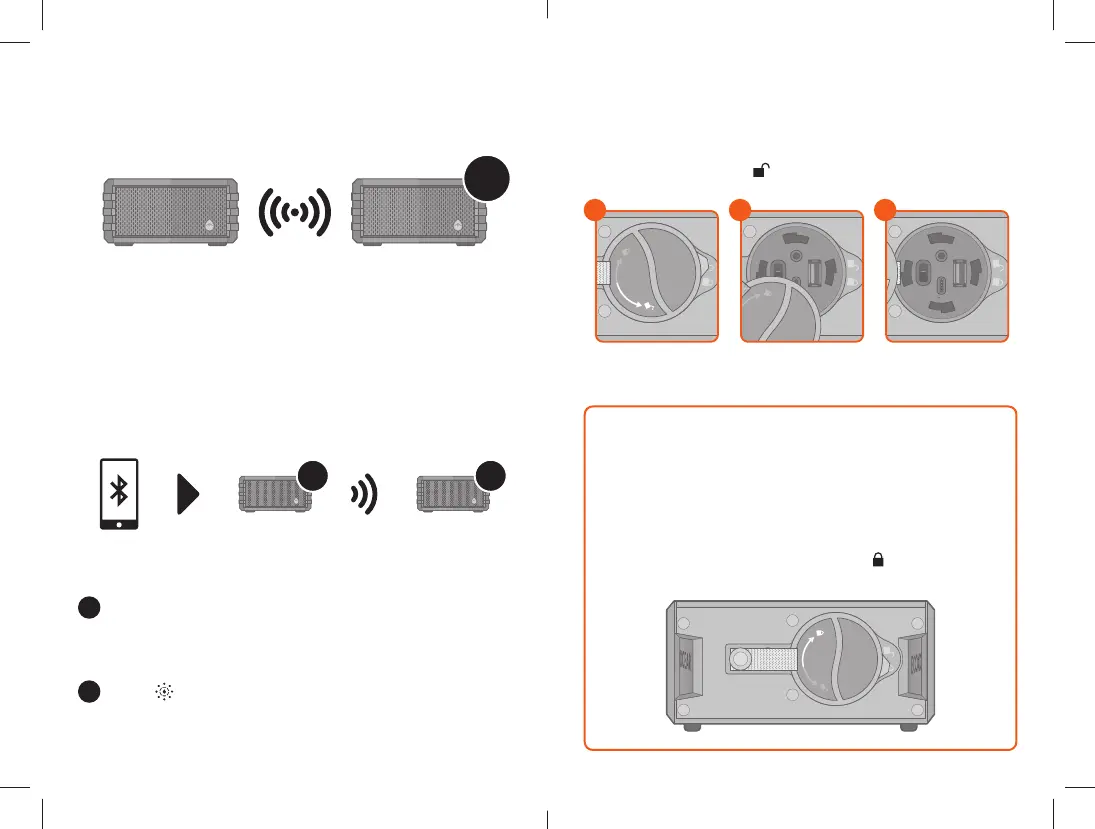
When you have two or more Sol Jam speakers, you can build
a broadcast system by initiating EcoCast Transmitting Mode
in one Sol Jam speaker and broadcasting your music to one
or more Sol Jam speakers in EcoCast Receiving Mode.
EcoCast: First Two Speakers
Follow the Pairing a Bluetooth Device instructions to
connect one Sol Jam (Speaker A) to your Bluetooth
device. After your device is connected to Speaker A,
you can select a song to play.
Press on Speaker A to initiate EcoCast Transmitting
Mode. The EcoCast LED Indicator (the fourth LED
Indicator from the left) will flash Red, and the speaker
will announce, “EcoCast transmitting.”
1
2
x50
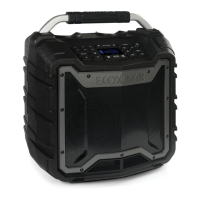
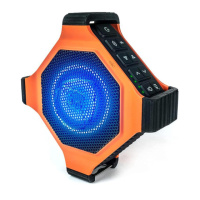
A B
Important: Maintaining Waterproofness
If the cap on the back panel is not properly closed, the
unit is NOT watertight.
To ensure the unit is watertight & waterproof, ALWAYS
CLOSE THE CAP PROPERLY.
Turn the cap to the RIGHT (clockwise) so the cap’s arrow
point lines up with the locked symbol along the
back edge of the unit.
To access the connections, turn the cap to the LEFT
(counter-clockwise) so the cap’s arrow point lines up with
the unlocked symbol along the back edge of the unit.
Master Power Switch & Connections
Access ConnectionsSelect Unlocked Open Cap
1
OFF
ON
OUTPUT
AUX-IN
AUDIO
INPUT
5V...2.0A
2
OFF
ON
OUTPUT
AUX-IN
AUDIO
INPUT
5V...2.0A
3





 To Next Page