29
Using BIOS
Boot Other Device (Yes)
When enabled, the system searches all other possible locations for an operating
system if it fails to find one in the devices specified under the First, Second and
Third boot devices.
Press <Esc> to return to the main menu setting page.
Advanced Chipset Setup
This page sets up more advanced information about your system. Handle this page
with caution. Any changes can affect the operation of your computer.
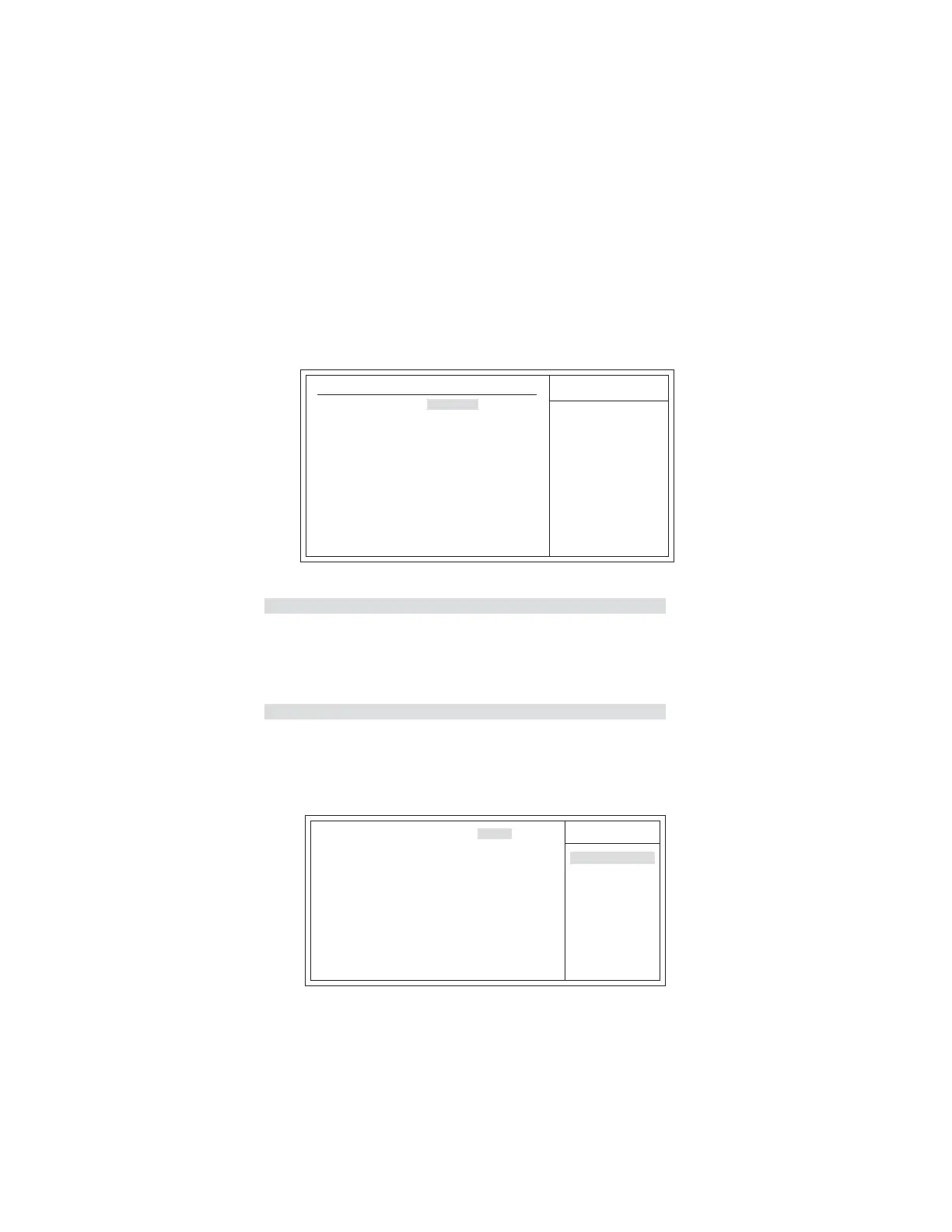
CMOS Setup Utility - Copyright (C) 1985-2005, American Megatrends, Inc.
Advanced Chipset Setup
DRAM Frequency Auto
Configure DRAM Timing by SPD Enabled
DVMT Mode Select DVMT Mode
DVMT/FIXED Memory 128MB
HPET Enabled
Help Item
Options
Auto
400 MHz
533 MHz
mnlk
: Move
F10: Save ESC: Exit
Enter : Select
+/-/: Value
F9: Optimized Defaults
F1: General Help
1st/2nd/3rd Boot Device (Hard Disk/CD/DVD/Removable Dev.)
Use this item to determine the device order the computer used to look for an
operating system to load at start-up time. The devices showed here will be different
depending on the exact devices installed on your motherboard.
fHard Disk Drives (Press Enter)
Scroll to this item and press <Enter> to view the following screen:
Hard Disk Drives
1st Drive Hard Disk
Help Item
Specifies the boot
sequence from the
available devices.
CMOS Setup Utility - Copyright (C) 1985-2005, American Megatrends, Inc.
Hard Disk Drives
Press <Esc> to return to the Advanced Setup page.
mnlk
: Move
F10: Save ESC: Exit
Enter : Select
+/-/: Value
F9: Optimized Defaults
F1: General Help



 To Next Page