21
Installing the Motherboard
Connecting I/O Devices
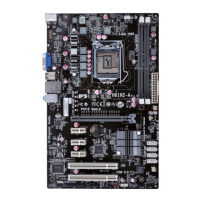
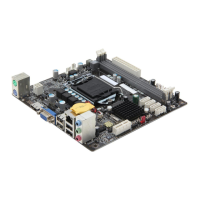
The backplane of the motherboard has the following I/O ports:
LAN Port
Connect an RJ-45 jack to the LAN port to connect your
computer to the Network.
VGA Port Connect your monitor to the VGA port.
Connect the DVI port to the monitor.
DVI Port
PS2 Keyboard Use the lower PS/2 port to connect a PS/2 keyboard.
PS2 Mouse Use the upper PS/2 port to connect a PS/2 pointing device.
LPT Port Use LPT to connect printers or other parallel communica-
tions diveces.
(HDMI optional)



 To Next Page
 Loading...