Setting Up eJIFFY
67
How to change display language?
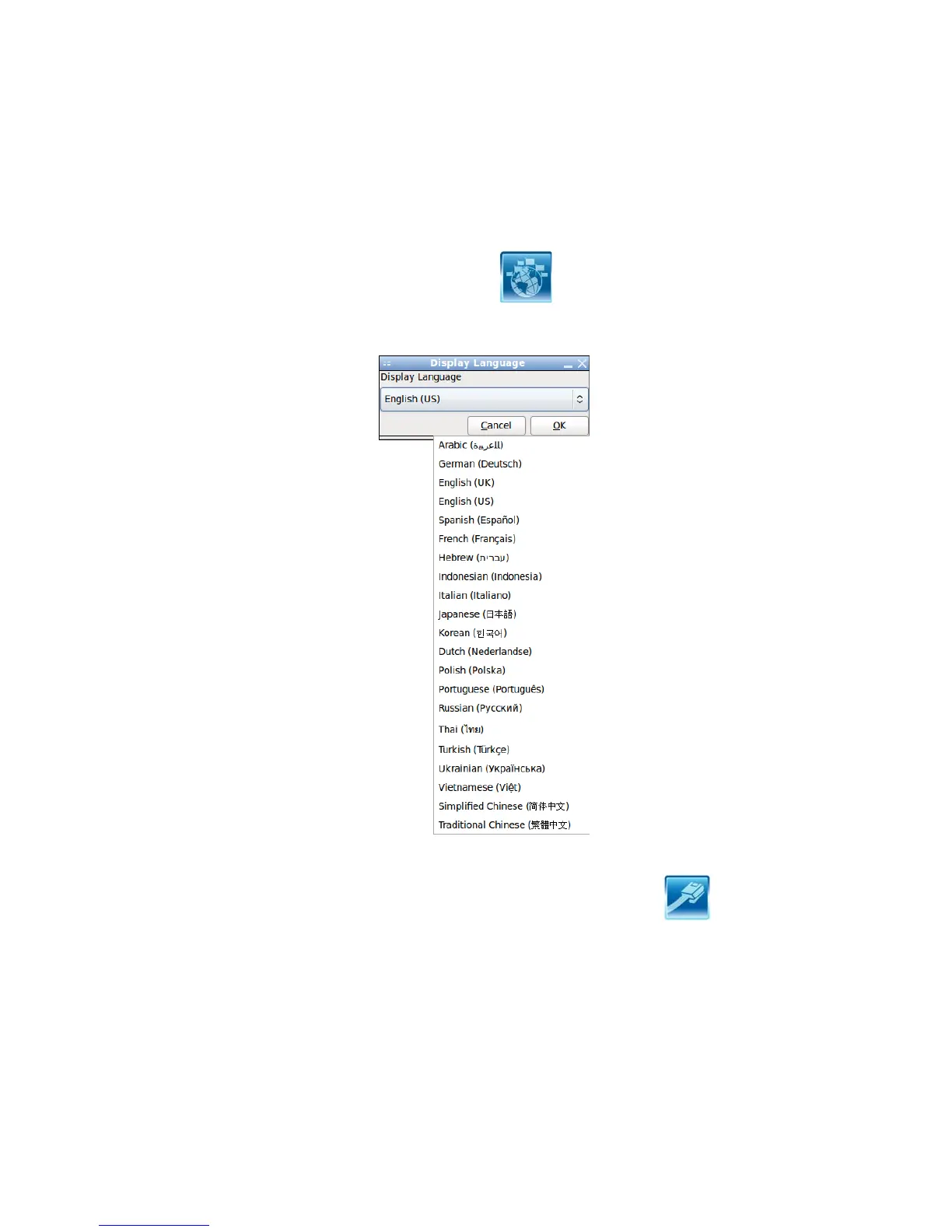
Open the Language Control Panel and click to show the display language
list. Check your desired display language. Your selected display language will be
applied after rebooting.
How to set networking connection?
If you do not have IP shared server(direct link), you can select the icon
and press the right key of your mouse.
2. If you want to set the networking connection, you can press the right key of your
mouse to edit it.
1. Show the networking connection status.


 To Next Page