Checking Jumper Settings
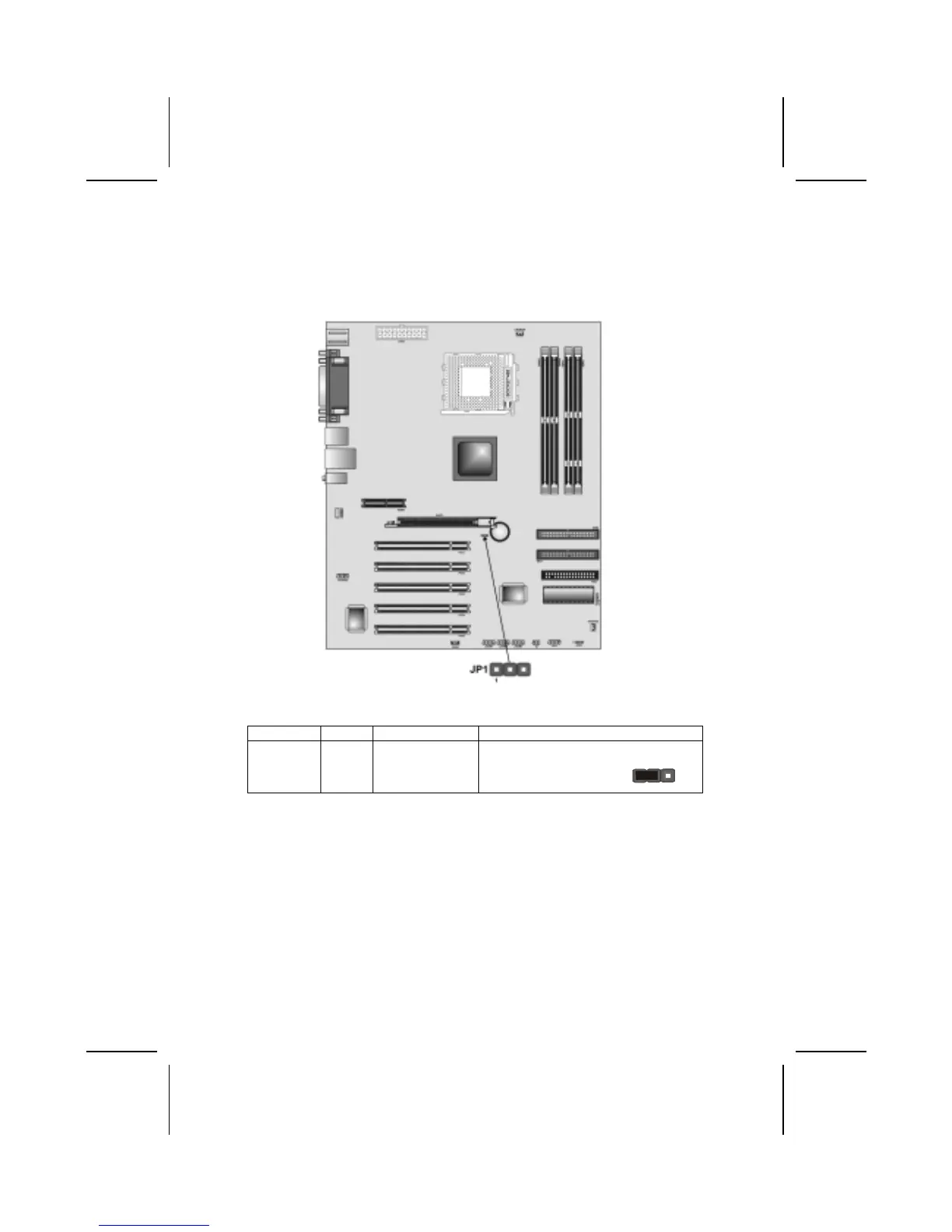
The following illustration shows the location of the mainboard jumpers. Pin 1 is
labeled.
Jumper Settings
Jumper Type Description Setting (default)
JP1 3-pin Clear CMOS
jumper
1-2: Clear CMOS
2-3: Normal
JP1
1
JP1: Clear CMOS Jumper
Use this jumper to clear the contents of the CMOS memory. You may need to
clear the CMOS memory if the settings in the Setup Utility are incorrect and
prevent your mainboard from operating. To clear the CMOS memory, discon-
nect all the power cables from the mainboard and then move the jumper cap
into the CLEAR setting for a few seconds.
8



 To Next Page