Installing Add-on Cards
The slots in this mainboard are designed to hold expansion cards and connect
them to the system bus. Expansion slots are a means of adding or enhancing
the mainboard’s features and capabilities. With these efficient facilities, you
can increase the mainboard’s capabilities by adding hardware which performs
tasks that are not part of the basic system.
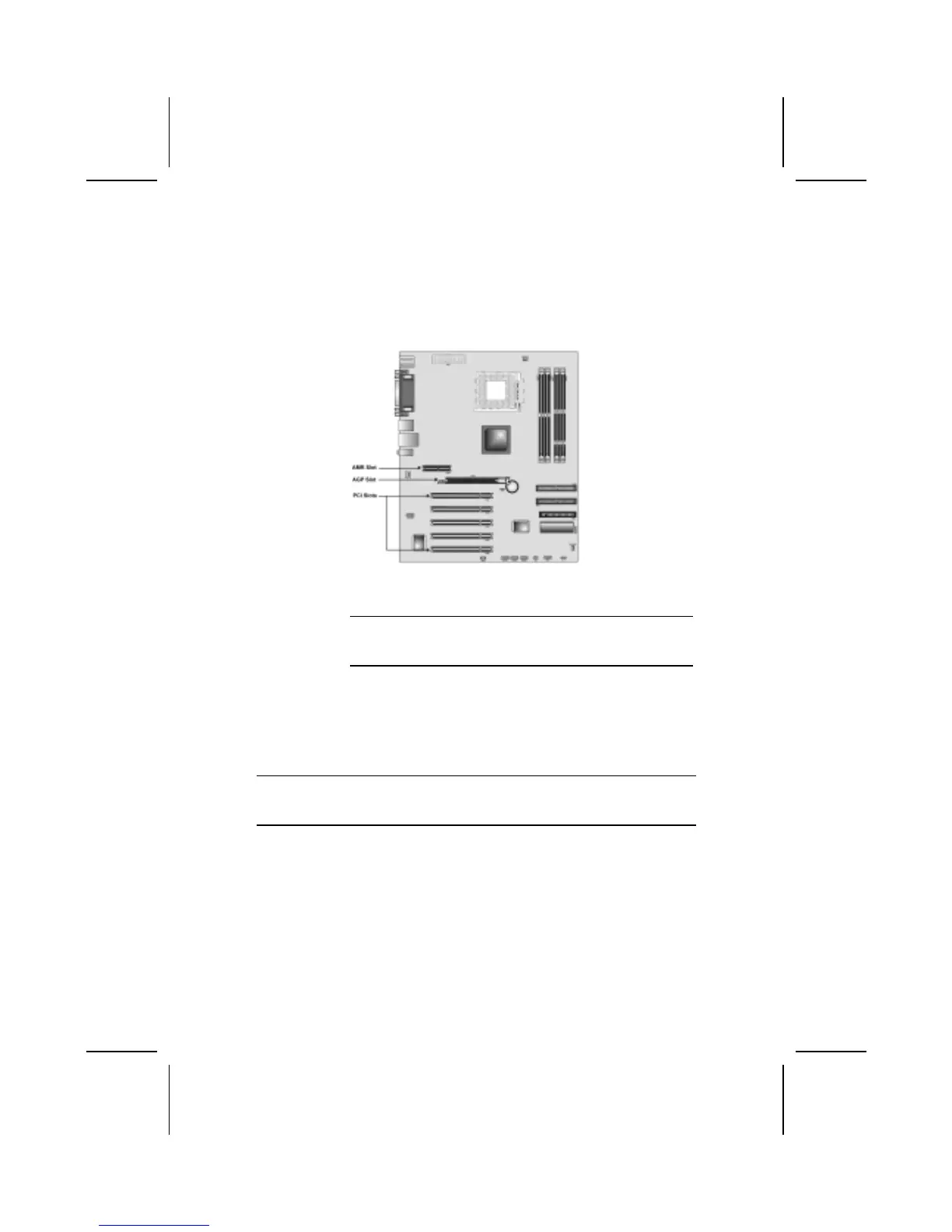
AGP Slot The AGP slot is used to install a graphics adapter that supports the
4xAGP specifications and has a 4xAGP edge connector.
Note: The above layout is for reference only. The AGP slot
may be different from your mainboard. Please refer to
actual shipment.
PCI Slots PCI slots are used to install expansion cards that have the 32-bit PCI
interface.
AMR Slot The AMR (Audio Modem Riser) slot is an industry standard slot that
allows for the installation of a special audio/modem riser card. Differ-
ent territories have different regulations regarding the specifications
of a modem card. You can purchase an AMR card that is approved in
your area and install it directly into the AMR slot.
Note: Before installing an add-on card, check the documentation for the card
carefully. If the card is not Plug and Play, you may have to manually con-
figure the card before installation.
18



 To Next Page