To install a module, push the retaining latches at either end of the
socket outwards. Position the memory module correctly and insert
it into the DIMM socket. Press the module down into the socket so
that the retaining latches rotate up and secure the module in place
by fitting into notches on the edge of the module.
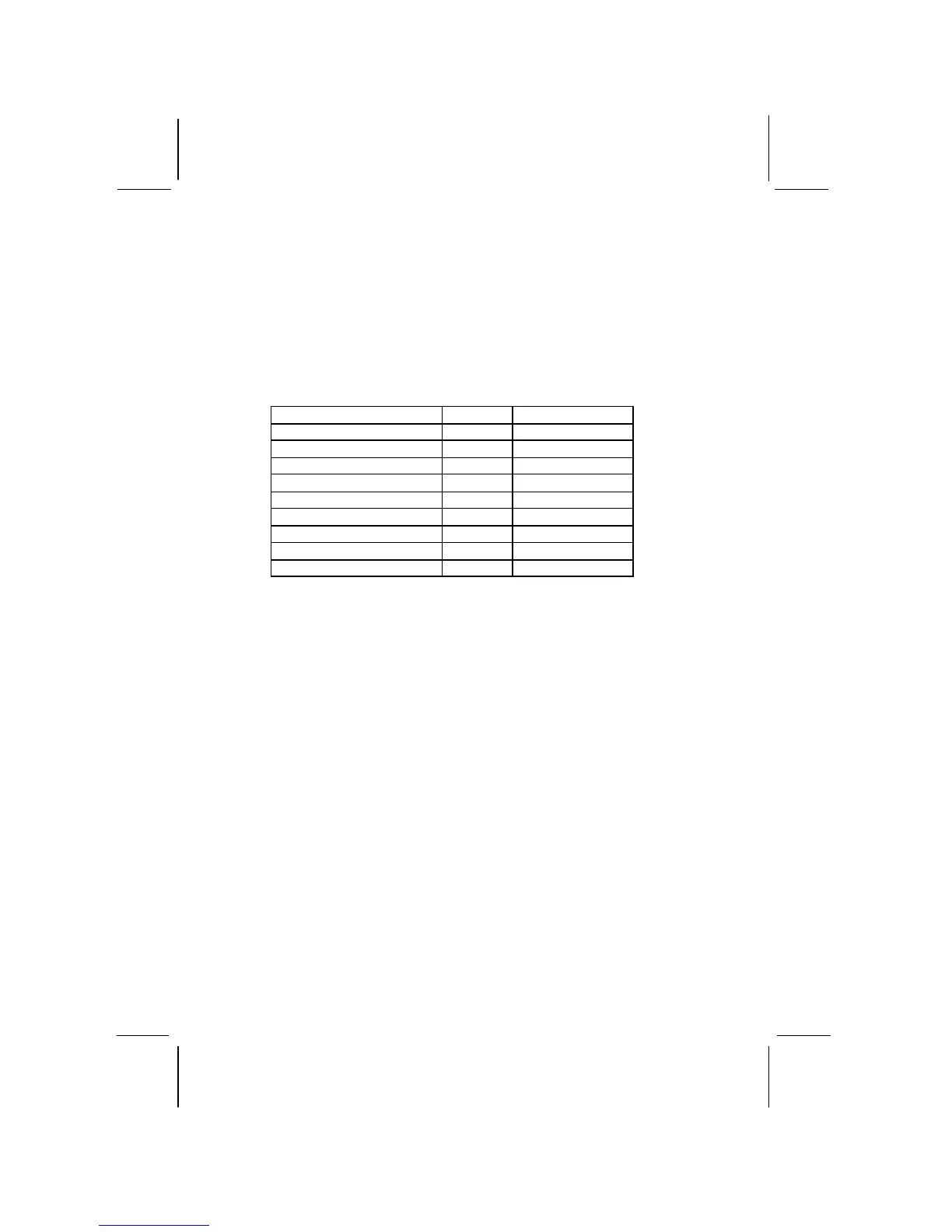
The table below lists the model chips of DDR that we have
tested.
Model Chip Memory Manufacture
K4H2808388-TCBO 128 M Samsung
HY5DU28822T-H 128 M Hyundai
46V8M8-75M 128 M Micon
46V16M8-75A 128 M Micon
46V16M8-75A 256 M Micon
LP13S6488EA 128 M EliteMT
1170A W942508AH-7 128 M Winbond
1170A W942508AH-7 256 M Winbond



 To Next Page