55
JMB361 RAID Setup Guide
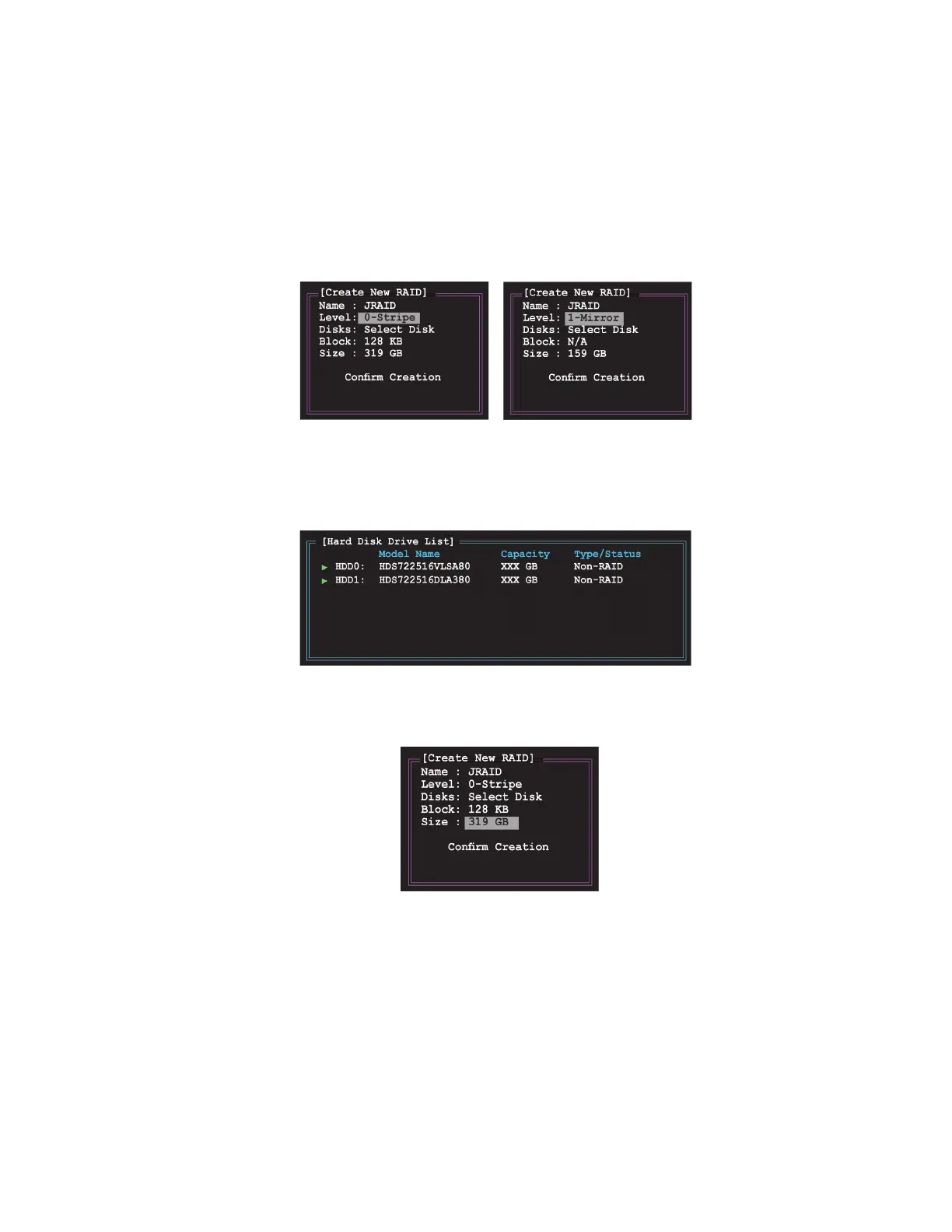
2 When the Level item is highlighted, use the up/down arrow key to select the
RAID set that you want to create.
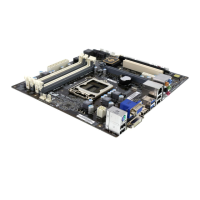
3. When the Disks item is highlighted, use the up/down arrow key to highlight an
HDD that you want to belong to the RAID set, then press the space bar to
confirm selection. Repeat the process until the HDDs are selected.
A selected HDD shows a sign before it.
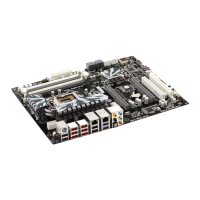
4 Key in the RAID volume capacity. Use the up/down arrow to choose the block
size. The default value indicates the maximum allowed capacity.
f



 To Next Page