57
JMB361 RAID Setup Guide
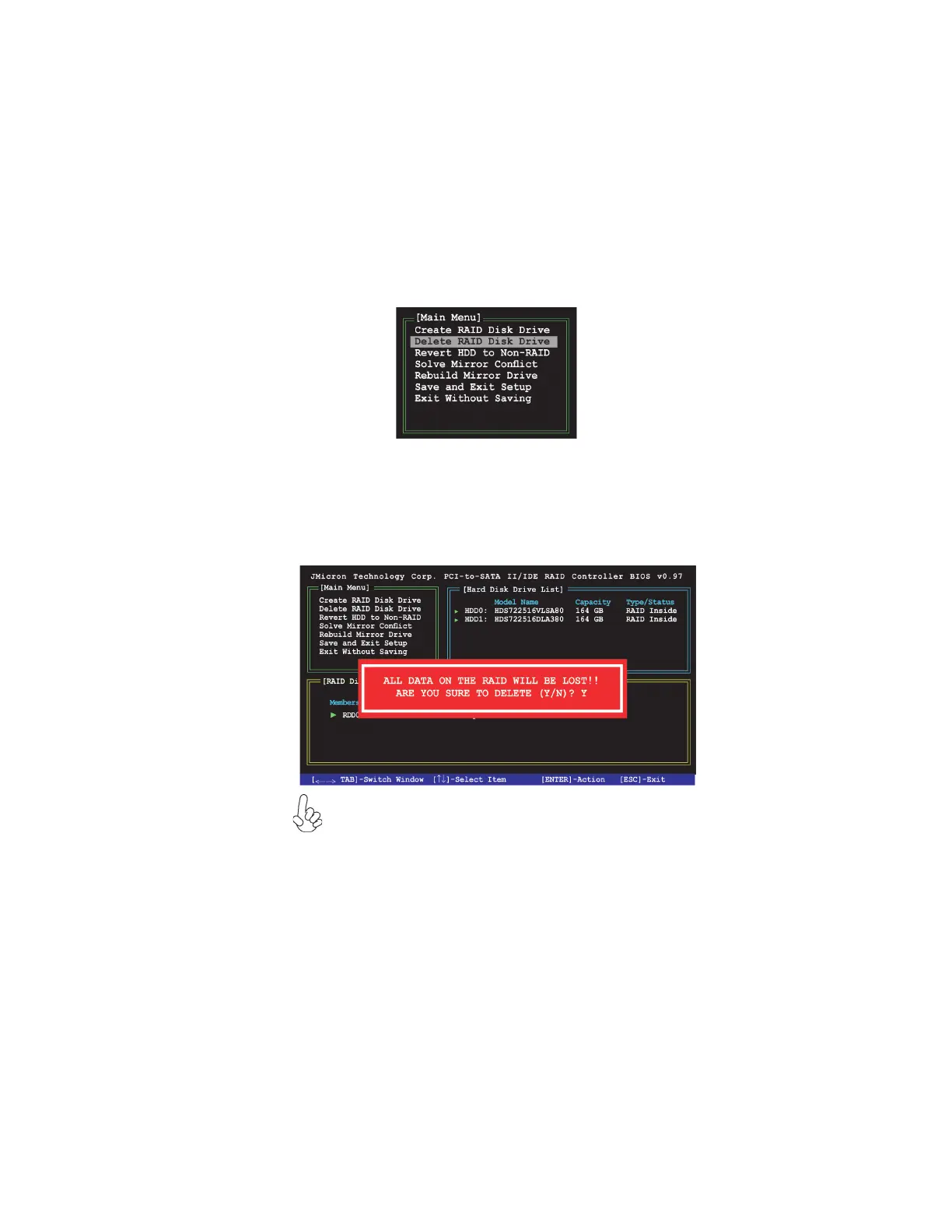
1 In the main JMB361 RAID BIOS menu, highlight Delete RAID Disk Drive using
the up/down arrow key then press <Enter>.
Deleting a RAID set
2 Use the space bar to select the RAID set you want to delete.
A selected set shows a sign before it. Press the <Del> key to delete the set.
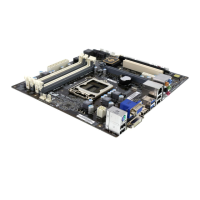
3. A dialogue box appears to confirm the action. Press <Y> to confirm; other-
wise, press <N>.
Pressing <Y> deletes all the data in the HDDs.
f



 To Next Page