30
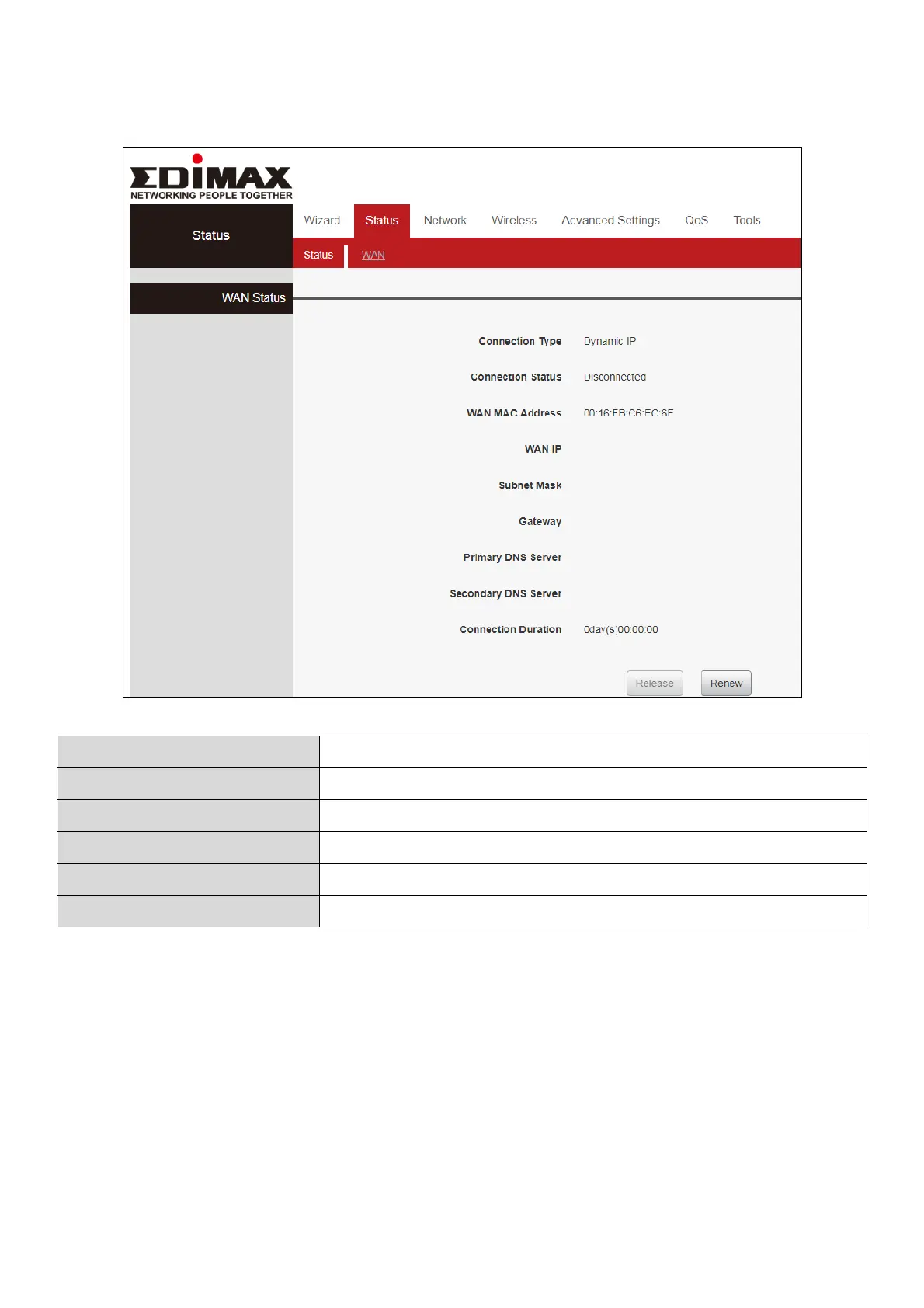
III-2-3-5. WAN Status
III-3. Network
Click “Network” to enter the Network setup web page, in this page you can
set “WAN”, “WAN Speed”, “MAC Cloning”, “DNS Settings”, “WAN Security”,
“LAN Settings”, “DHCP” and “Address Reservation”.
It displays the current access mode of WAN port.
The network connection status.
MAC address of your ISP's router to see.
IP address obtained from ISP.














 To Next Page