77
IV-1-2. How to modify the IP address of your computer
Please follow the instructions appropriate for your operating system. In the
following examples we use the IP address 192.168.2.10 though you can use
any IP address in the range 192.168.2.x (x = 3 – 254) in order to access iQ
Setup/browser based configuration interface.
Please make a note of your static IP before you change it.
IV-1-2-1. Windows 7
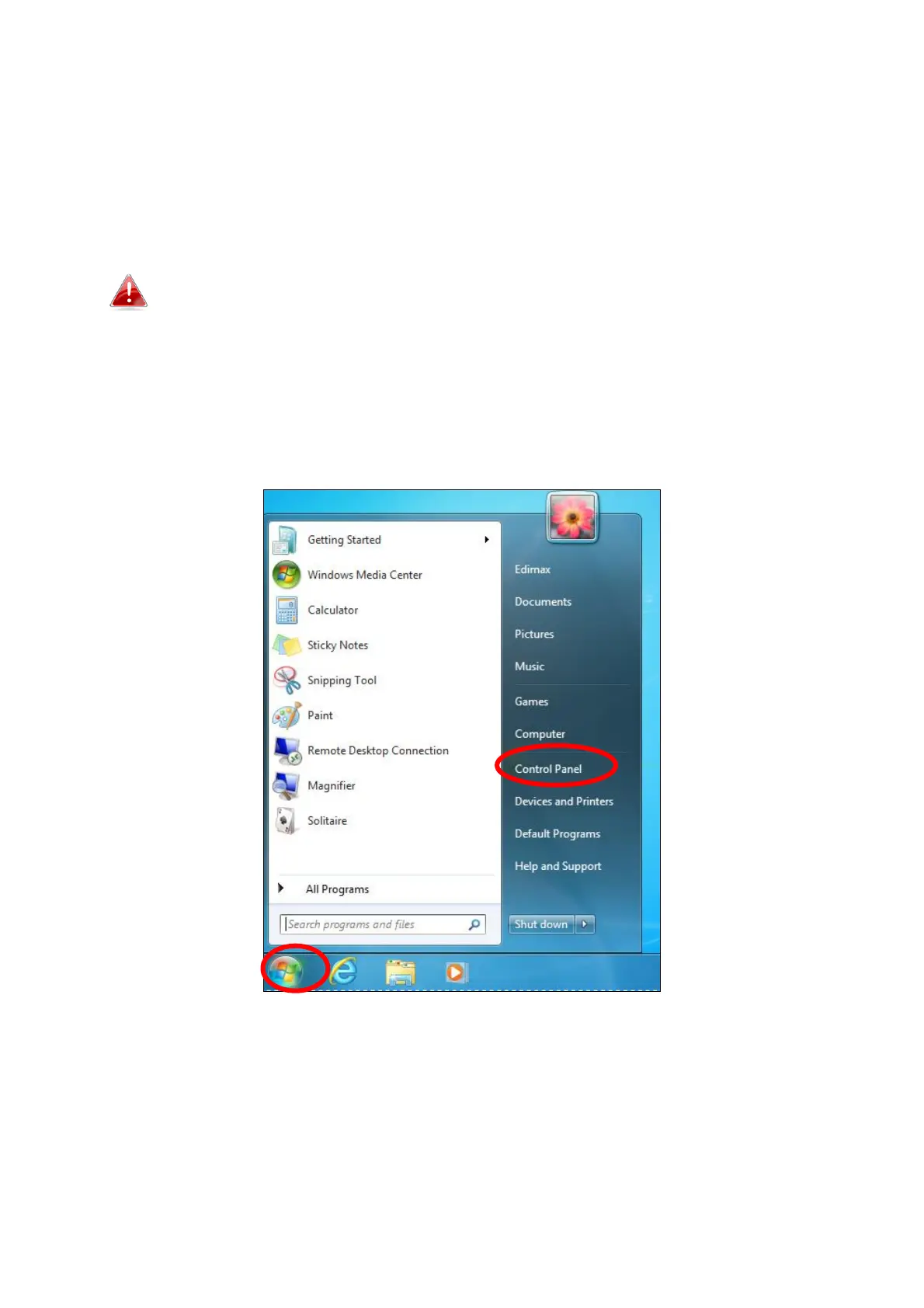
1. Click the “Start” button (it should be located in the lower-left corner of
your computer), then click “Control Panel”.














 To Next Page