32
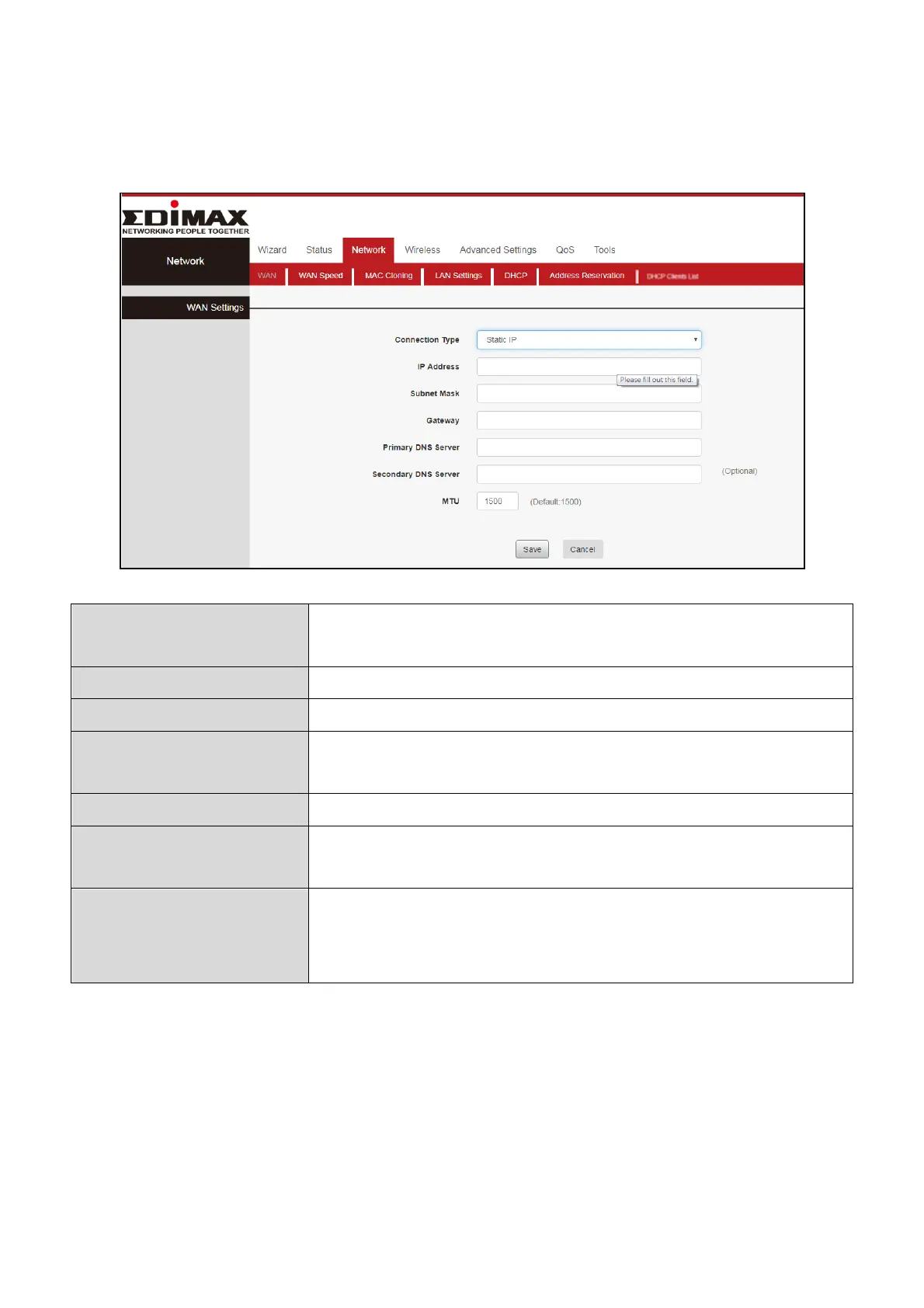
III-3-1-2. WAN Settings- Static IP
Click “Network”, Select “WAN”, Select Connection Type “Static IP”. Then enter
IP, Subnet Mask, Gateway, MTU and DNS. Finally, click “Save” to confirm.
Specify a connection type:
Static IP mode, Dynamic IP (DHCP), PPPOE
Input the IP address assigned by your ISP here.
Input the subnet mask assigned by your ISP here.
Input the default gateway assigned by your ISP
here. Some ISPs may call this “Default Route”.
Enter the maximum transmission unit (MTU) value
of your network connection. The default value is
1400.














 To Next Page