6
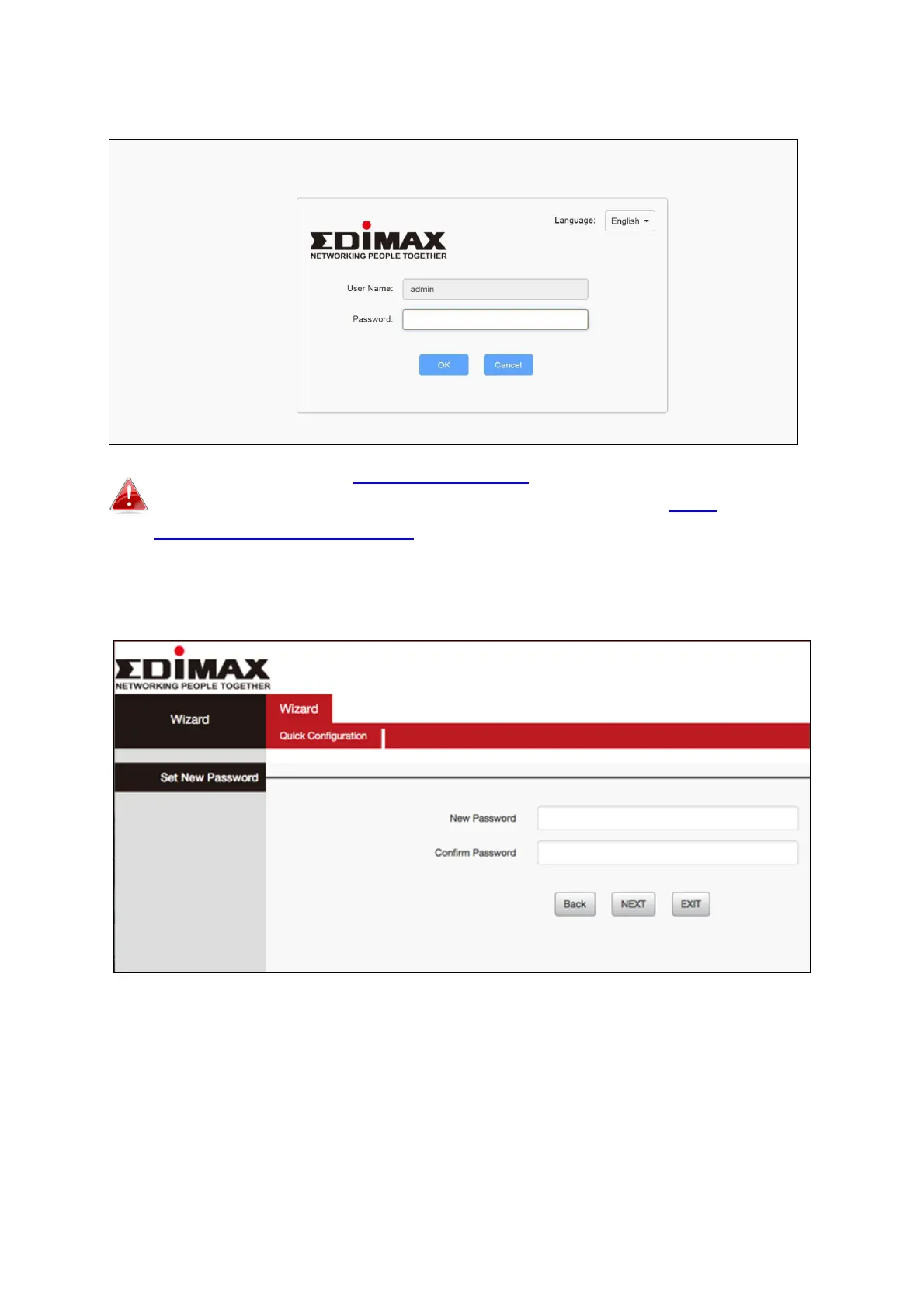
4. Open a web browser and enter the URL http://192.168.2.1 and begin the
setup process.
If you cannot access http://192.168.2.1, please make sure your
computer is set to use a dynamic IP address. Refer to IV-1.
Configuring your IP address for more information.
5. Enter new password, confirmed and click “NEXT’ to continue.














 To Next Page