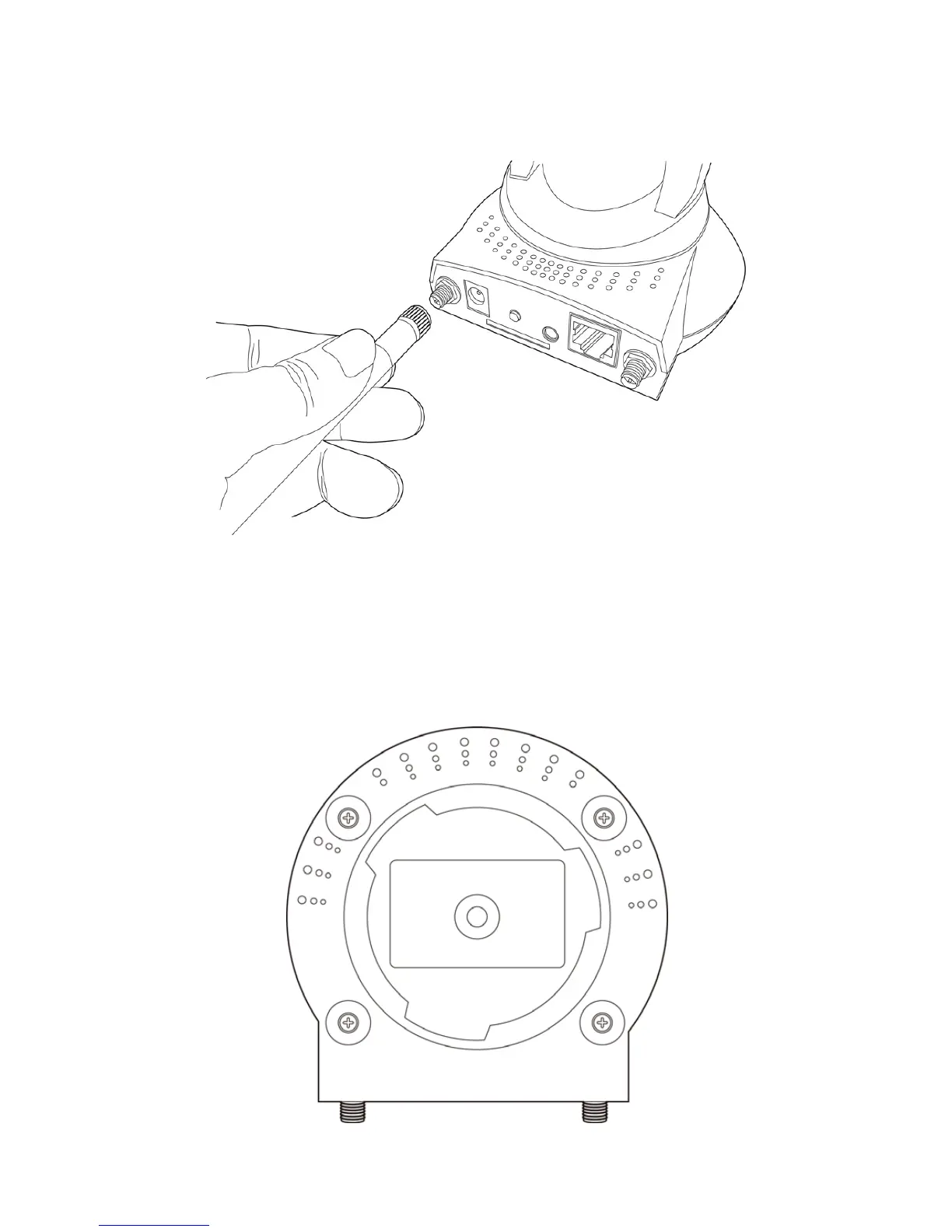
3. Connect the antennas to the antenna base (for IC-7000PTn only)
located at the back of the IP camera.
4. Place the IP camera at a secure place, and point the camera to
the place you wish to monitor. If you wish to hang the camera on
the ceiling or wall, please use the tripod connector (located at the
bottom of the IP camera as shown on the below) to secure the
camera.



 To Next Page