EasyManua.ls Logo

Edimax IC-3010 - User Manual

Edimax IC-3010
114 pages
Print Icon
To Next Page IconTo Next Page
Loading...
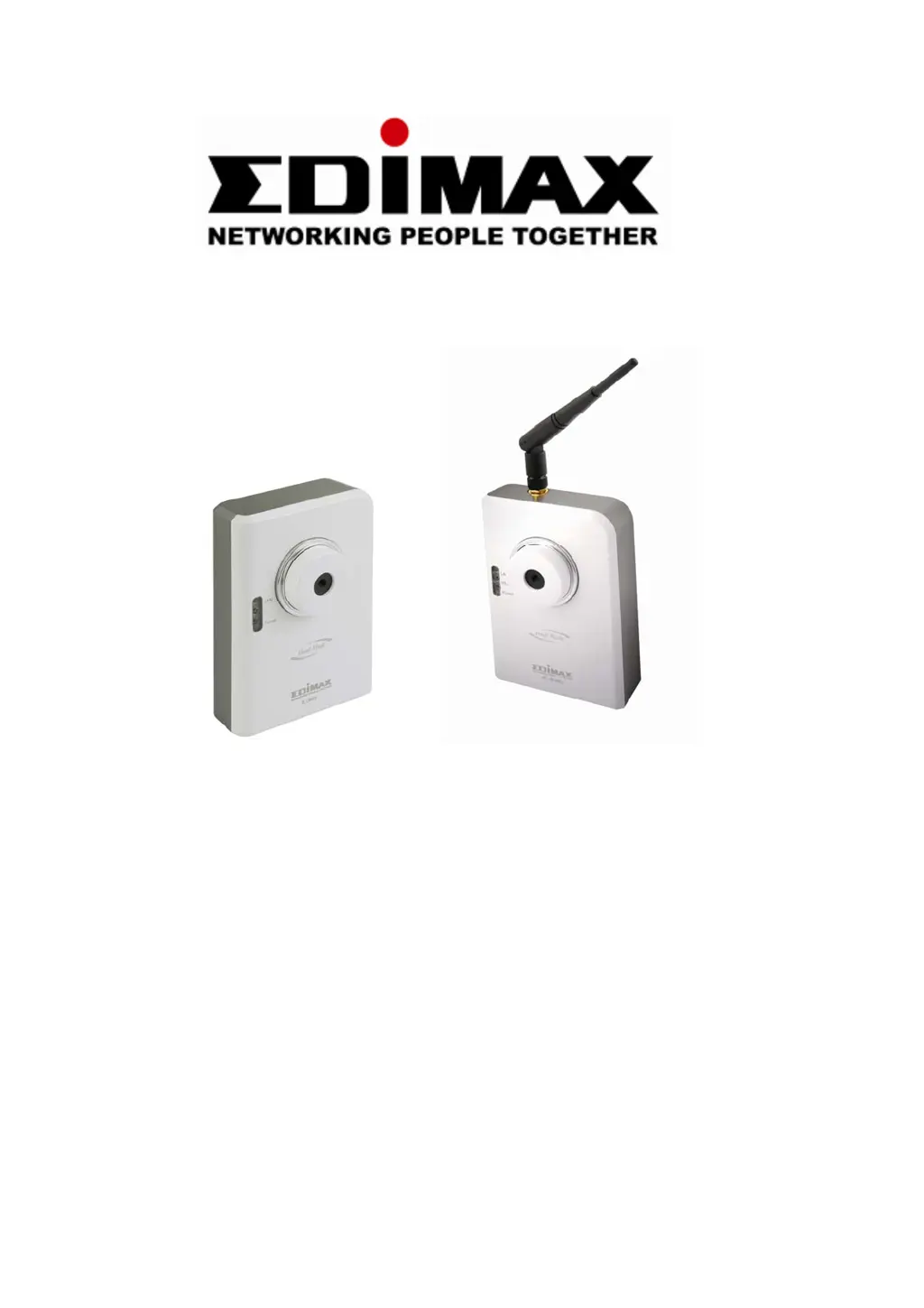
IC-3010 / IC-3010Wg
Wire/ Wireless 11b/g IP Camera
User Manual
Version 1.0 April 2008

Other manuals for Edimax IC-3010

Questions and Answers

  • A
    Ashley TorresAug 14, 2025
    Why can't I connect to my Edimax IC-3010?
    • R
      Richard JohnsonAug 14, 2025
      There could be several reasons why you're unable to connect to your Edimax IP Camera. First, ensure that your computer's IP address settings are in the same subnet as the camera. Second, verify that the IP address you're using to connect to the camera is correct. If you've forgotten the camera's IP address, reset it to the factory default of 192.168.2.3 by pressing the 'reset' button. Also, confirm that the camera is properly powered on. If connecting from the internet, ensure that the video and HTTP ports the camera uses are not blocked by a firewall.
  • P
    Philip WrightAug 18, 2025
    Why is the image on my Edimax IP Camera refreshing so slowly?
    • W
      Wyatt JohnsonAug 18, 2025
      If the image on your Edimax IP Camera is refreshing slowly, try the following: Set a higher frame rate (if it’s not already at 30). Alternatively, try using a lower resolution. If you're connecting to the camera over the internet, a slow internet connection could be the cause. Adjust the antenna if you're using a wireless connection. You might also try adjusting the 'MTU' setting if you're using PPPoE to connect to the internet.
  • E
    Eric AguirreAug 21, 2025
    How to fix a fuzzy image on my Edimax IP Camera?
    • B
      Brian PhamAug 21, 2025
      To fix a fuzzy image on your Edimax IP Camera, try these steps: Adjust the focus ring on the camera until the image becomes clear. Clean the lens with a soft cloth. Adjust the brightness setting. If possible, switch on any lights in the area where the camera is located to see if the image improves.
  • R
    Randy WilliamsAug 25, 2025
    What to do if Edimax IC-3010 IP Camera doesn't send images by Email or FTP?
    • C
      clayton27Aug 25, 2025
      If your Edimax IP Camera is not sending images via Email or FTP, consider these points: If sending by email, ensure it's not blocked by any anti-spam mechanisms. For FTP, verify you have sufficient permissions for uploading. If your SMTP server requires authentication, confirm the username and password are correct. Check the log for any failed FTP upload or email sending attempts, as this may provide clues. Also, try changing the threshold to a more sensitive setting.
  • D
    davisjonathanAug 27, 2025
    Why is my Edimax IC-3010 IP Camera image refreshing so slow?
    • A
      Alexis YoungAug 28, 2025
      If your Edimax IP Camera image refreshes very slowly, here are a few things to try: * If you're connecting via the Internet, a slow connection could be the cause. In this case, use a lower frame rate and resolution. * If you are using wireless connection, adjust the antenna to be perpendicular to the ground for best reception, and ensure the distance between the IP camera and computer/wireless access point is not too far. * If you're using PPPoE, try adjusting the 'MTU' setting. Consult your ISP or network administrator for detailed instructions. Additionally, try increasing the frame rate (if it's not already at 30) or lowering the resolution.
  • L
    Lisa WhiteheadAug 31, 2025
    What to do if Edimax IP Camera is not responding?
    • M
      Michele SimmonsAug 31, 2025
      If your Edimax IP Camera is not responding, try the following steps: * Check the network cable or wireless connection to ensure it is properly connected. * Unplug the power adapter from the wall socket, wait 10 seconds, and then plug it back in. Then, try connecting to the IP camera again.
  • R
    Rebecca WaltonSep 3, 2025
    Why am I not receiving images from my Edimax IC-3010 via Email or FTP?
    • M
      Mia HartmanSep 3, 2025
      If you are not receiving images from your Edimax IP Camera via Email or FTP, consider the following: * If sending via Email, ensure the image is not being blocked by any anti-spam mechanism. * Verify you have sufficient permissions for FTP uploading. * If your SMTP server requires authentication, make sure the username and/or password is correct. * Check the log for any failed FTP upload or Email sending attempts, as this may provide clues to the problem. * Change the threshold to a more sensitive setting.
  • W
    Wayne GarciaSep 7, 2025
    Why does my Edimax IC-3010 IP Camera make a strange sound when panning or tilting?
    • L
      Lucas HarperSep 7, 2025
      If you hear a strange sound when using the pan/tilt function on your Edimax IP Camera: * Check if anything is obstructing the camera's movement and remove it.
  • M
    moralesbradleySep 10, 2025
    Why is there no sound at the camera side when I use the 'Speak to IPCam' function on my Edimax IP Camera?
    • W
      Whitney BrooksSep 12, 2025
      To use the 'Speak to IPCam' function on your Edimax IP Camera, an external speaker is required to playback the voice received at the computer side.

Edimax IC-3010 Specifications

General IconGeneral
BrandEdimax
ModelIC-3010
CategoryIP Camera
LanguageEnglish

Related product manuals