40
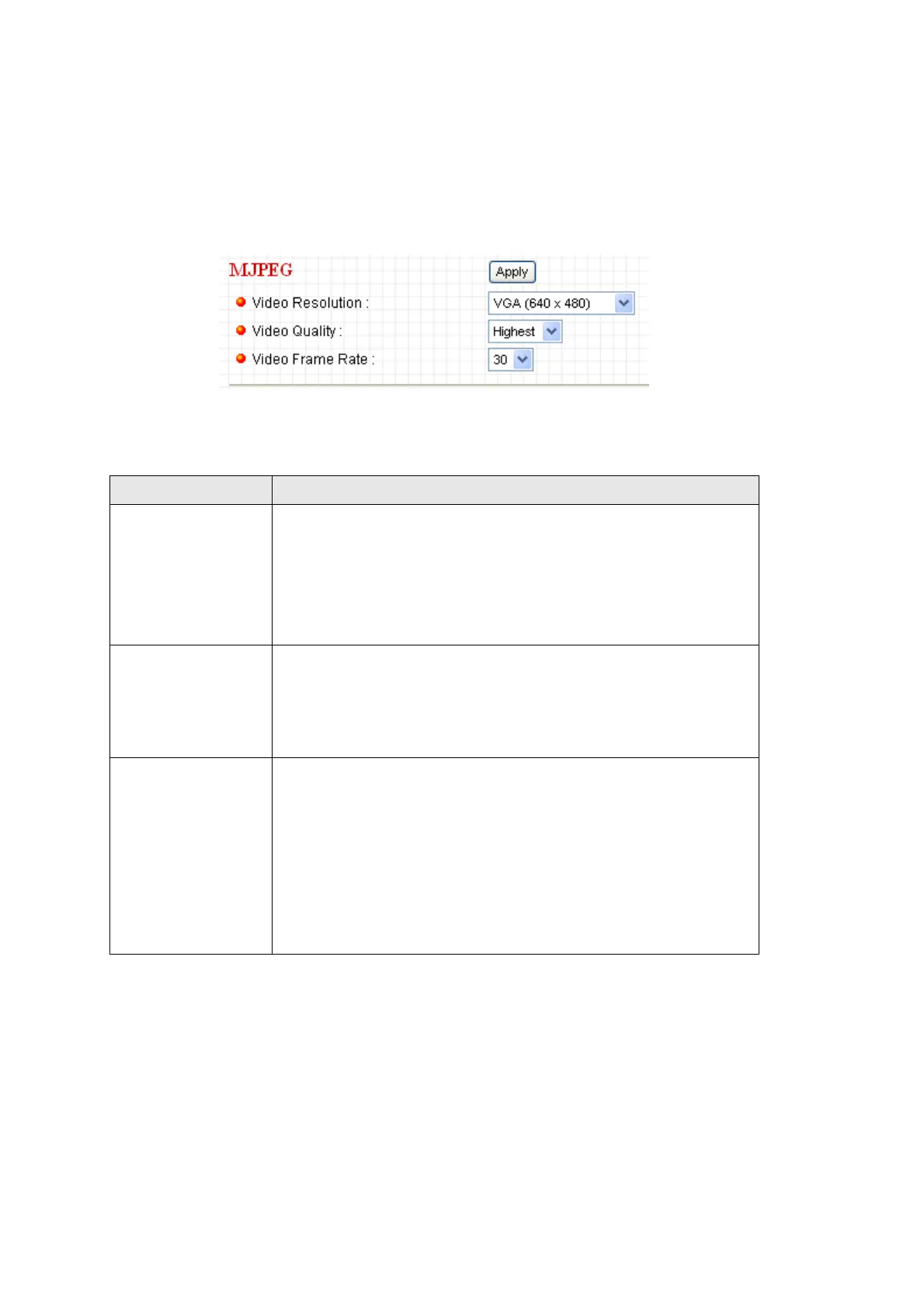
2.4.3 MJPEG
If you selected ‘MJPEG’ as the video encoding format of this IP camera, you
can specify the parameters of MPEG4 video encoder here.
The descriptions of every setting in this menu will be given below:
Item Description
Video Resolution Specify video resolution of MJPEG video encoder.
Available options are VGA, QVGA, and QQVGA
resolution. VGA resolution provides more details than
QVGA and QQVGA, but requires more network
bandwidth.
Video Quality Specify video encoding quality of MJPEG video encoder.
There are five levels of video quality from highest to
lowest. Higher video quality provides better video quality,
but requires more network bandwidth.
Video Frame
Rate
Specify video refresh rate of MJPEG video encoder.
Higher video refresh rate provides more details about
motion, but requires more network bandwidth.
CAUTION: Choosing a low frame rate will save
bandwidth, but may not be able to capture every motion if
the object that IP camera points to is moving fast.
Click ‘Apply’ to save settings and make the new settings take effect.



 To Next Page