EasyManua.ls Logo

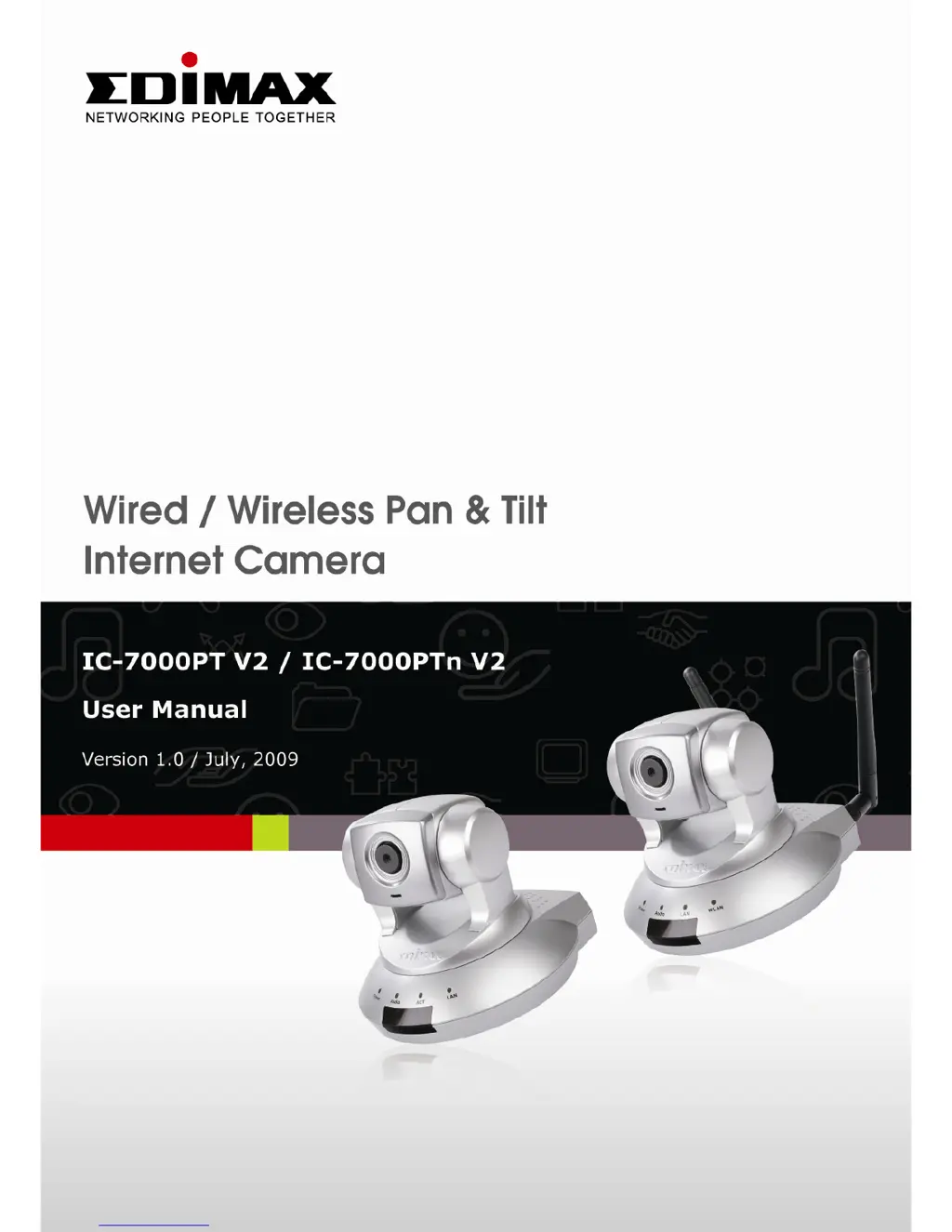
Edimax IC-7000PT V2 - User Manual

Edimax IC-7000PT V2
78 pages
Print Icon
To Next Page IconTo Next Page
Loading...
1

Questions and Answers

Summary

Chapter I: Familiar with your Internet IP Camera

1.3 Product Highlights

Details the key features and benefits of the IP camera.

1.6 Camera Installation

Guides the user through the physical setup and connection of the IP camera.

Chapter II: Using Web Management Interface

2.1 Camera Settings

Configures basic camera parameters like resolution, quality, and display.

2.3 Network Settings

Configures network connectivity, IP address, and wireless settings.

2.4 Motion Detection

Sets up motion detection triggers, regions, and alerts.

Chapter III: Using Surveillance Software

3.3 Configure IP camera surveillance software

Guides on adding and setting up IP cameras within the software.

Chapter IV: Appendix

4.2 Troubleshooting

Provides solutions for common problems encountered with the IP camera.

Summary

Chapter I: Familiar with your Internet IP Camera

1.3 Product Highlights

Details the key features and benefits of the IP camera.

1.6 Camera Installation

Guides the user through the physical setup and connection of the IP camera.

Chapter II: Using Web Management Interface

2.1 Camera Settings

Configures basic camera parameters like resolution, quality, and display.

2.3 Network Settings

Configures network connectivity, IP address, and wireless settings.

2.4 Motion Detection

Sets up motion detection triggers, regions, and alerts.

Chapter III: Using Surveillance Software

3.3 Configure IP camera surveillance software

Guides on adding and setting up IP cameras within the software.

Chapter IV: Appendix

4.2 Troubleshooting

Provides solutions for common problems encountered with the IP camera.

Edimax IC-7000PT V2 Specifications

General IconGeneral
BrandEdimax
ModelIC-7000PT V2
CategoryIP Camera
LanguageEnglish

Related product manuals