EasyManua.ls Logo

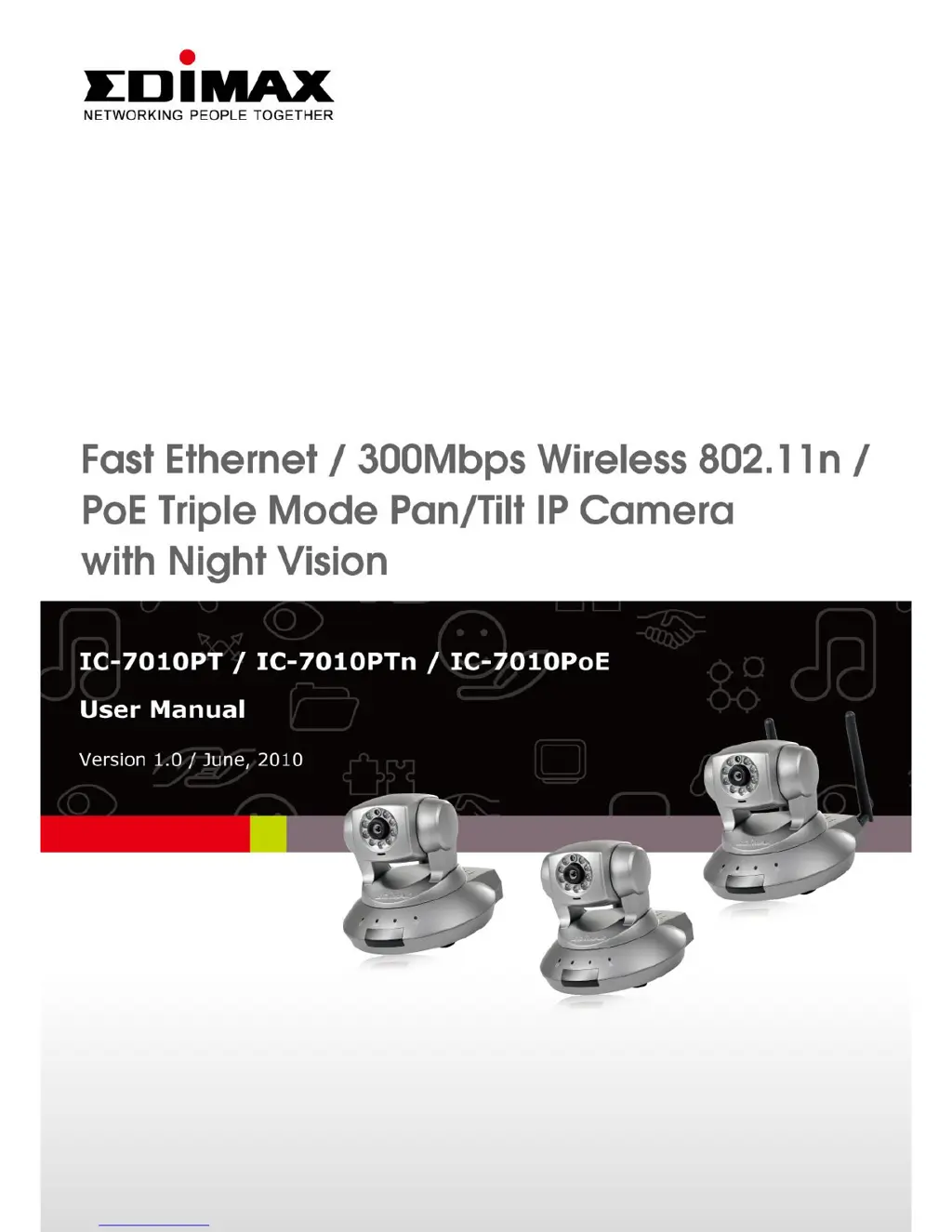
Edimax IC-7010PTn - User Manual

Edimax IC-7010PTn
136 pages
Print Icon
To Next Page IconTo Next Page
Loading...
1

Other manuals for Edimax IC-7010PTn

Questions and Answers

  • C
    christophermillerAug 11, 2025
    Why is the image refreshing so slowly on my Edimax IC-7010PTn IP Camera?
    • J
      Janet OdomAug 11, 2025
      If your Edimax IP camera's image refreshes slowly, try increasing the frame rate, aiming for 30 if it's lower. Alternatively, reduce the resolution. If you're accessing the camera over the internet, a slow connection might be the cause; consider using a lower frame rate or resolution. Adjust the antenna for optimal wireless reception, ensuring it's perpendicular to the ground and not too far from the access point. Lastly, adjust the 'MTU' setting if you use PPPoE, consulting your ISP or network administrator for guidance.
  • K
    kathleencastanedaAug 19, 2025
    What to do if Edimax IC-7010PTn is not responding?
    • K
      Katie MilesAug 19, 2025
      If your Edimax IP camera is unresponsive, first check the network cable or wireless connection. If those are fine, try unplugging the power adapter from the wall socket, waiting 10 seconds, and then plugging it back in to reset the device.
  • S
    Sydney GonzalezAug 25, 2025
    Why is the image from my Edimax IC-7010PTn fuzzy?
    • G
      gregorychristopherAug 26, 2025
      If images from your Edimax IP Camera appear fuzzy, begin by adjusting the focus ring until the image sharpens. Clean the lens with a soft, dry cloth, using water if necessary, but avoid alcohol or chemical solutions. Adjust the brightness settings and ensure adequate lighting in the camera's environment.
  • S
    Stephanie BrownSep 3, 2025
    Why are images not being sent by Email or FTP from my Edimax IC-7010PTn?
    • T
      Teresa HarperSep 3, 2025
      If your Edimax IP camera fails to send images via email or FTP, ensure that emails aren't being blocked by anti-spam filters. Verify you have sufficient FTP upload permissions by testing with the 'Upload a test file' button. If your SMTP server requires authentication, double-check the username and password using the 'Send a test Email' button. Review the logs for any failed FTP uploads or email sending attempts for clues. You might also try adjusting the threshold to a more sensitive setting.

Edimax IC-7010PTn Specifications

General IconGeneral
TypeIP Camera
Wireless Standard802.11b/g/n
Pan/TiltYes
Resolution1280x720
Image Sensor1/4" CMOS
Minimum Illumination0.5 Lux
Day/NightYes
IR RangeUp to 10m
Frame Rate30 fps
Weight250g
Audio SupportTwo-way audio
Video CompressionH.264
Network Interface10/100 Mbps Ethernet
Power Supply5V DC
Operating Humidity20-80% RH
ConnectivityWired & Wireless
Lensf=3.6mm, F2.0
Operating Temperature0°C to 40°C

Related product manuals