7
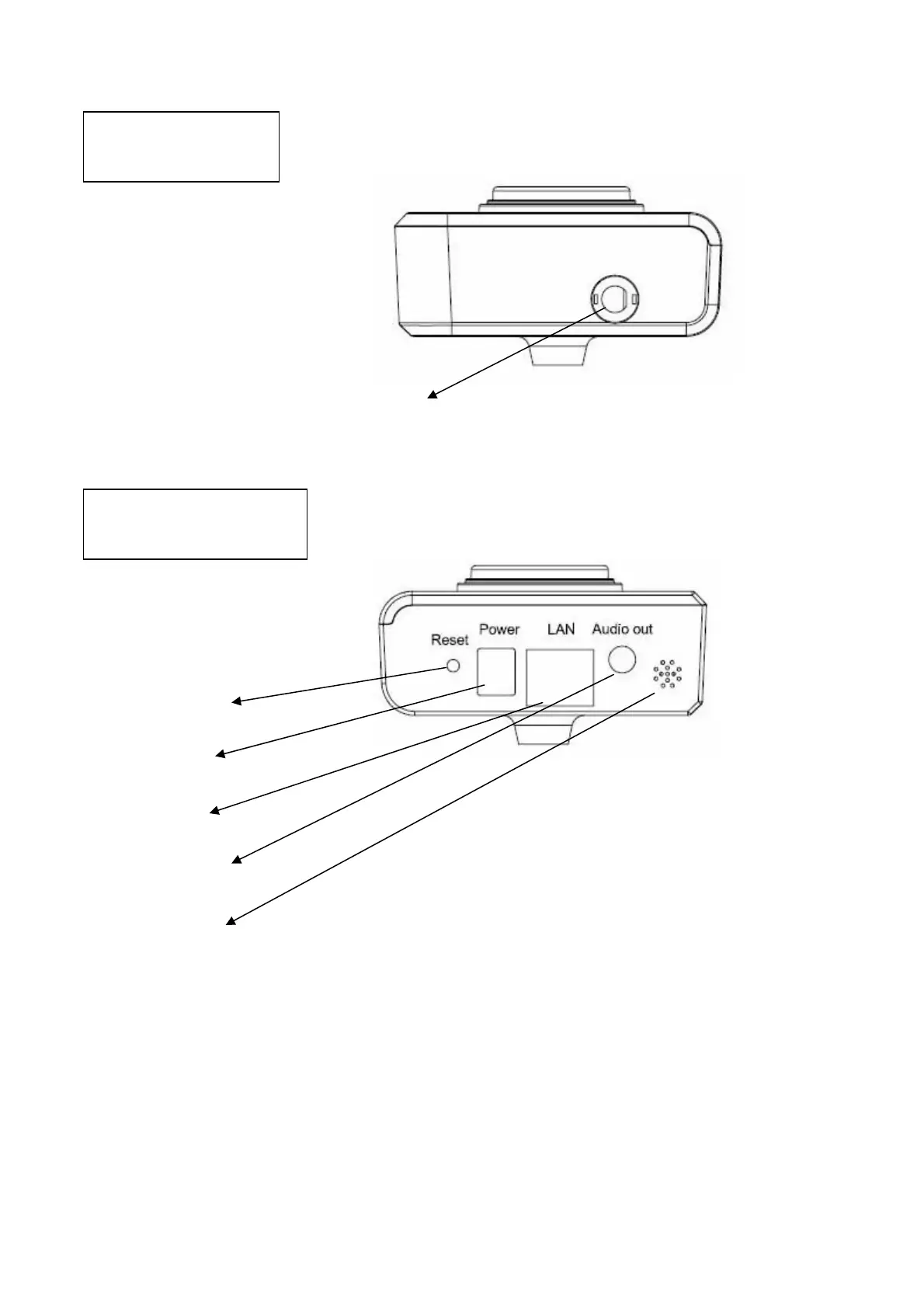
Antenna Base: Connect to antenna
Reset Button: Press and hold for 5 seconds to reset the camera settings to factory
default value.
Power Jack: Connect to power adapter for power supply.
LAN Jack: Connect to your local area network by network cable.
Speaker Out: Connect to external speaker
Microphone: Built-in microphone for voice pick-up
Top View
Antenna Base
Bottom View
Reset Button
Power Jack
LAN Jack
Speaker Out
Microphone



 To Next Page