65
3.3 Detail Setting
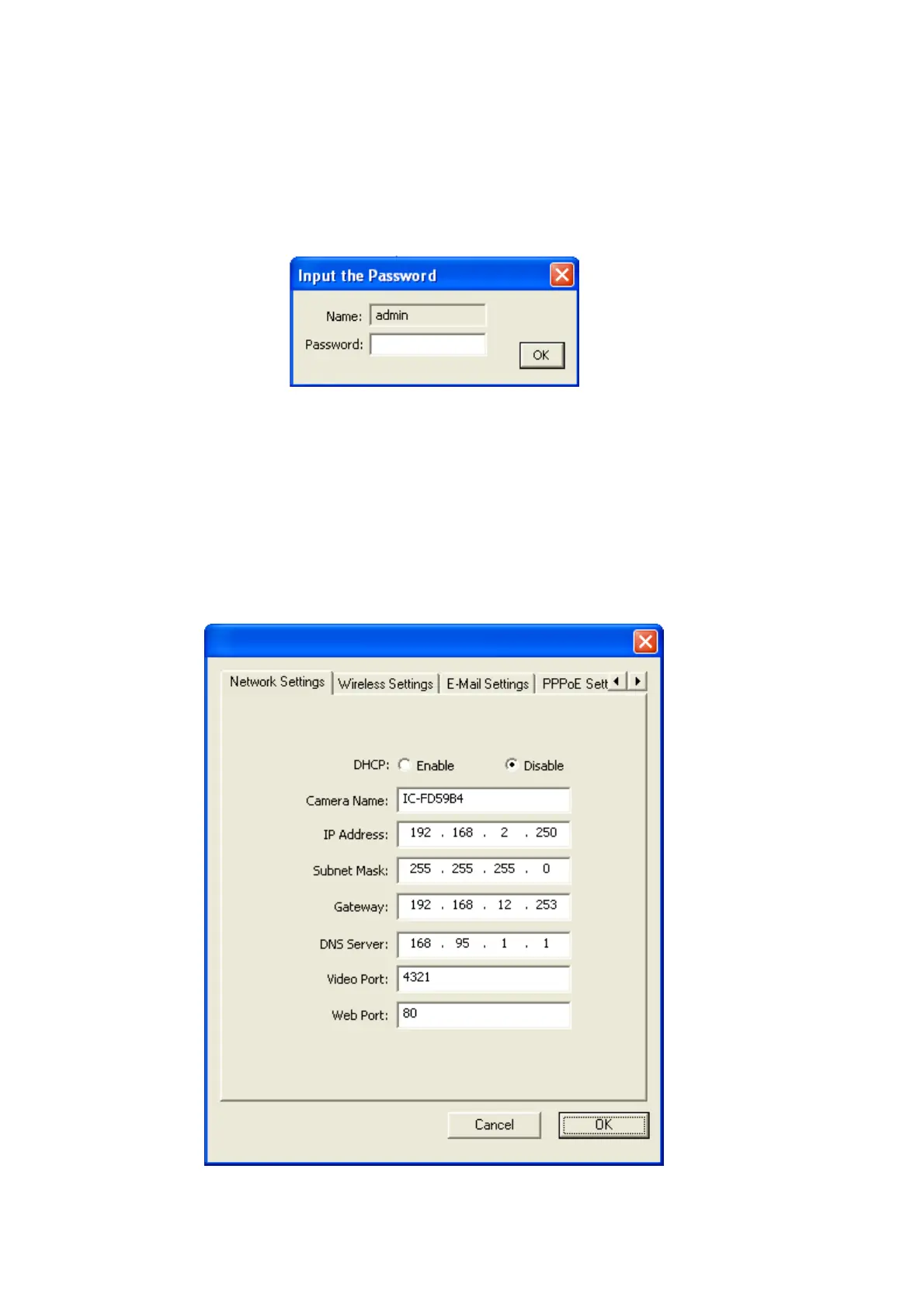
Please click ‘Detail Setting’ in admin software for detailed IP camera setting, and
you’ll be prompted to input user name and password:
The default user name is ‘admin’ (you can not change it), and the default password is
‘1234’, and then click ‘OK’ to continue.
3.3.1 Network Settings
The ‘Network Settings’ tab lets you to configure the network settings of the IP camera.



 To Next Page