15
1.8 Log Onto Web Management Interface
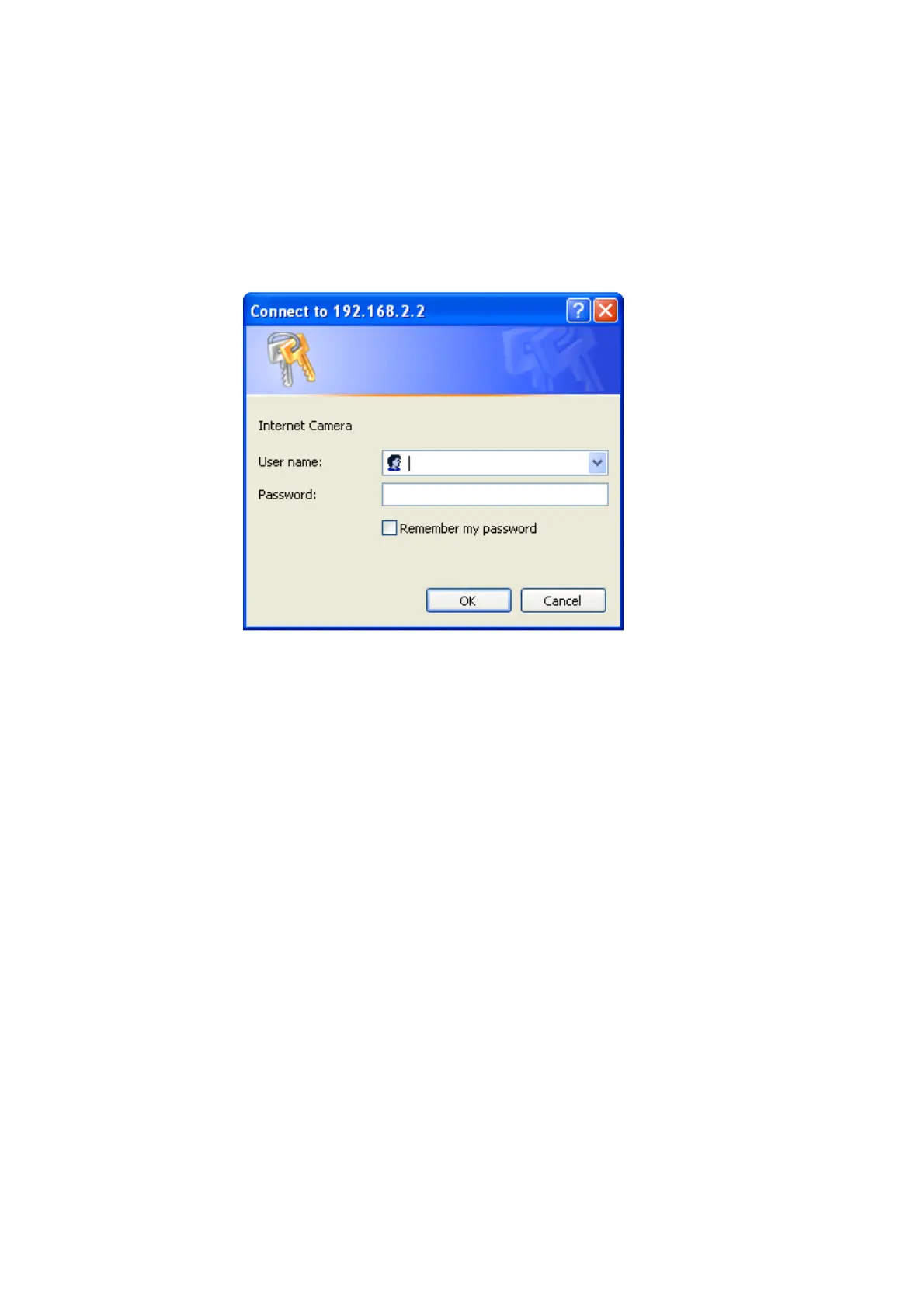
Make sure the IP camera is correctly powered (Power LED is on), and then launch
Internet Explorer and type the IP address of the IP camera in address bar of Internet
Explorer. You should be prompted to input the user name and password:
Default user name is ‘admin’ (in lower case) and password is ‘1234’. Click ‘OK’ to
continue after user name and password has entered.
If you’re rejected, maybe the password has been modified previously. This should not
happen if this is a newly-purchased camera, however, if you get the camera from
someone else, the password would be changed. Please try to obtain the correct user
name / password, or you’ll have to reset the camera.



 To Next Page