97
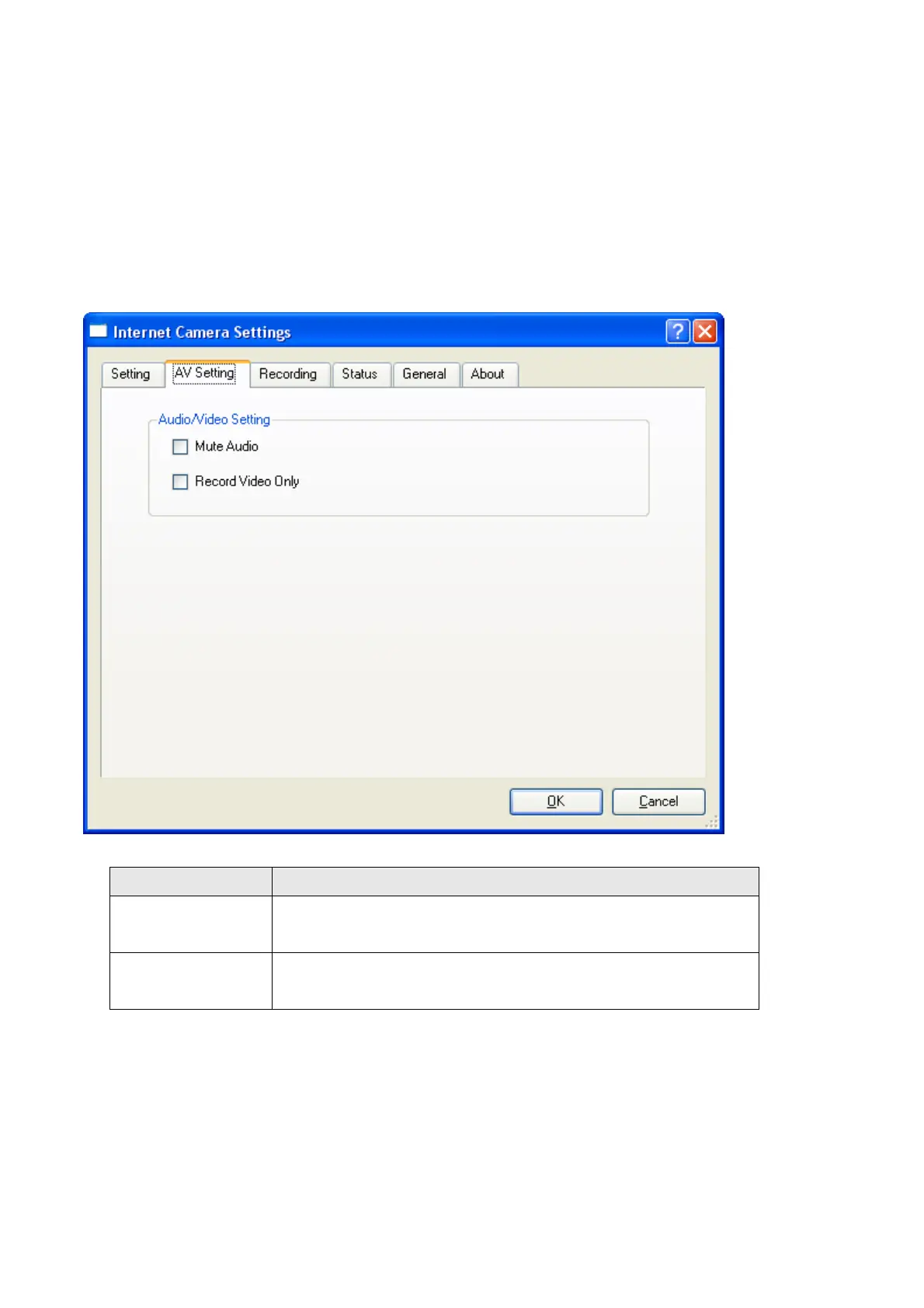
3.5.2 A/V setting
If you wish to mute the IP camera sound out while you record video or you want to
recode video only without voice, you can use this function to option the A/V recording.
These 2 functions could be selected at one time or alone for each function.
Item Description
Mute Audio You can select this function to mute your audio sound out
from your IP camera.
Record Video
Only
If you wish to record video only without audio you can
select this function.



 To Next Page