41
2.4.4 Audio
This IP camera supports audio function, that is, when external speaker is
connected to this IP camera, you can talk to the people in front of the IP
camera like using a telephone, when your computer is equipped with speaker
and microphone.
Using audio function requires additional bandwidth. If your network bandwidth
is not enough, you may not be able to use audio function smoothly. In this case,
you can try a lower video resolution / quality / frame rate, to save more
bandwidth for audio function.
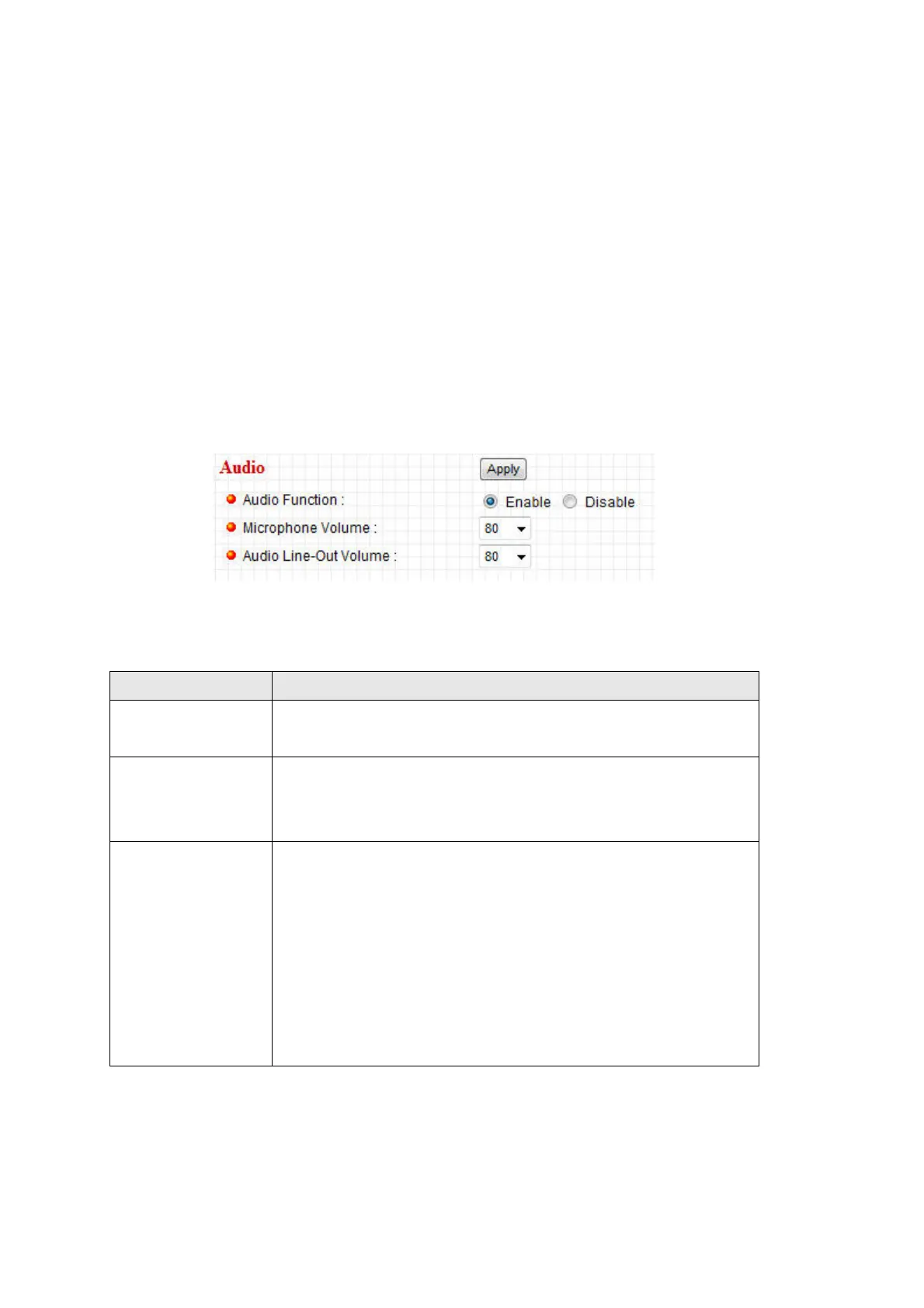
The descriptions of every setting in this menu will be given below:
Item Description
Audio Function Choose ‘Enable’ to enable audio function of this IP
camera, or choose ‘Disable’ to disable it.
Microphone
Volume
Specify the microphone volume. If you found that you can
not hear the sound from IP camera clearly, you may
increase the number here.
Audio Line-Out
Volume
Specify the line-out volume here. If you found that the
people encounters difficult when listening to you, you
may increase the number here.
CAUTION: Using a high number here with an amplified
external speaker may cause hearing problem to the
people standing in front of the speaker, or may cause
damage to the speaker itself.
Click ‘Apply’ to save settings and make the new settings take effect.



 To Next Page