42
2.5 Email & FTP
This IP camera is capable to send an Email or perform FTP upload with captured
image, when a motion is detected. This is very convenient since IP camera will guard
the environment automatically for you, and you don’t have to look at the monitor all
the time.
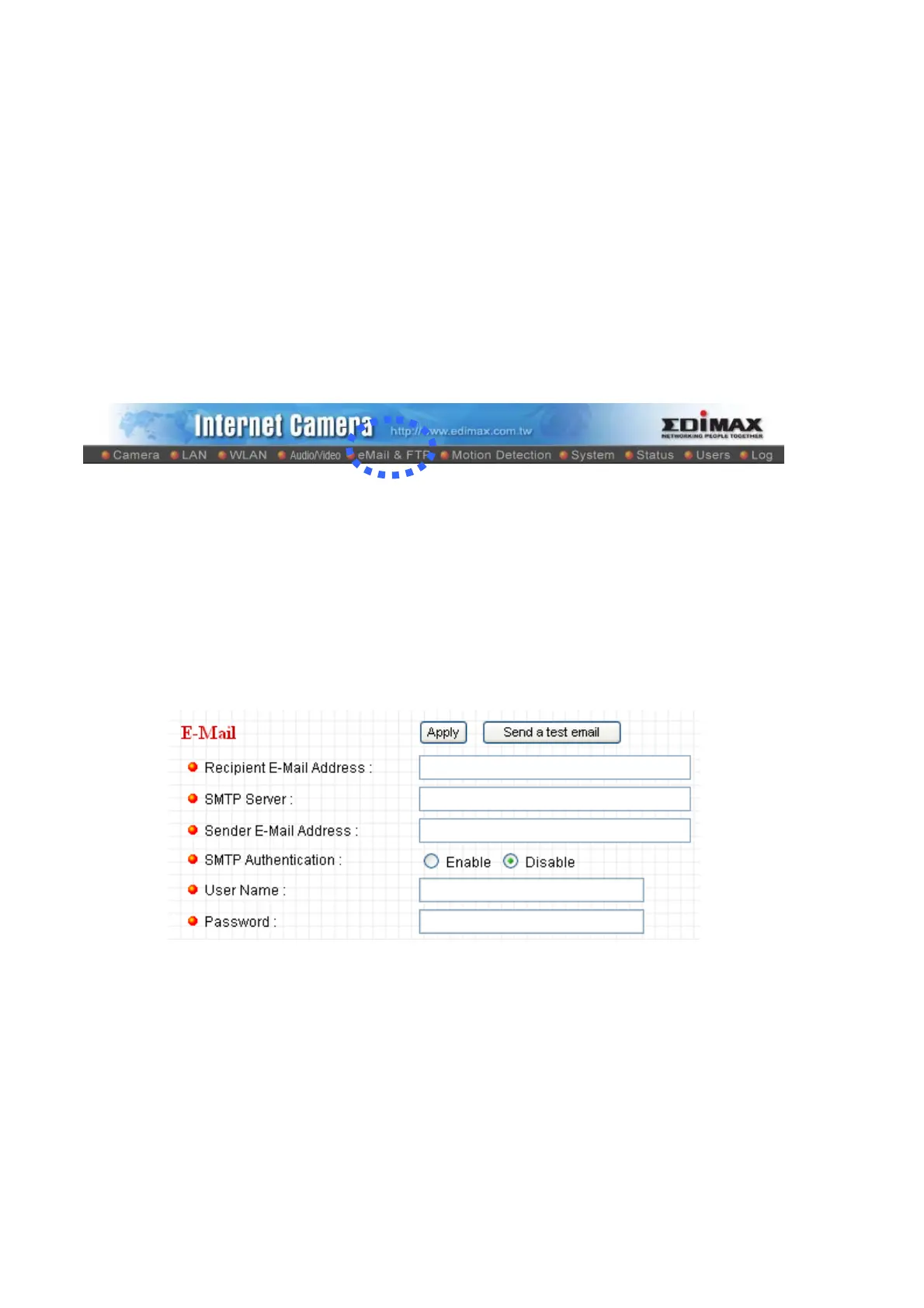
You can access this menu by clicking ‘E-Mail & FTP’ on the top of web management
interface.
The instructions of Email and FTP settings will be given below.
2.5.1 Email Settings
These settings are used to send the captured picture via Email:



 To Next Page