102
3.5.4 Status
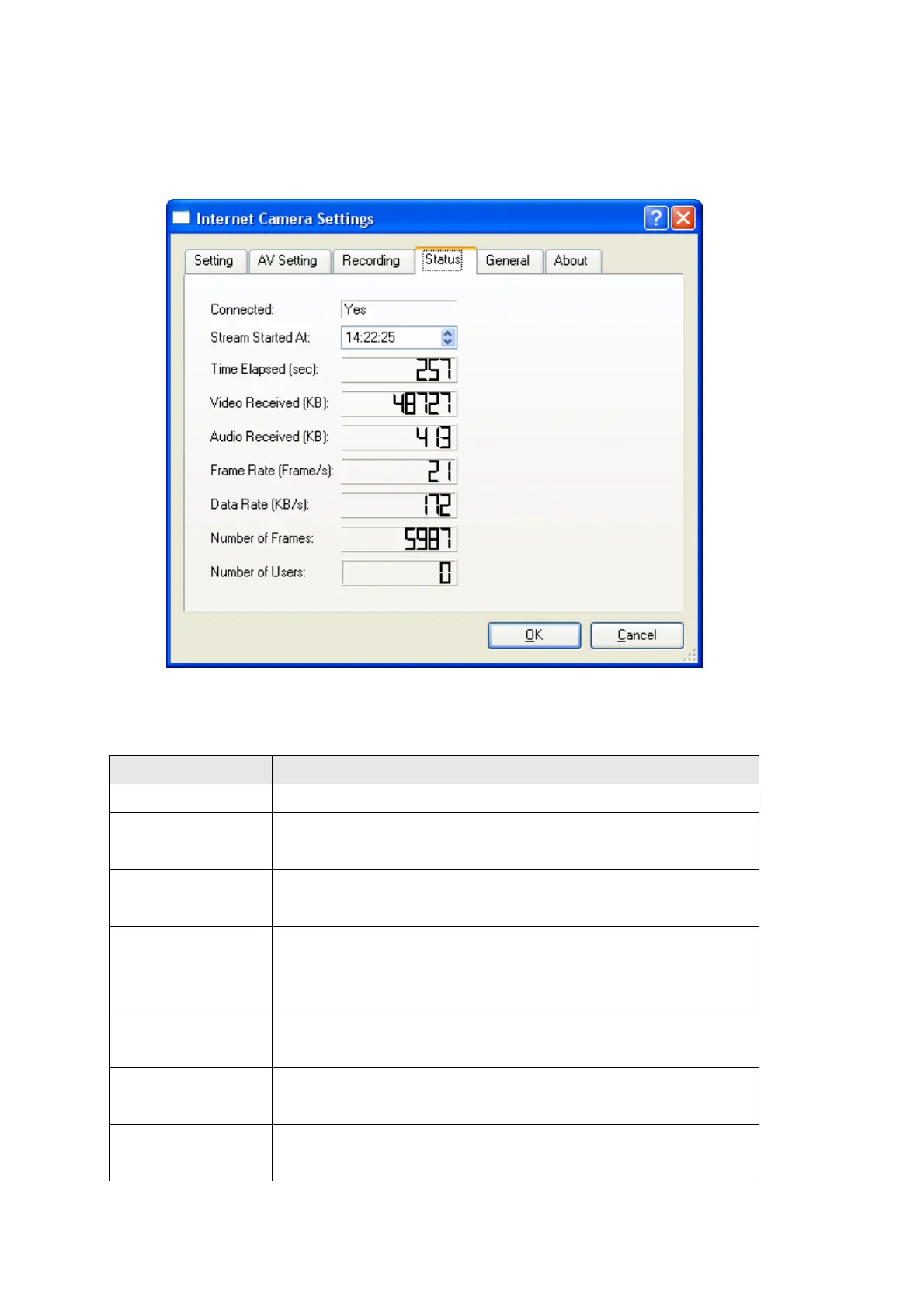
This menu shows the statistics of this IP camera since it’s connected:
The descriptions of every item in this menu will be given below:
Item Description
Connected Shows if this camera is connected.
Stream Started At Shows the total elapsed time since the camera is
connected, in second.
Video Received
(KB)
Shows the total received video data from the camera
since the camera is connected, in kilobytes.
Audio Received
(KB)
Shows the total received audio data from the camera
since the camera is connected, in kilobytes. If this
camera does not support audio, this value will be ‘0’.
Frame Rate
(Frame/s)
Shows current frame rate of connected camera (frames
per second).
Data Rate (KB/s) Shows current data rate of connected camera (kilobytes
per second).
Number of
Frames
Shows total received frames since the camera is
connected.



 To Next Page