57
Chapter III: Windows-Based Utility
3.1 Install Windows-based Utility
To install windows-based Utility of this IP camera, please put the supplied
CD-ROM into the CD-ROM drive of your computer. The following message
should appear within 1 minute:
**missing autorun capture
If the autorun function of your computer is not enabled, or nothing appears
after CD-ROM has been loaded, you can click ‘My Computer’ icon and locate
your CD-ROM drive (labeled as ‘CD-ROM Drive’, ‘CD-RW Drive’, ‘DVD-ROM
Drive’, or ‘DVD-RW Drive’), then double-click ‘setup.exe’ to activate utility setup
procedure manually.
Follow the following instructions to install utility:
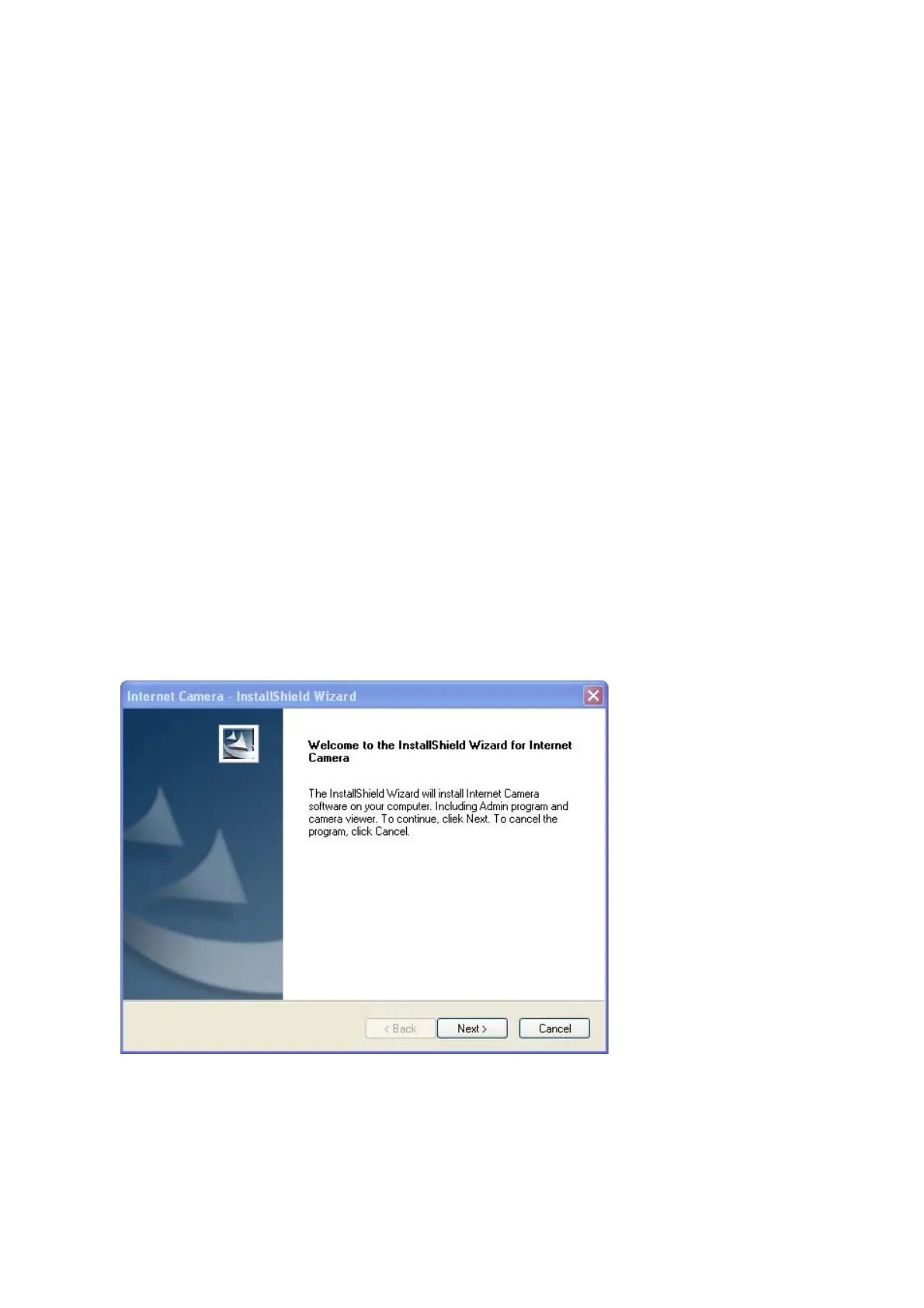
1. Click ‘Next’ to start setup procedure:
Click ‘Next’ to install the utility to default location (folder). To change folder, click
‘Change’ and pick another folder you wish to use.



 To Next Page