92
3.4.2 Select the Camera to View and Control
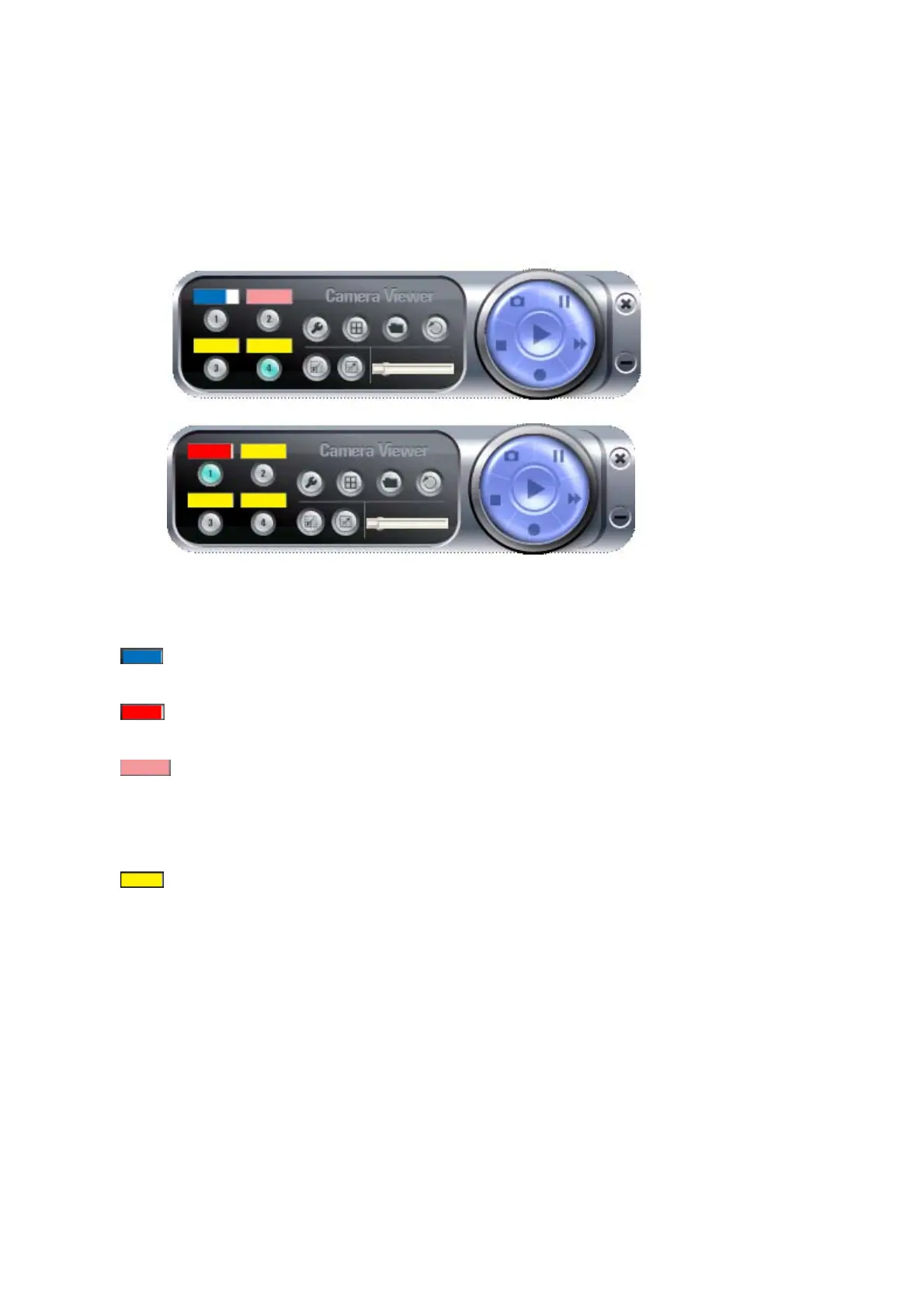
The status of every camera will be shown in the dashboard (the color bar above the
camera’s number):
Where:
Blue indicates the video camera is connected,
Red indicates the camera is recording now.
Pink indicates the video camera’s information has been set
already, but unable to connect to selected camera, or the camera is
being stopped or paused, and
Yellow indicates the camera’s information is empty.
The length of color bar shows the frame rate of connected camera; when the color bar
is longer, the frame rate is higher. A low frame rate may be caused by slow network
connection or simple because there’s too little motion in the environment that IP
camera points to.
If a camera is connected, clicking its number will bring the viewer to single-camera
mode



 To Next Page