91
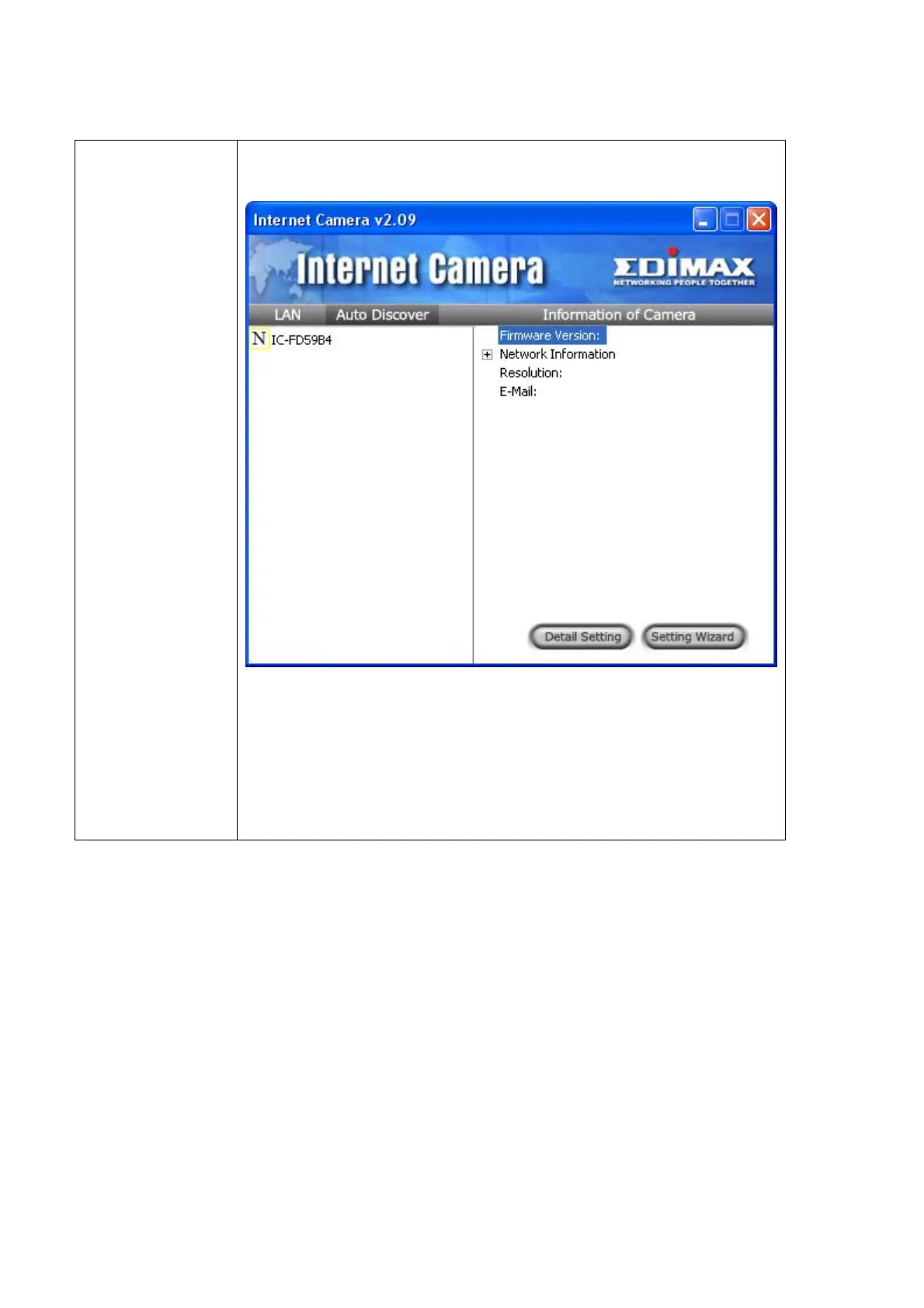
Discover Click this button to launch camera discover utility:
All found camera will appear on the left, select it, then click
‘Apply’ and discover utility will to input the information of selected
IP camera for you; if you click ‘Close’, the information of selected
camera will not be inputted.
When a camera is connected, its image will be displayed in the corresponding area in
the video viewer window. Repeat steps 1 to 2 to setup more camera, up to 4 cameras
can be controlled by a single camera viewer utility.



 To Next Page