46
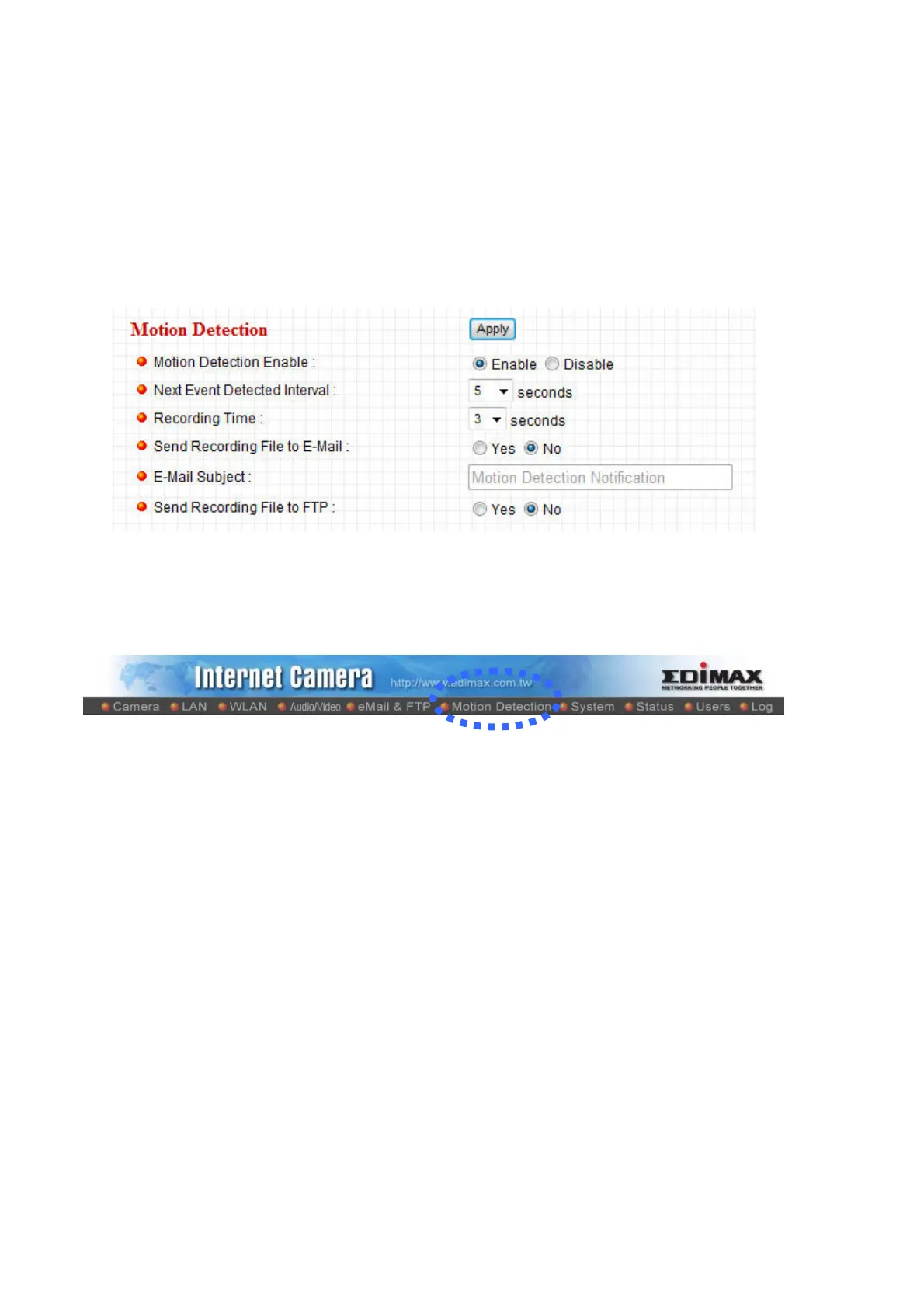
2.6 Motion Detection
Motion detection function makes this IP camera become your non-stop guard. You
don’t have to waste all the time monitoring the images from the camera, and camera
will detect all motions for you. Once motion is detected, a captured image will be sent
to you by Email or via FTP.
You can access this menu by clicking ‘Motion Detection’ on the top of web
management interface.



 To Next Page