75
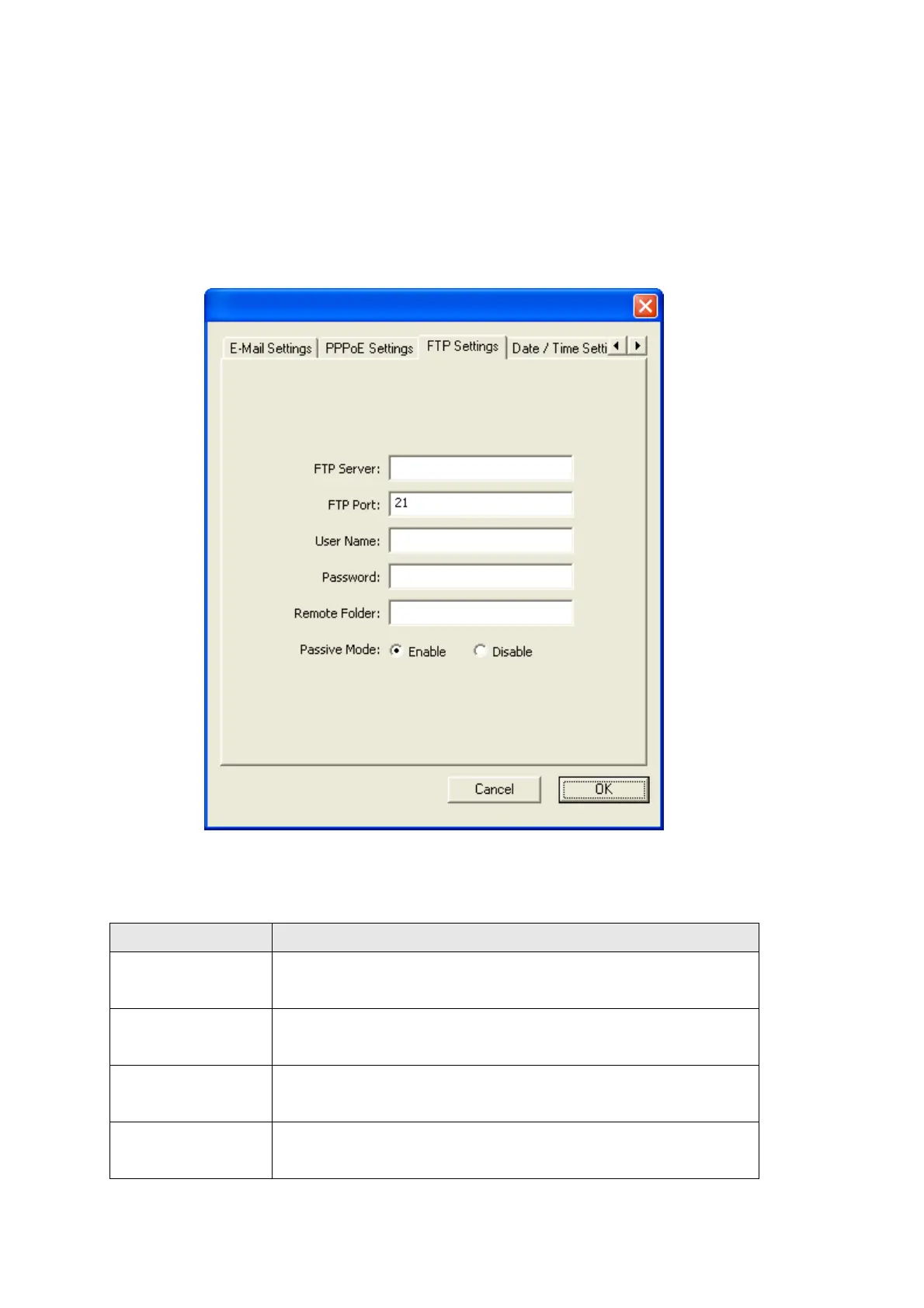
3.3.5 FTP Settings
When the IP camera detects motion, besides E-Mail, it can send the captured file via
FTP also. If you have a FTP server or has a FTP account with write permission, you
can use FTP server to keep captured image.
The descriptions of every setting in this menu will be given below:
Item Description
FTP Server Input the IP address or host name of the FTP server you
wish to use here.
FTP Port Input the port number of the FTP server you wish to use
here.
User Name Input the user name of the FTP server you wish to use
here.
Password Input the password of the FTP server you wish to use
here.



 To Next Page