20
2.2.1 Motion Detection
When you’re using ‘MPEG4’ encoding format, you can use motion detection function.
When a motion is detected, the IP camera will take a picture automatically.
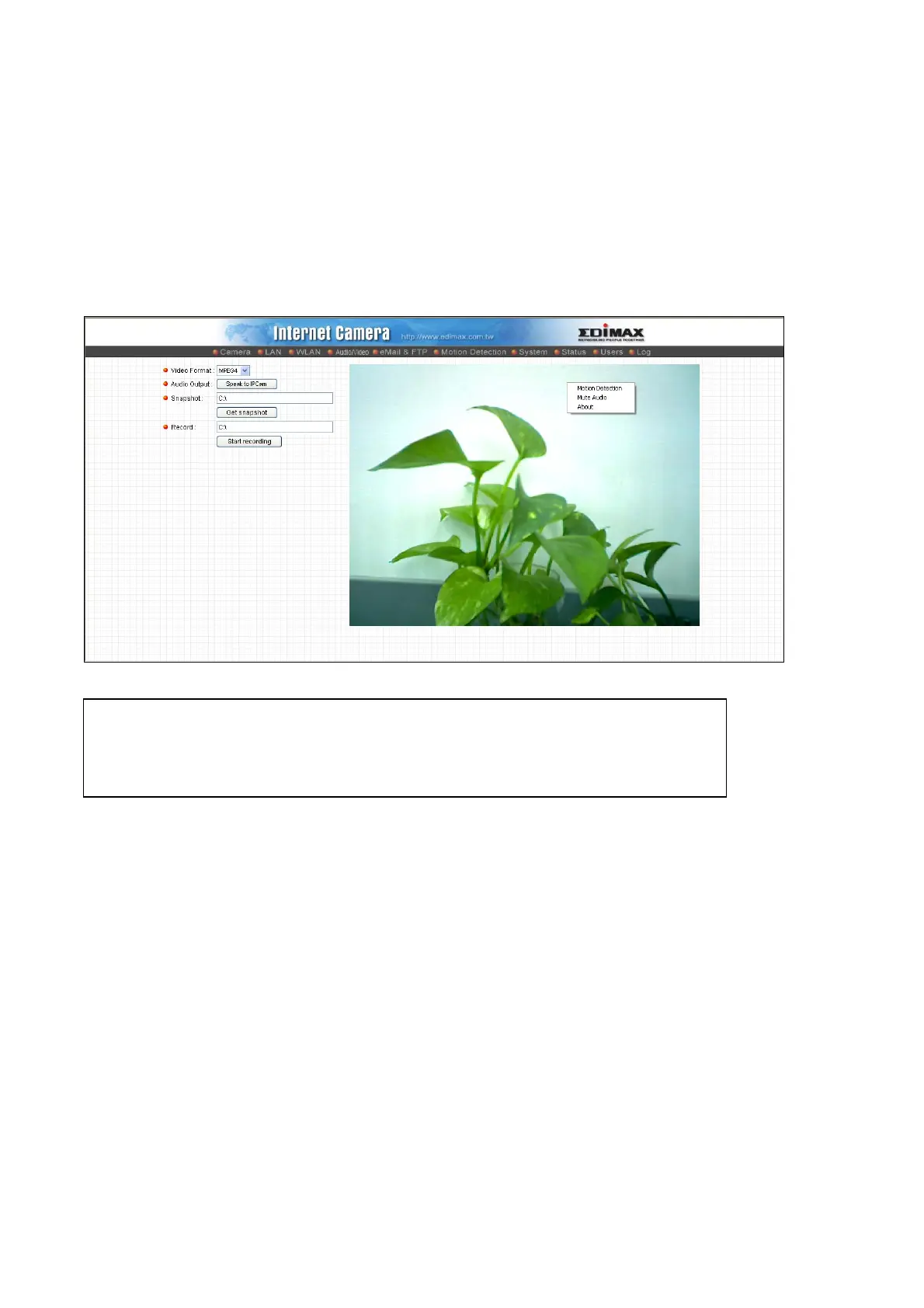
To setup motion detection, please select ‘MPEG4’ as encoding format, and right-click
on the image. A pop-up menu will appear:
TIP: You can setup motion detection area here; however, you have to enable
motion detection function of this IP camera before it really works. Please refer to
chapter 2.6 to see detailed instructions for how to enable this function.



 To Next Page