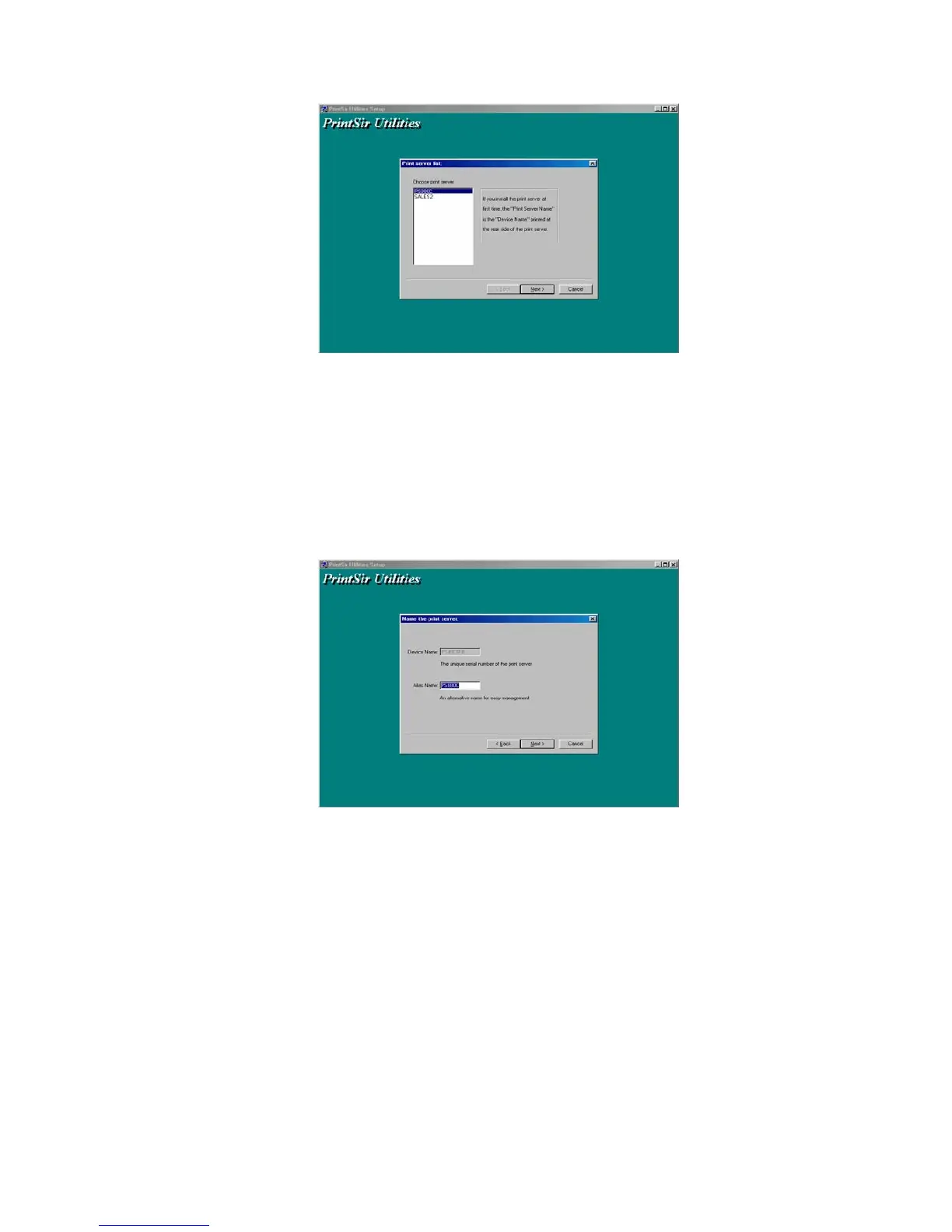
NOTE: If this is the first time you configure the print server, the
“Print Server Name” is the same as the “Device Name”
printed at the rear side of the print server.
9. Click “Next”, and the “Name the print Server” dialog box will
be displayed as following,
You can assign a meaningful name for the
management consideration. But note that, this name
will be the “Identifier” for the Peer-to-Peer Printing
(PTPP).
10. Click “Next” to configure network protocol in the following
screen.
23


 To Next Page
 Loading...













