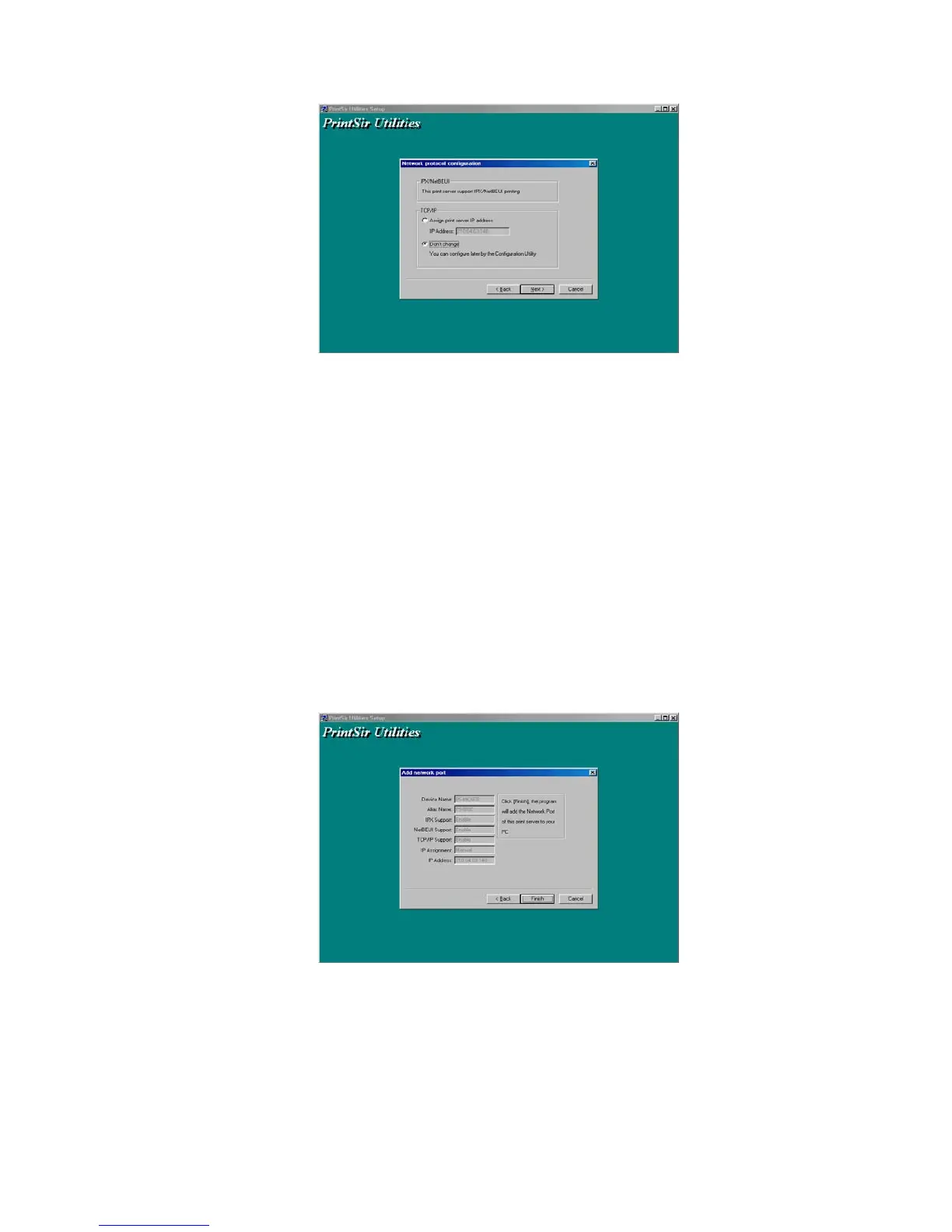
In the system default, IPX and NetBEUI protocols
are enabled.
About the TCP/IP, you can either (1) assign a
fixed IP address for the print server or (2) configure it
later by the configuration utility.
11. Click “Next”, and the configuration summary is displayed in
the window. Now, you have completed the “Print Server
Setup”. By clicking “Next”, your system will perform “Add
network port” of the print server to your PC.
12. Finally, the “Installation complete” window is displayed to
indicate that the Administrator Installation procedure is
finished.
24


 To Next Page
 Loading...













