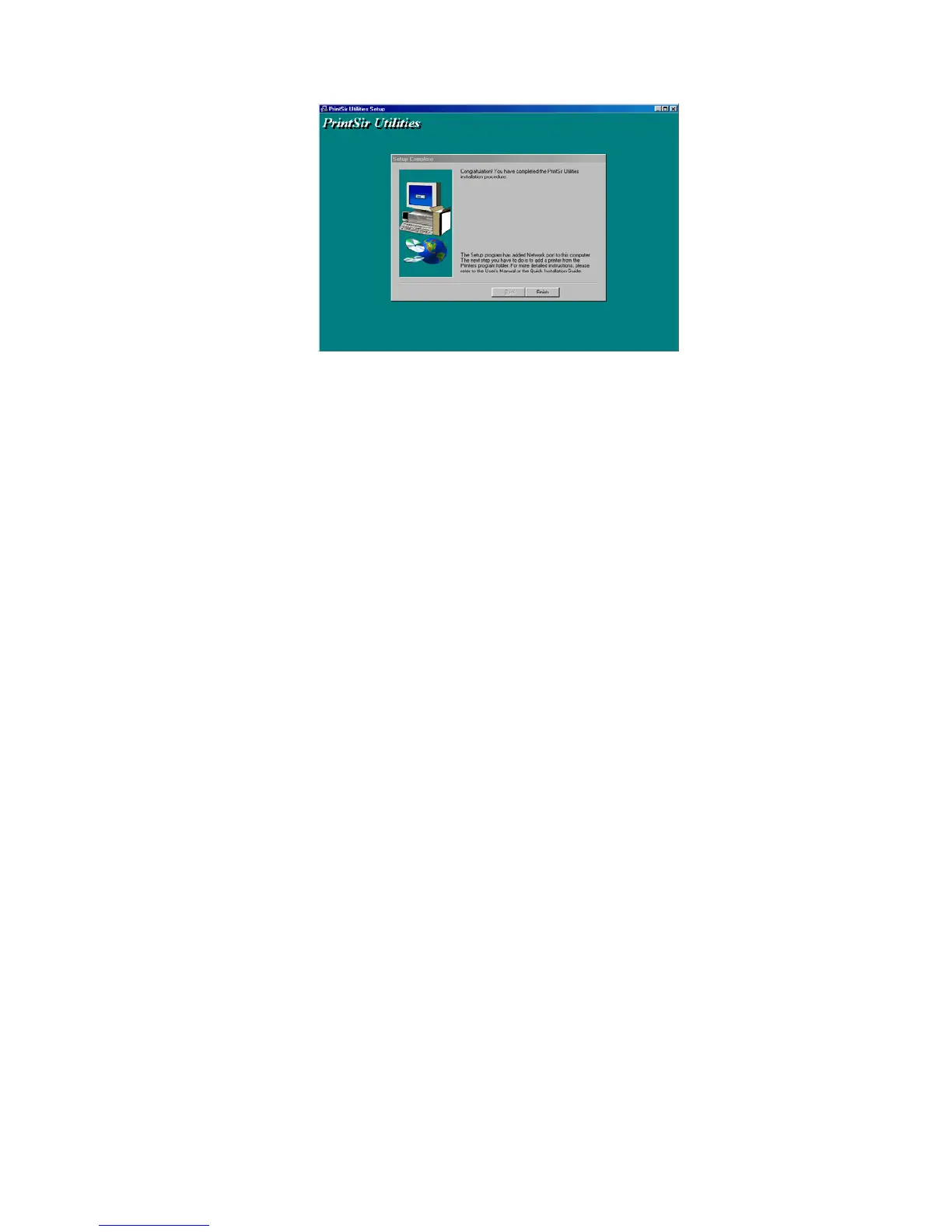
After the installation, you have completed the
following tasks,
z Install all utilities and drivers to the
administrator’s PC.
z Configure the print server (including the print
server name and network protocol)
z Add the network port of the print server to the
administrator’s PC.
Now, you have completed the administrator’s
setup for most of the network environment. You can
then perform the “Client Installation” procedure
(Section 3.4) on all clients’ sides of the network.
If you want to print from this administrator’s PC
to the print server, all you need to do is to perform
Windows’ standard “Add Printer” procedure as
described below.
Step1. Click “Start” button, choose Setting => Printers
Step2. Double click “Add New Printer”
25


 To Next Page
 Loading...













