Version of November 22th, 2021 11
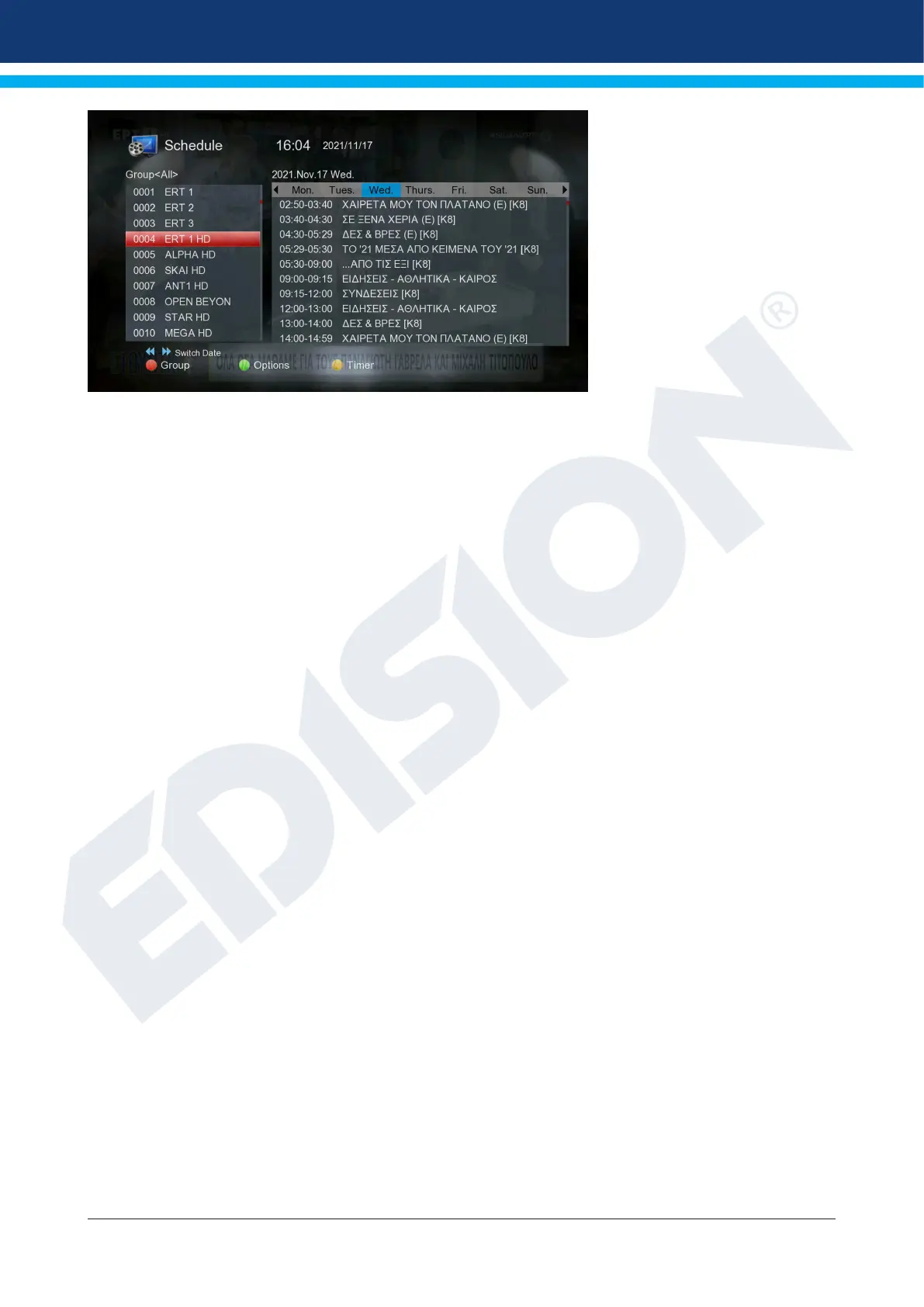
In all functions you can use
the following functions and
the following keys:
The red button displays a sum-
mary of the existing channel lists
(groups). Use the arrow keys to
navigate through the summary
mode and the OK key to specify
the channel list that you wish to
be used by EDIVISION.
With the green key you can
with the up/down arrows and
OK button to select at any time
between the different ways of
presenting EDIVISION.
Use the yellow key to go to the Timer menu to schedule recordings. Use the up/down arrow keys to navigate
between menu items.
The following settings can be made in the “Timer” menu:
Timer number: By opening the “Timer” menu automatically switches to the next (available)
adjustable timer. With the left/right arrows or the OK key and the up/down
arrows you can move between the (set) timers.
Selection: Specify how the recording works here. You can choose whether the registra-
tion will be done once, or whether it will be done on a daily basis, per week
or per month.
Event: Specify here the type of recording program (TV/radio channel).
Channel: Select the channel here.
Date: Select the (start) date of the registration here.
Start Time: Select here the start time of the recording.
Duration: Here you specify the recording duration (recording duration).
Standby at the end: Here you can specify whether the receiver will switch to Standby mode after
the end of the recording.
The EXIT key exits the timer menu. If you have made changes and you want to save them, conrm your se-
lection with ‘Yes’ in the dialog box that appears.
Note: Can against in case an error message is displayed. This usually happens when you have chosen the
wrong time or start date. Check your settings!
Also note that recording is successful only when a suitable USB memory device is connected to the receiver
at the scheduled time.
Exit “EDIVISION” by pressing the EXIT key.















 To Next Page