24 Version of November 22th, 2021
Record Duration: Here you can select the recording duration
Record Section: Choose between (ON, OFF)
Exit the “PVR Settings” menu by pressing the EXIT key.
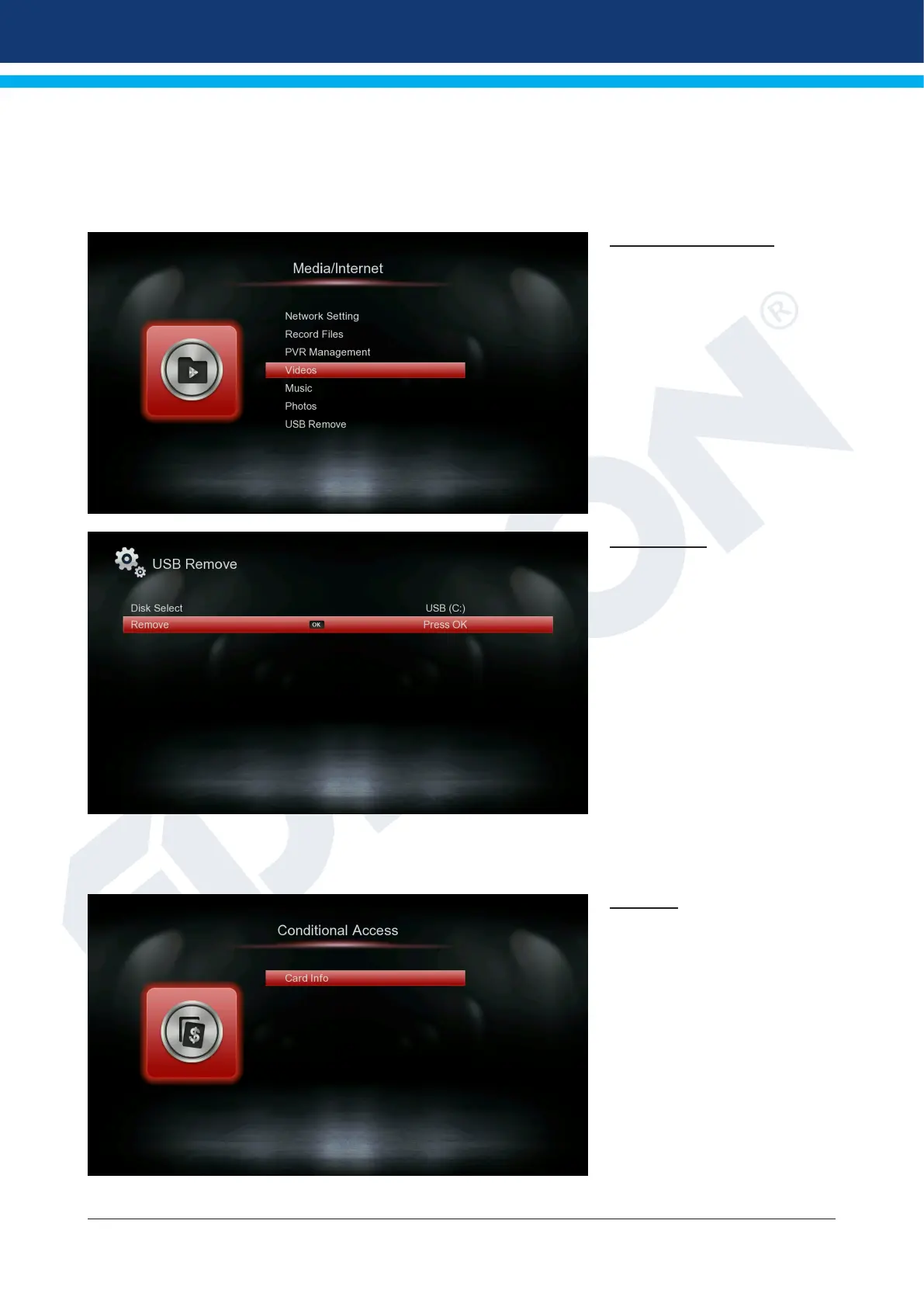
Videos, Music, Photos
Use the arrow keys to select
between “Videos” mode “Music”
“Photos” In these functions, you
can play photos, videos and au-
dio les via USB stic
USB Remove
Safely remove the USB device
►Conditional Access
Card Info
Tip: There is a Card Reading
Portal at your disposal. If you
insert provider card of various
subscription programs, you
can watch many programs that
have been encrypted using this
system. In this menu you will
nd information on the Card
inserted in the port.
Menu functions and settings:
Port 1: Shows information on an
existing card in port.
Exit the “Conditional Access” menu by pressing the EXIT key.















 To Next Page